
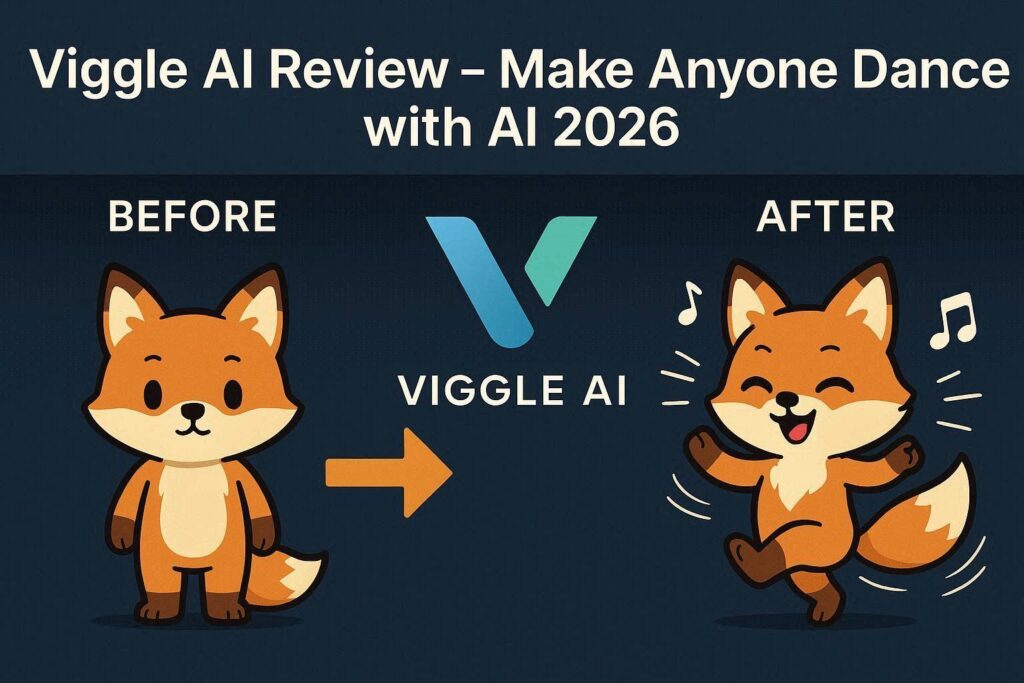
Viggle AI Review 2026: The Viral Tool That Makes Anyone Dance
Introduction
If you have scrolled through TikTok, Instagram Reels, or YouTube Shorts in the past few months, you have almost certainly seen Viggle AI in action. From celebrities dancing to viral moves to your favorite cartoon characters busting out trending choreography, Viggle AI has taken social media by storm. But what exactly is Viggle AI, and how does it work?
In simple terms, Viggle AI is a free AI-powered character animation tool that allows you to make any person, character, or even object follow the exact movements of a reference video. Upload a photo, choose a dance video, and within seconds – Viggle AI creates a new video where your character performs those same moves. It is fun, incredibly easy to use, and completely free with a small watermark.
Let’s dive deep into everything you need to know about Viggle AI in 2026.
What is Viggle AI?
Viggle AI is a motion transfer AI tool developed by a small team of AI researchers. Unlike traditional animation software that requires hours of manual work, Viggle uses advanced machine learning models to analyze the movements in a source video and apply them to any static image. The result is a seamless, fluid animation that looks surprisingly realistic.
The tool went viral in late 2025 and has only grown more popular in 2026. With millions of users worldwide, Viggle AI has become the go-to platform for creating meme videos, fan edits, marketing content, and social media clips – all without any animation skills.
Key Features of Viggle AI
1. Motion Transfer (Character Animation)
This is Viggle AI’s core feature. You provide two things:
- A character image (photo of a person, drawing, logo, or any subject)
- A motion video (a dance, exercise, or any movement clip)
Viggle AI then generates a new video where your character performs the exact same movements. The AI preserves the character’s identity, clothing, and features while applying the motion perfectly.
2. Multiple Motion Templates (No Video Needed)
Don’t have a reference video? No problem. Viggle AI offers a library of built-in motion templates including:
- Popular TikTok dances
- Exercise movements (jumping jacks, squats)
- Emotional gestures (waving, pointing, hugging)
- Walking and running cycles
- Custom poses
Simply select a template, upload your character, and Viggle does the rest.
3. Background Removal and Replacement
Viggle AI automatically removes the background from your character and places them into a clean or custom environment. You can choose from solid colors, gradients, or upload your own background image. This feature makes your animated characters look professional and ready for social media.
4. Mix Mode (Combine Multiple Characters)
One of Viggle’s most creative features is Mix Mode. You can upload up to three different characters and assign them to different positions in the same motion video. For example, make two friends dance together or create a group performance. This is perfect for collaboration videos and memes.
5. Lip Sync (Beta Feature)
The latest update to Viggle AI includes basic lip-sync capabilities. You can upload an audio file (your voice or AI-generated), and Viggle will attempt to animate your character’s mouth to match the speech. While still in beta, this feature opens up possibilities for talking character videos and dubbing.
How to Use Viggle AI (Step by Step)
| Step | Action |
|---|---|
| 1 | Go to viggle.ai (no download required) |
| 2 | Sign up with Google or Discord account |
| 3 | Click “Create” or go to the Discord server |
| 4 | Upload your character image (PNG or JPG) |
| 5 | Choose a motion template or upload a reference video |
| 6 | Select background option (keep, remove, or replace) |
| 7 | Click “Generate” and wait 30-60 seconds |
| 8 | Download your video (watermark on free tier) |
Pricing: Free vs Paid
| Feature | Free Tier | Pro Plan |
|---|---|---|
| Monthly Cost | $0 | $10–$30/month |
| Generations | Unlimited | Unlimited |
| Watermark | Yes (small logo) | No watermark |
| Resolution | Up to 720p | Up to 1080p |
| Video Length | Up to 10 seconds | Up to 20 seconds |
| Mix Mode | Limited (2 characters) | Unlimited (3+ characters) |
| Lip Sync | 5 videos/month | Unlimited |
| Background Removal | Yes | Yes (higher quality) |
| Commercial Use | No | Yes |
Free tier is perfect for personal use, memes, and testing. Pro plan is recommended for content creators, businesses, and anyone planning to monetize their videos.
Pros and Cons
✅ Pros
- Completely free tier with unlimited generations
- Extremely easy to use – no technical skills required
- Viral potential – perfect for TikTok, Instagram, YouTube Shorts
- No app download – works in browser and Discord
- Built-in motion templates – no need to find reference videos
- Mix mode for multiple characters
- Fast generation (30-60 seconds)
❌ Cons
- Watermark on free videos
- Only 10 seconds max on free tier (20 seconds on Pro)
- Faces can look distorted sometimes
- No mobile app (Discord/browser only)
- Queue times during peak hours (free tier)
- Limited lip sync (still in beta)
Who Should Use Viggle AI?
| User Type | Why Use Viggle AI? |
|---|---|
| TikTok creators | Make viral dance videos with any character |
| Meme pages | Create funny animations of celebrities or characters |
| Marketers | Animate logos, mascots, or product characters |
| Teachers | Make educational content more engaging |
| Hobbyists | Bring fan art to life |
| Small businesses | Create animated social media ads |
Viggle AI vs Competitors
| Tool | Free Tier | Best For | Difficulty |
|---|---|---|---|
| Viggle AI | ✅ Unlimited | Dance/motion transfer | Very Easy |
| Pika Labs | ✅ Unlimited | General video generation | Easy |
| Heygen | ❌ Trial | Talking avatars | Medium |
| Runway ML | 125 sec total | Professional video editing | Hard |
| Kling AI | ✅ Daily credits | Long-form videos | Medium |
Verdict: Viggle AI is the best free tool for motion transfer and dance videos. For general video generation, Pika Labs is better. For talking avatars, choose Heygen.
Tips for Best Results
- Use clear, front-facing character images – Side profiles work poorly
- Remove complex backgrounds before uploading
- Keep motions simple – Complex choreography can distort
- Use high-contrast images for better tracking
- Crop images to focus on the character – Avoid extra empty space
- For best quality, upgrade to Pro for 1080p and no watermark
Why Is Viggle AI Going Viral?
Viggle AI has exploded on social media for several reasons:
- It is free – Anyone can try it without paying
- It is hilarious – Seeing Batman do the floss dance never gets old
- It is easy – No editing skills required
- It is fast – Videos generate in under a minute
- It is shareable – Perfect for short-form content
Celebrities, brands, and everyday users have all jumped on the Viggle AI trend. From NBA players dancing to cartoon characters, the possibilities are endless.
Final Verdict
Viggle AI is not trying to be a professional animation studio. Instead, it is a fun, accessible, and viral-ready tool for anyone who wants to bring still images to life. The free tier is genuinely generous, and the results are impressive for a browser-based tool.
If you are a social media creator looking for the next viral trend, Viggle AI is a must-try. If you need professional-grade animation, look elsewhere. But for memes, dances, and quick character animations – Viggle AI is the best free option available in 2026.
Rating: 4.5/5
Best for: Social media creators, meme pages, and casual users
Worst for: Professional filmmakers (need longer videos and higher resolution).