
Cascadeur AI Review 2026: The Best Physics-Based 3D Animation Tool
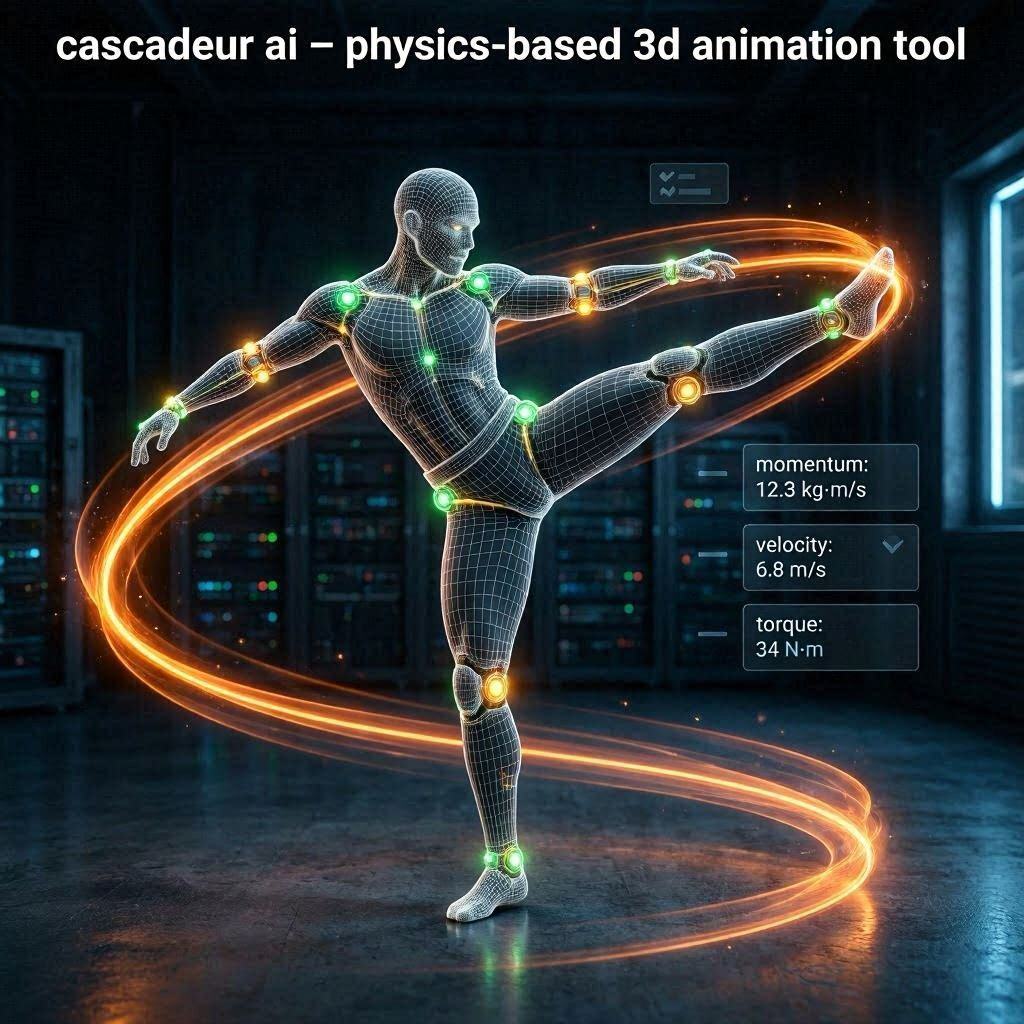
Cascadeur AI Review 2026: The Best Physics-Based 3D Animation Tool
Introduction
Creating realistic 3D character animation is one of the hardest skills in the digital world. Professional animators spend years learning how to make characters walk, run, jump, and fight with natural, believable movement. Even then, animating a single 10-second action scene can take days or weeks of manual work.
Cascadeur changes everything.
Cascadeur is a revolutionary AI-powered 3D animation tool that uses real physics to create realistic character movements automatically. Unlike traditional animation software where you manually pose every joint on every frame, Cascadeur lets you create just a few key poses – and the AI fills in the rest with physics-accurate motion.
In 2026, Cascadeur has become the go-to tool for indie game developers, 3D animators, and filmmakers who want realistic, physics-based animations without spending weeks on manual keyframing. And the best part? It has a generous free tier.
What is Cascadeur?
Cascadeur is a desktop-based 3D animation software that uses artificial intelligence and real-time physics simulation to create natural character movements. Unlike traditional animation tools that require you to manually pose every joint on every frame, Cascadeur uses physics-based auto-posing.
How it works:
- Create a few key poses (start and end positions)
- Add constraints (like “foot stays on ground”)
- Cascadeur’s AI calculates the physics
- Software generates all in-between frames automatically
- Character moves naturally, respecting gravity and momentum
The result is smooth, realistic, physics-accurate animation that would normally take days to create manually.
Unique features:
- Physics-based auto-pose – AI understands gravity, momentum, inertia
- Real-time simulation – See results immediately
- IK/FK tools – Professional rigging system
- Auto-physics for secondary motion – Hair, cloth, accessories move naturally
- Export to Unity, Unreal, Blender – Works with any game engine
Cascadeur is built for action animations – fights, jumps, falls, flips, kicks, punches – where physics accuracy is critical.
Key Features of Cascadeur
1. AI Physics-Based Auto-Posing (The Main Feature)
This is Cascadeur’s killer feature. Create just two or three key poses, and AI generates the entire motion:
| Input | What Cascadeur Calculates |
|---|---|
| Start pose (standing) | AI calculates trajectory |
| End pose (jumping) | AI adds arc, gravity, momentum |
| Contact points (foot on ground) | AI locks foot position |
| Mass and weight | AI adjusts speed and force |
Example: Set a character’s start pose (standing) and end pose (mid-air kick). Cascadeur automatically calculates the jump arc, hang time, landing impact, and body rotation – all respecting real physics.
2. Real-Time Physics Simulation
See the animation update instantly as you adjust poses:
| Adjustment | Real-Time Effect |
|---|---|
| Move hand higher | Entire arm adjusts with IK |
| Change foot position | Leg re-calculates balance |
| Add spin | AI computes momentum |
| Adjust timing | Speed changes instantly |
No waiting for render. No guesswork.
3. Auto-Physics for Secondary Motion
Secondary motion (hair, cloth, accessories) is calculated automatically:
| Element | Auto-Physics Effect |
|---|---|
| Hair | Follows head movement with delay |
| Cloth/cape | Flows naturally behind character |
| Accessories | Weapons, bags swing realistically |
| Fat/muscle jiggle | Subtle movement on impact |
This level of detail normally requires manual keyframing or expensive physics plugins.
4. Motion Capture Import & Cleanup
Import existing motion capture data and let Cascadeur fix it:
| Problem | Cascadeur Fix |
|---|---|
| Foot sliding | Auto-locks feet to ground |
| Unnatural poses | Adjusts to realistic angles |
| Jittery movement | Smooths motion |
| Off-balance | Recalculates center of mass |
Perfect for cleaning up raw motion capture data.
5. IK/FK System (Professional Rigging)
Cascadeur includes industry-standard rigging tools:
| Feature | What It Does |
|---|---|
| IK (Inverse Kinematics) | Move hand, arm follows naturally |
| FK (Forward Kinematics) | Rotate shoulder, hand moves |
| Pivot points | Set custom rotation centers |
| Constraints | Lock positions, maintain distances |
6. Auto-Balancing
Character stays realistically balanced:
| Check | What AI Ensures |
|---|---|
| Center of mass | Stays within support polygon |
| Foot placement | Proper ground contact |
| Weight distribution | Realistic for body type |
| Momentum transfer | Force flows naturally through body |
7. Multiple Export Formats
Export animations to any 3D software or game engine:
| Format | Best For |
|---|---|
| FBX | Unity, Unreal Engine, Maya |
| DAE (Collada) | Blender, 3ds Max |
| GLTF | Web, Three.js |
| BVH | Motion capture data |
8. Free Tier (Generous)
Cascadeur offers a free tier with:
- All core features
- Unlimited animations
- FBX export
- Commercial use allowed
- Watermark on export (free tier)
How to Use Cascadeur (Step by Step)
| Step | Action |
|---|---|
| 1 | Download Cascadeur from cascadeur.com (Windows/Mac/Linux) |
| 2 | Install and launch |
| 3 | Import a 3D character model (or use default) |
| 4 | Create key poses (start, end, contact points) |
| 5 | Add physics constraints (feet stay on ground, etc.) |
| 6 | Click “Auto-Physics” or “Simulate” |
| 7 | AI generates all in-between frames |
| 8 | Preview animation in real-time |
| 9 | Adjust timing, add secondary motion |
| 10 | Export as FBX to Unity/Unreal/Blender |
Pricing: Free vs Paid
| Feature | Free Tier | Pro Plan | Business Plan |
|---|---|---|---|
| Monthly Cost | $0 | $10/month | $50/month |
| Core Features | ✅ All | ✅ All | ✅ All |
| Export Formats | FBX only | All formats | All + API |
| Watermark | Yes (subtle) | No | No |
| Resolution | 1080p | 4K | Unlimited |
| Motion Capture Import | Limited | Unlimited | Unlimited |
| Priority Support | ❌ No | ❌ No | ✅ Yes |
| Commercial Use | ✅ Yes | ✅ Yes | ✅ Yes |
| Team Features | ❌ No | ❌ No | ✅ Yes |
Free tier: All core features, FBX export, commercial use allowed – very generous!
Pro (10/month):∗∗Removeswatermark,addsallexportformats.∗∗Business(10/month):∗∗Removeswatermark,addsallexportformats.∗∗Business(50/month): For studios and teams.
Real-World Examples
Example 1: Fighting Game Animation
Scenario: Game developer needs a realistic kick animation for a fighting game.
Cascadeur Workflow:
- Set start pose (character standing)
- Set contact pose (foot connects with enemy)
- Set end pose (character returns to stance)
- Add constraints (other foot stays on ground)
- Click “Auto-Physics”
- AI calculates the arc, speed, impact force, and return motion
Result: Professional fighting animation in minutes, not days.
Example 2: Parkour Jump
Scenario: Animator needs a character jumping from one building to another.
Cascadeur Workflow:
- Set start pose (pre-jump crouch)
- Set mid-air pose (character flying)
- Set landing pose (feet contact)
- Add contact constraints for landing point
- AI calculates trajectory, hang time, landing impact
Result: Physics-accurate jump with proper arc and landing.
Example 3: Motion Capture Cleanup
Scenario: Studio recorded raw motion capture data with foot sliding.
Cascadeur Workflow:
- Import BVH motion capture file
- Cascadeur analyzes motion
- AI auto-fixes foot sliding, jittery movement
- Re-balances center of mass
- Export cleaned FBX to Unreal Engine
Result: Professional-quality motion capture data ready for game.
Pros and Cons
✅ Pros
- Physics-based auto-pose – Unique, powerful feature
- Saves days of work – AI does the heavy lifting
- Free tier is very generous – All core features free
- Real-time simulation – See results instantly
- Perfect for action animations – Fights, jumps, flips
- Exports to all major engines
- Auto-balancing – No more off-balance characters
- Secondary motion auto-calculation
- Works with motion capture data
❌ Cons
- Desktop only – No web version
- Learning curve – Still requires animation knowledge
- Not for beginners – Need basic rigging understanding
- Windows/Mac/Linux only – No mobile
- Watermark on free tier exports
- Requires decent computer (GPU recommended)
Who Should Use Cascadeur?
| User Type | Why Use Cascadeur? |
|---|---|
| Indie game developers | Create realistic character animations |
| 3D animators | Speed up workflow, focus on key poses |
| Fighting game creators | Physics-accurate combat moves |
| Action animators | Jumps, flips, parkour, stunts |
| Motion capture studios | Clean up raw data |
| Students | Learn animation with AI assistance |
| Filmmakers | Pre-visualize action scenes |
Cascadeur vs Competitors
| Feature | Cascadeur | Blender | Maya | MotionBuilder |
|---|---|---|---|---|
| Price | Free – $10/mo | Free | $225/mo | $50/mo |
| AI Physics | ✅ Yes | ❌ No | ❌ No | ❌ No |
| Auto-Balancing | ✅ Yes | ❌ No | ❌ No | ❌ No |
| Real-Time Simulation | ✅ Yes | ❌ No | ❌ No | ✅ Yes |
| Ease of Use | Medium | Hard | Very Hard | Medium |
| Best For | Action anim | All-round | Professional | Motion capture |
Verdict: Cascadeur is the best tool for physics-based action animation. For general 3D work, Blender is better. For high-end studio work, Maya is standard.
Tips for Best Results
- Start with simple actions – Walking before fighting
- Use contact constraints – Feet on ground prevents sliding
- Add more key poses for complex moves – More data = better AI
- Use auto-balancing – Trust the physics engine
- Export test animations early – Check in your game engine
- Combine with motion capture – Clean up raw data
- Use the free tier – All features included
Frequently Asked Questions
Is Cascadeur really free?
Yes, free tier includes all core features, FBX export, and commercial use.
Can I use Cascadeur for commercial games?
Yes, free tier and paid tiers both allow commercial use.
Does Cascadeur work with Unity/Unreal?
Yes, export as FBX and import directly.
Do I need animation experience?
Basic knowledge helps, but AI handles the hard parts.
Is there a web version?
No, desktop only (Windows, Mac, Linux).
How is Cascadeur different from Blender?
Cascadeur specializes in physics-based action animation. Blender is a full 3D suite.
Final Verdict
Cascadeur is not trying to replace Blender or Maya. Instead, it solves a specific problem – creating realistic, physics-accurate character animations without spending weeks on manual keyframing.
If you are an indie game developer making a fighting game, Cascadeur is a game-changer.
If you are an animator tired of manually posing every joint, Cascadeur will save you hundreds of hours.
If you have motion capture data that needs cleanup, Cascadeur fixes it automatically.
The free tier is incredibly generous – all core features, FBX export, and commercial use allowed. For $10/month, you remove the watermark and get all export formats.
For action animations – fights, jumps, flips, parkour – Cascadeur is the best tool available in 2026.
Rating: 4.7/5
Best for: Action animations, fighting games, parkour, jumps, motion capture cleanup
Worst for: Facial animation, lip sync, dialogue scenes