
Notion AI Review 2026: The Best AI for Note-Taking & Writing
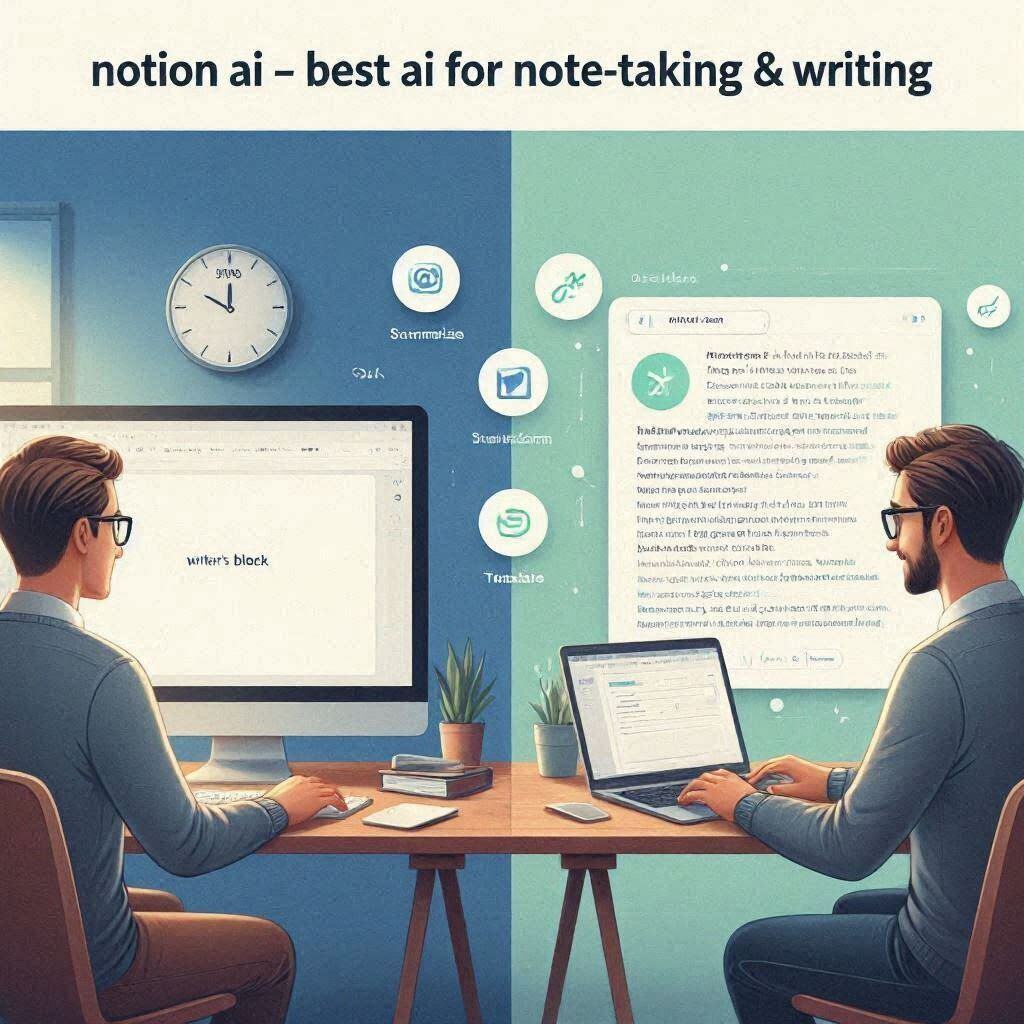
Notion AI Review 2026: The Best AI for Note-Taking & WritingIntroductionNotion is already one of the most popular note-taking and productivity apps in the world. Millions of people use it to organize their work, life, and projects. But in 2023, Notion added something that changed everything: Notion AI.Notion AI is the best AI writing assistant integrated directly into your workspace. It helps you write, brainstorm, summarize, edit, and organize content without leaving Notion. No switching tabs. No copying and pasting. Just highlight your text, click the AI button, and let the magic happen.In 2026, Notion AI has become the go-to writing assistant for professionals, students, content creators, and anyone who wants to write faster and better.What is Notion AI?Notion AI is a built-in AI assistant inside the Notion app. It works right where you already take notes, manage projects, and write content. You don’t need to copy text into ChatGPT or any other tool. Everything happens inside Notion.How it works:Step Action1 Open your Notion page2 Type /ai or highlight existing text3 Choose what you want AI to do (write, summarize, brainstorm, etc.)4 AI generates content instantly5 Review, edit, and keep workingThe magic: Your context is already there. Notion AI knows what you’re working on, so it gives more relevant suggestions than external AI tools.Key features:Write from scratch – Start with a blank page, AI writes contentSummarize – Condense long notes into key pointsBrainstorm – Generate ideas for any topicRewrite – Improve existing textTranslate – Translate to different languagesEdit – Fix grammar, adjust tone, shorten or expand textFind action items – Extract tasks from meeting notesKey Features of Notion AI1. Write from Scratch (The Main Feature)Start with a blank page and let AI write for you:Prompt What AI Creates”Write a blog post about AI tools” Complete 500-word blog post”Create a project plan for product launch” Detailed project plan with phases, tasks, timelines”Draft an email to a client” Professional email ready to send”Outline a presentation on climate change” Structured outline with main points and sub-pointsYou never start from a blank page again. Notion AI gives you a head start on any writing task.2. Summarize (The Time-Saver)Condense long content into key points:Input Output5-page meeting notes 3 bullet points (decisions, action items, next steps)10-page research paper 1-paragraph summaryLong email thread 2-sentence recapBook chapter Key takeaways in bullet pointsTime saved: Hours of reading and summarizing.3. Brainstorm (The Idea Generator)Generate ideas for anything:Topic AI Generates”New product ideas” 10 creative product ideas”Blog topics” 20 blog post ideas”Marketing campaign ideas” 5 campaign concepts”Company name ideas” 50 name suggestionsNever get stuck again. AI helps you generate endless ideas.4. Rewrite (The Editor)Improve your existing text:Problem AI Fix”This email sounds too harsh” Rewrites in a friendlier tone”This is too long” Shortens to concise version”This is too casual” Makes it more professional”I need more detail” Expands the content”Fix the grammar” Corrects all grammar mistakesYour writing gets better without manual editing.5. TranslateTranslate content to different languages:From ToEnglish Spanish, French, German, Chinese, Japanese, Arabic, Hindi, Urdu, and moreSpanish English and other languagesGlobal teams: Share content with international colleagues instantly.6. Find Action Items (Meeting Productivity)Turn messy meeting notes into clear action items:Input Output”John will finish the report by Friday. Sarah needs to schedule the follow-up meeting. David should review the budget.” John: Finish report by FridaySarah: Schedule follow-up meetingDavid: Review budgetNever miss a task again. AI extracts action items automatically.7. Ask AI (Chat Inside Notion)Chat with AI directly inside Notion:Example AI Responds”Help me write an email to a client” Drafts professional email”What’s the best way to start a blog post?” Suggests hooks and strategies”Fix this paragraph” Rewrites better versionLike ChatGPT, but inside Notion. And it already knows your context.8. Inline EditingHighlight any text and ask AI to:Action ExampleFix grammar “Fix grammar in this paragraph”Simplify “Simplify this for a beginner audience”Make it bullet points “Convert to bullet points”Make it shorter “Shorten this by 50%”AI works exactly where you need it.How to Use Notion AI (Step by Step)Step Action1 Open your Notion workspace2 Open any page3 Type /ai to open AI assistant4 Choose what you want (Write, Summarize, Brainstorm, etc.)5 Follow the prompt (e.g., type your topic)6 AI generates content7 Review, edit, and keep workingFor existing text:Step Action1 Highlight existing text2 Click “Ask AI”3 Choose an action (Fix grammar, Summarize, Translate, etc.)4 AI works on the selected textPricing: Free vs PaidFeature Free Tier Plus Plan Business Plan Enterprise PlanNotion Features ✅ Basic ✅ All ✅ All ✅ AllNotion AI ❌ No ✅ Add-on ($10/month) ✅ Add-on ($10/month) ✅ Add-on ($10/month)Price $0 $10/month $15/month CustomNotion AI is an add-on: You need to subscribe to Notion Plus or higher, then add Notion AI for an extra $10/month.Notion AI vs CompetitorsFeature Notion AI ChatGPT Claude GrammarlyGOIntegration Inside Notion External External Browser extensionContext Awareness ✅ Knows your content ❌ No context ❌ No context ✅ Some contextSummarize ✅ Yes ✅ Yes ✅ Yes ❌ NoBrainstorm ✅ Yes ✅ Yes ✅ Yes ❌ NoGrammar Check ✅ Yes ❌ No ❌ No ✅ YesTone Adjustment ✅ Yes ❌ No ❌ No ✅ YesPrice $10/mo $20/mo $20/mo $12-30/moBest For Notion users General use General use GrammarVerdict: Notion AI is the best AI for Notion users. For non-Notion users, ChatGPT or Claude are better options.Real-World ExamplesExample 1: Meeting Notes to Action ItemsScenario: You have 2 pages of messy meeting notes.Before Notion AI:Spend 15 minutes reading and extracting tasksMight miss action itemsWith Notion AI:Paste the meeting notes in NotionHighlight textClick “Find action items”AI extracts: John: Finish report by Friday, Sarah: Schedule meetingCopy to task listTime saved: 15 minutes.Example 2: Starting a Blog PostScenario: You want to write a blog post but don’t know where to start.Before Notion AI:Stare at blank page for 30 minutesWrite outlineWrite first draftWith Notion AI:Type /aiChoose “Write blog post”Type topic: “Top 10 AI tools for video editing”AI creates complete blog post outline with introduction, 10 tools with descriptions, and conclusionTime saved: 1 hour.Example 3: Improving an EmailScenario: You wrote an email that sounds too harsh.Before Notion AI:Send harsh emailRegret it laterWith Notion AI:Paste email in NotionHighlight textChoose “Rewrite in a friendly tone”AI rewrites in a more professional, friendly toneSend the improved versionResult: Better communication without conflict.Pros and Cons✅ ProsIntegrated – Works inside Notion, no switching appsContext-aware – Knows your content for better suggestionsVersatile – Write, summarize, brainstorm, translate, editEasy to use – Type /ai or highlight textFast – Results in secondsAction item extraction – Unique featureNo copy-pasting – Everything stays in NotionRegular updates – New features added often❌ ConsExtra cost – $10/month add-onNot for casual Notion users – Only worth it if you use Notion dailyRequires Notion subscription – Must be on Plus or higherInternet required – No offline AILimited free tier – No free AI at allOccasional inaccuracies – AI still makes mistakesWho Should Use Notion AI?User Type Why Use Notion AI?Writers Write faster, edit betterStudents Summarize notes, brainstorm ideas, write essaysProfessionals Draft emails, create reports, extract action itemsContent creators Generate blog ideas, outline contentProductivity enthusiasts Get more done in less timeAnyone who uses Notion daily Best valueNon-Notion users Use ChatGPT or Claude insteadTips for Best ResultsUse specific prompts – “Write a blog post about AI tools for video editors” works better than “Write a blog post”Review AI output – AI isn’t perfect. Always review and edit.Combine features – Write with AI, then summarize with AI, then extract action itemsUse inline editing – Highlight text and ask AI to improve itBrainstorm first – Generate ideas before writingTranslate for global teams – Share content in multiple languagesExtract action items – Never miss tasks from meeting notesAsk AI – Use the chat feature for quick questionsFrequently Asked QuestionsIs Notion AI really free?No. Notion AI is an add-on for $10/month (requires Notion Plus or higher).Can I use Notion AI without a Notion subscription?No. You need Notion Plus ($10/month) + Notion AI ($10/month) = $20/month total.Does Notion AI work offline?No, internet required.Can I use Notion AI for coding?Not really. It’s designed for writing, not coding.Is Notion AI better than ChatGPT?For Notion users, yes. For non-Notion users, ChatGPT is better.Can Notion AI write in different languages?Yes, multiple languages supported.Final VerdictNotion AI is not trying to replace ChatGPT or Claude. Instead, it solves a specific problem – bringing AI directly into your Notion workspace.If you are a Notion user, Notion AI is a game-changer. No more switching to ChatGPT to write content. No more copying and pasting. Everything happens where you already work.The $10/month add-on is worth it if you:Use Notion dailyWrite frequentlyWant to save hours of timeNeed to summarize and extract action itemsIf you don’t use Notion, use ChatGPT or Claude instead.For Notion users, Notion AI is the best writing assistant available in 2026.Rating: 4.7/5Best for: Notion users, writers, students, professionals, content creatorsWorst for: Non-Notion users, coding, offline use.