
Recraft v3 Review 2026: The Best Free AI Vector Generator for Logos & Icons
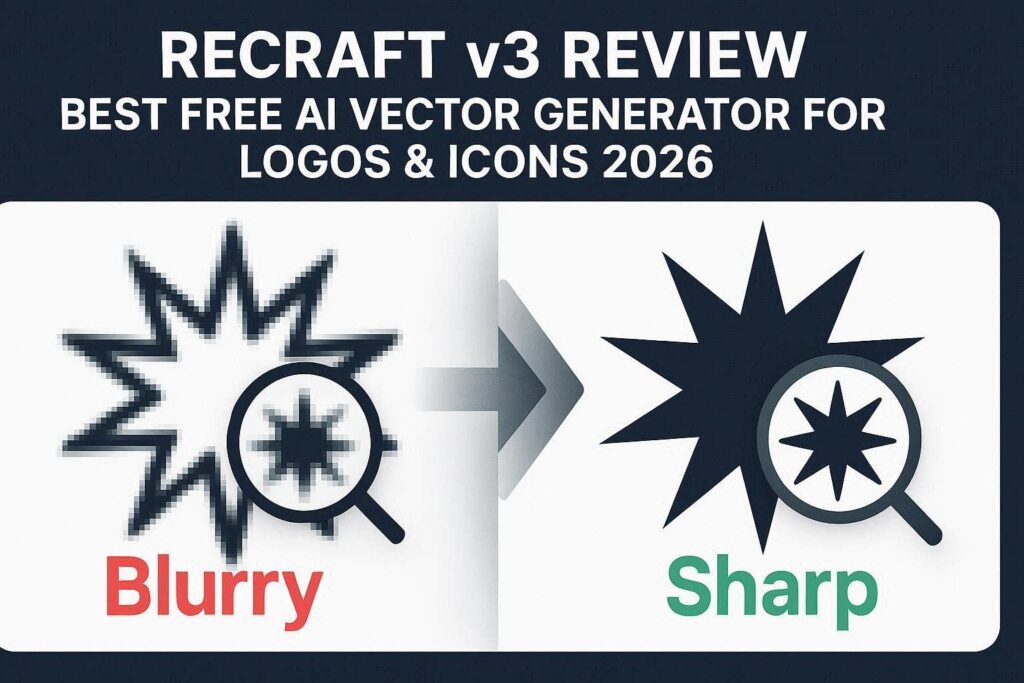
Recraft v3 Review 2026: The Best Free AI Vector Generator for Logos & IconsIntroductionMost AI image generators like Midjourney, DALL-E, and Stable Diffusion create raster images (pixel-based). This means when you zoom in, they become blurry and pixelated. But what if you need a logo for your business? Or an icon for your website? Or a scalable graphic that looks sharp at any size?That is where Recraft v3 comes in.Recraft is the first AI image generator that creates true vector graphics (SVG) – images that can be scaled infinitely without losing quality. This makes it the perfect tool for logo design, icon creation, branding, and any professional design work.And the best part? It has a generous free tier with 50 credits per day.What is Recraft?Recraft is an AI-powered design platform that specializes in generating vector graphics (SVG format). Unlike traditional AI image generators that produce raster images (JPG, PNG), Recraft creates images that are infinitely scalable, fully editable, and perfect for professional design work.Version 3, released in early 2026, brought massive improvements including:Better vector quality – Cleaner paths, smoother curvesMore style options – 50+ design stylesColor palette control – Exact brand colorsMockup generator – Put designs on productsBatch generation – Create multiple variations at onceRecraft is used by graphic designers, logo designers, small business owners, and marketers who need professional, scalable graphics without hiring a designer.Key Features of Recraft v31. AI Vector Generation (SVG Output)This is Recraft’s killer feature. Type a prompt, and Recraft generates a true vector graphic (SVG) that you can:Scale to any size without losing qualityEdit in Adobe Illustrator, Inkscape, or any vector softwareChange colors, resize, and modify individual elementsUse for logos, icons, illustrations, and print materialsExample Prompt What Recraft Generates”minimalist coffee shop logo with coffee cup and leaf” Professional SVG logo”social media icon set for a tech company” 5-10 matching icons”flat illustration of a modern office” Scalable office graphic”vintage badge design for a brewery” Retro-style vector badge2. 50+ Professional Design StylesRecraft offers over 50 pre-trained design styles including:Style Category ExamplesLogo Styles Minimalist, Vintage, Modern, Luxury, Hand-drawn, GeometricIcon Styles Flat, Line art, 3D, Outline, Filled, GradientIllustration Styles Corporate, Whimsical, Tech, Nature, AbstractTypography Styles Bold, Elegant, Grunge, Neon, Retro3. Brand Kit (Color Palette Control)Upload your brand colors, and Recraft uses them consistently across all generations. You can:Define primary, secondary, and accent colorsSave multiple brand kitsApply brand colors to any generationGenerate entire design systems with consistent colors4. Mockup GeneratorAfter generating a logo or design, Recraft can instantly place it on realistic mockups:T-shirts and merchandiseBusiness cards and stationeryBillboards and signageMobile and laptop screensProduct packagingThis is perfect for presenting designs to clients or creating social media posts.5. Background RemoverRecraft includes a built-in background remover. Upload any image, and AI removes the background instantly – useful for:Isolating logos from backgroundsCreating product imagesMaking transparent PNGs6. Image Upscaler (Vector Style)Enhance low-resolution images to high quality. Recraft’s upscaler is specifically optimized for:Logos and iconsLine art and illustrationsScreenshots and UI elements7. Batch GenerationGenerate multiple variations of the same prompt at once. You can:Generate 4, 8, or 16 variationsCompare different stylesChoose the best optionSave all for future use8. SVG Editing (Basic)Recraft includes a basic SVG editor where you can:Change colors of individual elementsResize and reposition objectsCombine multiple SVGsExport as SVG, PNG, JPG, or PDF9. API Access (For Developers)Recraft offers API access for developers who want to integrate vector generation into their own applications:Generate SVGs programmaticallyBatch process thousands of designsBuild custom design toolsHow to Use Recraft v3 (Step by Step)Step Action1 Go to recraft.ai2 Sign up with Google or email (free)3 Click “Create New Project”4 Choose “Vector” as output type5 Select a style (Logo, Icon, Illustration, etc.)6 Type your text prompt (be specific)7 Choose your brand colors (optional)8 Click “Generate”9 Wait 10-20 seconds10 Download as SVG, PNG, JPG, or PDFPricing: Free vs PaidFeature Free Tier Pro Plan BusinessMonthly Cost $0 $10/month $30/monthCredits 50/day 500/month 2,000/monthGenerations 50 images/day 500 images/month 2,000 images/monthVector Output (SVG) ✅ Yes ✅ Yes ✅ YesStyles 20 styles 50+ styles 50+ stylesBrand Kits 1 kit 5 kits UnlimitedMockups Basic Full library Full + customBackground Remover ✅ Yes ✅ Yes (HD) ✅ Yes (HD)Batch Generation 4 at once 8 at once 16 at onceAPI Access ❌ No ❌ No ✅ YesCommercial Use ✅ Yes ✅ Yes ✅ YesWatermark Small logo No watermark No watermarkFree tier is incredibly generous – 50 vector images per day is enough for most users. Pro plan is recommended for designers who need more styles and no watermark.Recraft v3 vs CompetitorsFeature Recraft v3 Midjourney DALL-E 3 Leonardo.ai Canva AIVector Output (SVG) ✅ Yes ❌ No ❌ No ❌ No ❌ NoRaster Output (PNG/JPG) ✅ Yes ✅ Yes ✅ Yes ✅ Yes ✅ YesFree Tier 50/day ❌ No Limited 150/day LimitedLogo Styles 20+ Generic Generic Generic SomeColor Palette Control ✅ Yes ❌ No ❌ No ❌ No ✅ LimitedMockup Generator ✅ Yes ❌ No ❌ No ❌ No ✅ YesBest For Logos, Icons Art General Game assets General designVerdict: Recraft is the only AI tool that generates true vector graphics. For logos, icons, and scalable designs – it has no competitor. For artistic images, use Midjourney or DALL-E.Why Vector Graphics MatterRaster Images (PNG, JPG) Vector Graphics (SVG)Made of pixels Made of mathematical pathsBlurry when zoomed in Always sharp at any sizeFixed resolution Infinitely scalableLarge file sizes Small file sizesHard to edit Easy to edit colors and shapesNot ideal for logos Perfect for logosIf you are designing a logo, icon, or any graphic that will be used at different sizes (business card, website, billboard) – you need vector graphics. Recraft is the only AI tool that delivers this.Real-World ExamplesExample 1: Logo Design for a Coffee ShopPrompt: “Minimalist coffee shop logo, coffee cup with steam forming a leaf, warm brown and cream colors, modern style”Recraft Output: A professional SVG logo with clean lines, perfect curves, and exact colors. You can scale it from 16px (favicon) to 10 feet wide (billboard) without any quality loss. Download as SVG and open in Illustrator to edit further.Example 2: Social Media Icon SetPrompt: “Set of 5 social media icons for a tech startup, line art style, blue gradient, modern and clean”Recraft Output: 5 matching icons (home, profile, settings, notification, search) in perfect SVG format. Consistent line thickness, matching gradients, and perfectly aligned. Ready to use on your website or app.Example 3: Vintage Badge for a BreweryPrompt: “Vintage badge design for a craft brewery, circular shape, text ‘HOP HAVEN’, deer head illustration, dark green and gold colors”Recraft Output: A detailed vector badge with multiple layers, curved text, and intricate deer illustration. Editable in vector software. Looks like it was designed by a professional.Pros and Cons✅ ProsTrue vector output (SVG) – Unique in the AI space50 free images per day – Very generousProfessional logo styles – 20+ styles built-inColor palette control – Perfect for brandingMockup generator – Present designs professionallyNo design skills needed – Anyone can create logosCommercial use allowed – Sell your designsEditable output – Modify in Illustrator, InkscapeAPI available – For developers❌ ConsLimited to 50 images/day on free tierSmall watermark on free images (removable in Pro)Less artistic than Midjourney (not for art)No local installation – Internet requiredSome styles require Pro (30+ styles locked)Can’t generate complex illustrations (simple vectors only)Who Should Use Recraft?User Type Why Use Recraft?Logo designers Generate concepts in seconds, not hoursSmall business owners Create professional logos without hiring a designerWeb designers Generate icons and UI elementsSocial media managers Create branded graphics for postsPrint designers Scalable graphics for business cards, flyers, billboardsApp developers Generate app icons and UI assetsMarketers Create branded visuals for campaignsStudents Learn design principles with AI assistanceTips for Best ResultsBe specific about style – “minimalist logo” vs “vintage badge” vs “hand-drawn icon”Mention colors – “blue and white”, “warm earth tones”, “black and gold”Specify the industry – “tech startup”, “coffee shop”, “law firm”, “bakery”Include the name – If you want text in your logo, put it in quotesUse brand kits – Save your brand colors for consistent resultsGenerate multiple variations – Then choose the best oneDownload as SVG – Always download the SVG for logos (not PNG)Edit further in Illustrator – Recraft gives you a great starting point, but professional designers should refineRecraft vs Canva: Which is Better for Logos?Factor Recraft CanvaPrice 50 free/day Free (limited)Vector Output ✅ Yes (SVG) ❌ No (PNG only)AI Generation ✅ Yes ❌ No (templates only)Scalability Infinite Pixelated when zoomedEditing Professional tools Basic toolsBest For Original logo design Logo templatesVerdict: For original, scalable logo design – Recraft wins. For using pre-made templates – Canva is fine.Frequently Asked QuestionsIs Recraft really free?Yes, 50 free credits every day. Enough for most users.Can I use Recraft logos commercially?Yes, free tier and paid tier both allow commercial use.What is the difference between SVG and PNG?SVG is vector (infinitely scalable). PNG is raster (pixel-based). For logos, always use SVG.Can I edit the SVG after downloading?Yes, open in Adobe Illustrator, Inkscape (free), or any vector editing software.Does Recraft make money from my designs?No. You own everything you create.Can I generate a logo with text?Yes. Put the text in quotes in your prompt.Final VerdictRecraft v3 is not trying to replace Midjourney or DALL-E for artistic image generation. Instead, it solves a completely different problem – creating professional, scalable vector graphics for logos, icons, and branding.If you are a designer, Recraft can 10x your workflow. Generate 50 logo concepts in an hour instead of a week. Then refine the best ones in Illustrator.If you are a business owner, Recraft lets you create a professional logo without hiring a designer. Is it as good as a $5,000 custom logo? No. But it is 90% there for 0% of the cost.If you are a content creator, Recraft helps you create consistent branded visuals for your social media, YouTube thumbnails, and merch.The free tier is incredibly generous. Try it today. You have nothing to lose.Rating: 4.6/5Best for: Logos, icons, branding, vector graphicsWorst for: Artistic illustrations, complex scenes, photography.