
Clipdrop by Stability AI Review 2026: The Ultimate AI Image Toolkit.
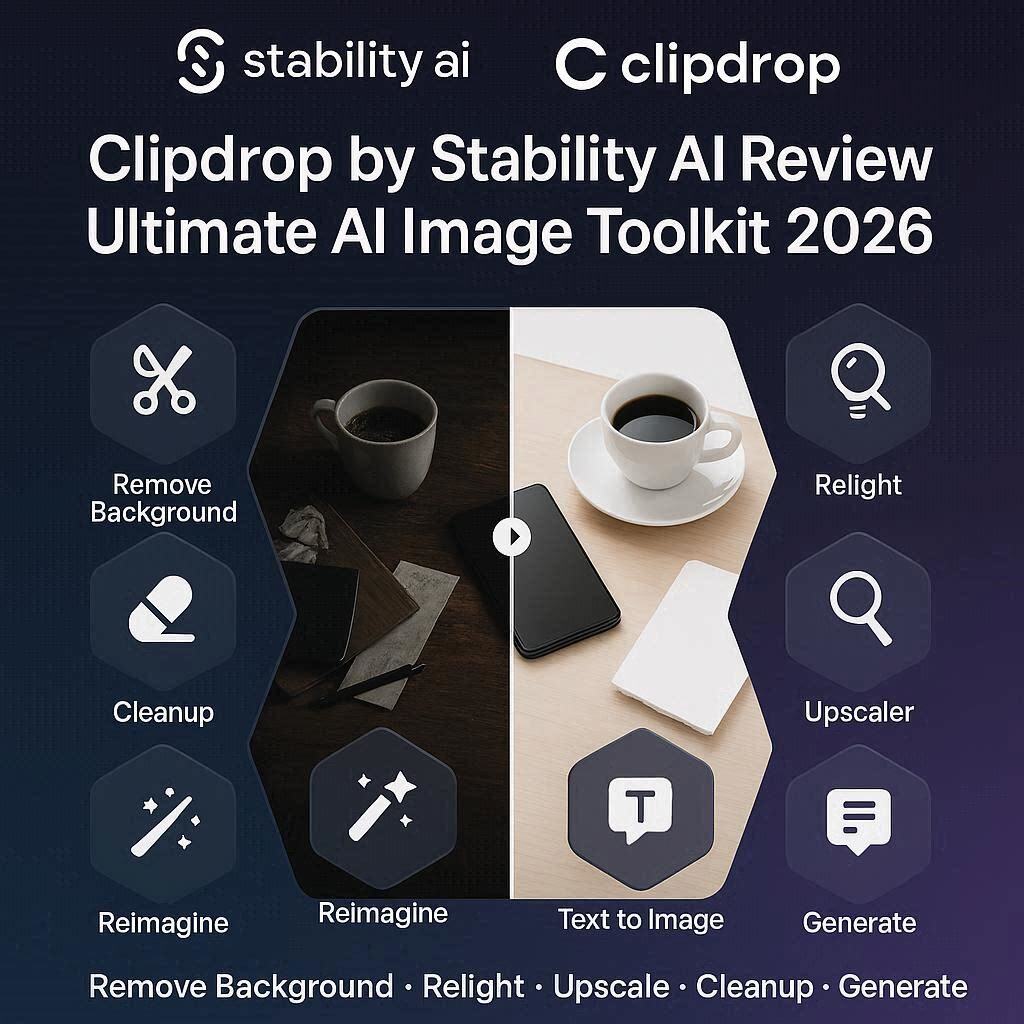
Clipdrop by Stability AI Review 2026: The Ultimate AI Image ToolkitIntroductionImagine having a complete photo editing studio in your browser. One tool that can remove backgrounds, relight images, upscale resolution, remove objects, generate new images, and even change the weather in your photos.That is Clipdrop by Stability AI.Clipdrop is not just one AI tool – it is a suite of 10+ powerful AI image editing tools all in one place. Created by Stability AI (the company behind Stable Diffusion), Clipdrop brings professional-grade image editing capabilities to everyone – no Photoshop skills required.In 2026, Clipdrop has become the go-to toolkit for content creators, e-commerce sellers, graphic designers, and anyone who works with images. And the best part? It has a generous free tier and affordable paid plans starting at just $5 per month.What is Clipdrop?Clipdrop is a cloud-based AI image editing suite that offers a wide range of tools for manipulating and enhancing images. Unlike traditional photo editing software that requires hours of learning, Clipdrop works with one-click AI magic.The toolkit includes:Tool What It DoesRemove Background Instantly remove backgrounds from any imageRelight Change lighting direction, color, and intensityUpscaler Enhance image resolution up to 4x without losing qualityCleanup Remove unwanted objects, people, text, or blemishesReimagine XL Generate unlimited variations of any imageText to Image Generate images from text promptsReplace Background Change backgrounds with AIImage to Image Transform images into different stylesStable Diffusion Access to Stability AI’s powerful image model** Uncrop** Extend images beyond their original bordersAll tools are accessible through a simple web interface, a desktop app (Windows/Mac), or an API for developers.Key Features of Clipdrop1. Remove Background (Best in Class)Clipdrop’s background remover is one of the best available. It handles:Challenge How Clipdrop Handles ItHair Preserves fine hair details, even flyawaysFur Maintains fur texture and edgesTransparent objects Handles glass, water, and transparent materialsComplex backgrounds Separates subject from busy backgroundsOne click and your subject is isolated with a transparent background. Download as PNG and use anywhere.2. Relight (Unique Feature)This is Clipdrop’s most unique feature. Most AI tools cannot change lighting. Clipdrop can.What You Can Change ExampleLight direction Move light from left to right, top to bottomLight color Warm (sunset), cool (blue hour), neon (pink/blue)Light intensity Soft and diffused or harsh and dramaticMultiple lights Add separate key light, fill light, backlightUse cases:Fix dark or poorly lit product photosMatch lighting when compositing imagesCreate dramatic portrait effectsChange daytime to nighttime3. Upscaler (Enhance Resolution)Turn low-resolution images into crisp, detailed high-resolution images.Upscale Factor Result2x Good for social media4x Perfect for printing, product photos8x (paid) Professional qualityWhat it fixes:Blurry photosPixelated imagesLow-quality downloadsOld scansScreenshotsAI actually adds realistic details – it doesn’t just stretch the image.4. Cleanup (Remove Anything)Remove any unwanted element from your photos:What You Can Remove How It WorksPeople Remove tourists from vacation photosText Remove logos, watermarks, captionsObjects Remove trash, power lines, blemishesBackground distractions Clean up product photosHow to use: Paint over what you want to remove (like a brush), and AI fills the area perfectly.5. Reimagine XL (Generate Variations)Upload any image, and Clipdrop generates unlimited variations of that image:Input Output ExamplesProduct photo Same product in different settings, colors, stylesSketch Multiple finished versionsPhoto of a room Same room in different decor stylesPortrait Same person in different art stylesPerfect for A/B testing marketing images or brainstorming design ideas.6. Replace BackgroundChange the background of any image with a text prompt:Original Prompt New BackgroundProduct photo “modern living room with plants” Product in beautiful room settingPortrait “blurred city street at night” Professional headshot lookPet photo “sunny beach with ocean” Pet on vacationNo green screen needed. AI handles the lighting and shadows automatically.7. Text to Image & Image to ImageAccess Stable Diffusion directly within Clipdrop:Text to Image: Type a prompt, get an imageImage to Image: Upload an image, transform its styleInpainting: Select an area, regenerate only that partOutpainting: Extend the image beyond its bordersHow to Use Clipdrop (Step by Step)Step Action1 Go to clipdrop.co2 Sign up with Google or email (free)3 Choose a tool (Background Remover, Relight, Upscaler, etc.)4 Upload your image5 Adjust settings (if applicable)6 Click “Process” or “Generate”7 Wait 5-10 seconds8 Download your edited imageDesktop App (Windows/Mac)Download the Clipdrop desktop app for:Drag and drop from anywhere on your computerKeyboard shortcuts for faster workflowBatch processing handle multiple images at onceIntegration with Photoshop and other toolsPricing: Free vs PaidFeature Free Tier Pro Plan Ultimate PlanMonthly Cost $0 $5/month $15/monthBackground Removal ✅ Limited ✅ Unlimited ✅ UnlimitedRelight ✅ Limited ✅ Unlimited ✅ UnlimitedUpscaler Up to 2x Up to 4x Up to 8xCleanup ✅ Limited ✅ Unlimited ✅ UnlimitedReimagine XL 10 images/month 200 images/month 1,000 images/monthText to Image 5 images/month 100 images/month 500 images/monthReplace Background ✅ Limited ✅ Unlimited ✅ UnlimitedAPI Access ❌ No ❌ No ✅ YesBatch Processing ❌ No ❌ No ✅ YesWatermark Small logo No watermark No watermarkCommercial Use ✅ Yes ✅ Yes ✅ YesFree tier is great for testing and occasional use. Pro plan (5/month)∗∗isperfectformostcreators.∗∗Ultimateplan(5/month)∗∗isperfectformostcreators.∗∗Ultimateplan(15/month) is for professionals and teams.Clipdrop vs CompetitorsFeature Clipdrop Remove.bg Photoshop CanvaBackground Removal ✅ Excellent ✅ Excellent ✅ Good ✅ GoodRelighting ✅ Yes (unique) ❌ No ✅ Yes ❌ NoUpscaling ✅ Up to 8x ❌ No ✅ Yes ✅ LimitedObject Removal ✅ Yes ❌ No ✅ Yes ❌ NoAI Image Generation ✅ Yes ❌ No ✅ Yes (Firefly) ✅ YesPrice (paid) $5/mo $9/mo $21/mo $15/moEase of Use Very Easy Very Easy Hard EasyVerdict: Clipdrop is the best value – it does more than Remove.bg for a lower price, and it’s much easier than Photoshop.Real-World ExamplesExample 1: E-commerce Product PhotoOriginal: Product photo with messy background, poor lighting, low resolutionClipdrop Workflow:Remove Background → Product isolated on transparentReplace Background → “Modern white kitchen counter with plants”Relight → Add warm lighting from top-leftUpscaler (4x) → Professional 4K qualityResult: A professional product photo ready for Amazon, Shopify, or website.Example 2: Portrait HeadshotOriginal: Casual photo with bad lighting and distracting backgroundClipdrop Workflow:Remove Background → Subject isolatedRelight → Add professional studio lighting (soft key light + fill)Replace Background → “Blurred professional office background”Cleanup → Remove blemishes and stray hairsResult: Professional headshot without hiring a photographer.Example 3: Creative DesignOriginal: A simple sketchClipdrop Workflow:Reimagine XL → Generate 10 different finished versionsUpscaler → Enhance to high resolutionRelight → Add drama and depthResult: Multiple design concepts in minutes.Pros and Cons✅ ProsAll-in-one toolkit – 10+ tools for $5/monthBest-in-class background removal – Handles hair perfectlyUnique relighting feature – No other AI tool does this wellVery affordable ($5/month)Super easy to use – One-click magicDesktop app available – Drag and drop workflowAPI for developersMade by Stability AI – Trusted name in AI❌ ConsFree tier limited (low resolution, watermark on some tools)Requires internet – No offline versionNot for batch processing (unless Ultimate plan)Some tools need improvement (Text to Image not as good as Midjourney)Who Should Use Clipdrop?User Type Why Use Clipdrop?E-commerce sellers Clean product photos, remove backgrounds, upscaleContent creators Quick image edits, thumbnails, social media graphicsGraphic designers Speed up workflow, remove backgrounds, relightPhotographers Fix lighting, remove distractions, upscaleMarketers Create variations of ads, replace backgroundsReal estate agents Enhance property photos, change lightingAnyone who edits images Cheaper and easier than PhotoshopClipdrop vs Photoshop: Which Should You Choose?Factor Clipdrop PhotoshopPrice $5-15/month $21/monthLearning curve 5 minutes 100+ hoursSpeed Seconds Minutes to hoursControl Limited (AI decides) Full controlBest for Quick edits, batch work Complex, precise editsVerdict: Use Clipdrop for 80% of everyday image tasks. Use Photoshop for the remaining 20% that need precise control.Tips for Best ResultsStart with high-quality source images – Better input = better outputUse Relight after Background Removal – Relighting works best on isolated subjectsCombine tools – Don’t just use one. Background Removal → Relight → Upscale for best resultsTry Reimagine XL for ideas – Generate variations of your product/design for inspirationUse the desktop app – Much faster for multiple imagesUpgrade to Pro – $5/month removes watermark and limitsFor bulk orders, use API – Automate thousands of imagesFrequently Asked QuestionsIs Clipdrop really free?Yes, free tier exists with limits (low resolution, watermark, limited generations).Can I use Clipdrop for commercial projects?Yes, free tier and paid tiers both allow commercial use.How is Clipdrop different from Remove.bg?Clipdrop does much more – relighting, upscaling, object removal, image generation – for a lower price.Does Clipdrop work on mobile?Yes, clipdrop.co works in mobile browser. Desktop app for Windows/Mac.Is Clipdrop made by the same company as Stable Diffusion?Yes, both are owned by Stability AI.Can I remove watermarks with Clipdrop?Yes, the Cleanup tool can remove watermarks from images.Final VerdictClipdrop by Stability AI is not trying to replace Photoshop for professional designers. Instead, it is a powerful, affordable, and incredibly easy-to-use toolkit that handles 80% of everyday image editing tasks.For $5 per month, you get:Perfect background removalUnique relighting feature4x upscalingObject removalAI image generationBackground replacementNo other tool offers this much value at this price. Remove.bg alone costs 9/monthanddoesonlybackgroundremoval.Photoshopcosts9/monthanddoesonlybackgroundremoval.Photoshopcosts21/month and takes months to learn.If you work with images regularly – for e-commerce, social media, marketing, or content creation – Clipdrop is a must-have tool in 2026.Rating: 4.7/5Best for: E-commerce sellers, content creators, marketersWorst for: Professional designers needing precise control