
Deep Swap AI Review 2026: The Best Online Face Swapper for Photos
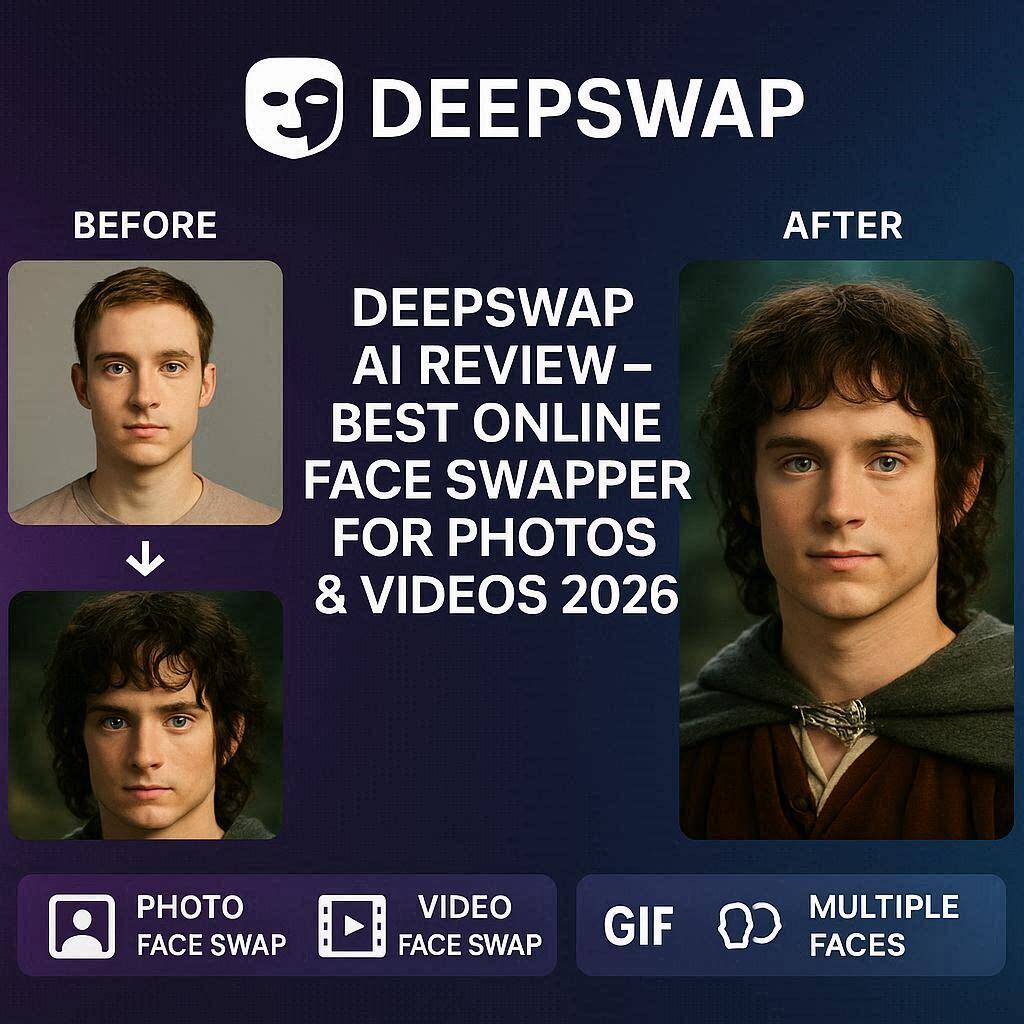
DeepSwap AI Review 2026: The Best Online Face Swapper for Photos & VideosIntroductionHave you ever wondered what you would look like as a movie star? Or wanted to see your friend’s face on a funny video clip? Or needed to create engaging content for social media without showing your real face?DeepSwap is the answer.DeepSwap is the leading online AI face swapping tool that lets you swap faces in both photos and videos with stunning realism. Unlike basic face swap apps that look fake and blurry, DeepSwap uses advanced deep learning technology to create seamless, natural-looking face swaps that are almost impossible to detect.In 2026, DeepSwap has become the go-to platform for content creators, meme makers, marketers, and anyone who wants to have fun with face swapping. And the best part? It has a free tier to get you started.What is DeepSwap?DeepSwap is a cloud-based AI face swapping platform that allows users to swap faces in images, GIFs, and videos. The technology uses deep neural networks to analyze facial features, expressions, lighting, and angles – then seamlessly blends the source face onto the target face.Key capabilities:Photo face swap – Swap faces in any imageVideo face swap – Swap faces in video clips (up to 60 seconds)GIF face swap – Swap faces in animated GIFsMultiple faces – Swap multiple faces in one image/videoHigh resolution – Output up to 4K quality (paid)No watermarks – Available on paid plansDeepSwap is completely online – no software download required. Just upload, click, and download.Key Features of DeepSwap1. Photo Face Swap (Best Quality)Swap faces in any image with near-perfect realism:What It Handles How WellDifferent angles Front, side, tilted – all work wellDifferent lighting Matches lighting of target imageDifferent expressions Smiling, serious, surprised – transfers naturallyHair and accessories Preserves hats, glasses, hairSkin tones Blends seamlesslyUse cases:Funny memes and jokesCelebrity face swapsGroup photo editsCreative photo manipulations2. Video Face Swap (Unique Feature)This is what sets DeepSwap apart. Most face swappers only work on photos. DeepSwap works on videos:Video Feature CapabilityMax length Up to 60 seconds (paid)Resolution Up to 4KFrame rate Maintains original FPSMultiple faces Swap faces of multiple peopleLip sync Mouth movements match new faceUse cases:Funny video memesMovie scene parodiesAnonymous YouTube contentEngaging social media videos3. GIF Face SwapSwap faces in animated GIFs:Upload any GIFSelect target faceAI processes each frameDownload swapped GIFPerfect for reaction memes and social media posts.4. Multiple Face SwapSwap multiple faces in one image or video:Scenario What DeepSwap DoesGroup photo Swap all faces at onceMovie scene Swap two characters’ facesFamily photo Swap family members’ facesNo need to process each face separately.5. Face Cutout (Background Removal)DeepSwap includes a face cutout tool that:Isolates faces from backgroundsCreates transparent PNGs of facesPerfect for stickers, emojis, or future swaps6. Face EnhancementAfter swapping, DeepSwap can enhance the result:Improve resolutionFix color matchingSmooth edgesRemove artifacts7. Private & SecureDeepSwap takes privacy seriously:Automatic deletion – Uploads deleted after 24 hoursNo data sharing – Your faces aren’t storedEncrypted – All uploads are encryptedHow to Use DeepSwap (Step by Step)For Photo Face Swap:Step Action1 Go to deepswap.ai2 Sign up with Google or email3 Click “Photo Face Swap”4 Upload source face (the face you want to use)5 Upload target image (where the face will go)6 Click “Swap Now”7 Wait 10-20 seconds8 Download your swapped imageFor Video Face Swap:Step Action1 Click “Video Face Swap”2 Upload source face (clear, front-facing photo)3 Upload target video (max 60 seconds paid)4 Click “Swap Now”5 Wait 1-3 minutes (depends on video length)6 Download your swapped videoPricing: Free vs PaidFeature Free Tier Standard Plan Pro PlanMonthly Cost $0 $10/month $20/monthPhoto Swaps 5 per day Unlimited UnlimitedVideo Swaps 10 seconds 60 seconds 60 secondsGIF Swaps Yes (limited) Unlimited UnlimitedMultiple Faces Limited ✅ Yes ✅ YesResolution 720p 1080p 4KWatermark Small logo No watermark No watermarkProcessing Speed Normal Fast FastestPrivate Processing ❌ No ❌ No ✅ YesAPI Access ❌ No ❌ No ✅ YesFree tier is great for testing and casual fun. Standard plan (10/month)∗∗isrecommendedforregularcreators.∗∗Proplan(10/month)∗∗isrecommendedforregularcreators.∗∗Proplan(20/month) for professionals and businesses.DeepSwap vs CompetitorsFeature DeepSwap FaceSwap AI Reface SwapfaceVideo Swap ✅ Up to 60 sec ❌ No ✅ Up to 10 sec ✅ Local softwarePhoto Swap ✅ Excellent ✅ Good ✅ Good ✅ GoodGIF Swap ✅ Yes ❌ No ✅ Yes ❌ NoFree Tier 5/day Yes Yes Free trialWatermark Yes (free) Yes Yes YesCloud-Based ✅ Yes ✅ Yes ✅ Yes ❌ No (local)Best For All-rounder Photos Mobile PrivacyVerdict: DeepSwap is the best all-rounder – it does photos, videos, and GIFs. For mobile users, Reface is good. For privacy-focused users, Swapface (local) is better.Real-World ExamplesExample 1: Funny Video MemeScenario: You want to put your friend’s face on a funny movie clipDeepSwap Workflow:Upload clear photo of friend’s faceUpload movie clip (10 seconds)Click swapDownload hilarious video to share on WhatsApp/InstagramExample 2: Anonymous YouTube ContentScenario: You want to create YouTube videos without showing your real faceDeepSwap Workflow:Use an AI-generated face or celebrity faceRecord yourself speakingSwap your face with the target faceLip sync matches your speechUpload to YouTube anonymouslyExample 3: Group Photo FunScenario: Swap faces of all family members on an old photoDeepSwap Workflow:Upload group photoUpload each family member’s faceSelect multiple face swapAI swaps all faces at onceDownload hilarious family photoPros and Cons✅ ProsVideo face swap – Most competitors don’t do videoVery realistic results – Advanced AI technologyEasy to use – No technical skills neededGIF support – Unique featureMultiple faces – Swap everyone at onceCloud-based – No software downloadFast processing – Seconds for photos, minutes for videos❌ ConsFree tier limited (5 photos/day, 10 sec video)Watermark on free tierRequires clear source face – Blurry photos don’t work wellVideo length limited (60 sec max even on paid)Internet required – No offline modePrivacy concerns (though they claim auto-deletion)Who Should Use DeepSwap?User Type Why Use DeepSwap?Content creators Anonymous content, funny videosMeme makers Create viral face swap memesSocial media managers Engaging content for brandsYouTubers Faceless channel contentFriends & family Fun group photo swapsMarketers Personalized ad creativesAnyone Just for fun!Tips for Best ResultsFor Source Face (The face you want to use):Use clear, front-facing photos – Side profiles don’t work wellGood lighting is essential – Avoid shadows on faceNeutral expression works best – Extreme expressions may not transfer wellHigh resolution – At least 500×500 pixelsNo glasses or accessories – Can interfere with detectionFor Target Image/Video:Face should be visible – Not turned away or coveredSimilar angle works best – Front to front, side to sideGood lighting on target – Matches betterKeep videos short – 10-30 seconds for best resultsAvoid fast movements – Can cause flickeringGeneral Tips:Start with photos – Master photo swaps before videosUse the enhancer – Improves results significantlyTry multiple source faces – Some work better than othersUpgrade for longer videos – 10 seconds is too short for most projectsRespect privacy – Don’t swap without permissionDeepSwap for Faceless YouTube ChannelsOne of the most popular uses of DeepSwap is creating faceless YouTube channels:Channel Type How DeepSwap HelpsCommentary channels Swap face with animated characterTop 10 channels Use celebrity or AI-generated faceReaction channels React to videos with swapped faceStorytime channels Narrate with swapped face matching emotionsWorkflow for faceless channel:Record yourself speaking (with your real face)Use DeepSwap to replace your face with target faceAdd voiceover or use original audioExport and upload to YouTubePrivacy & EthicsWhat DeepSwap Does:✅ Deletes uploads after 24-48 hours✅ Encrypts all data✅ Doesn’t share faces with third partiesWhat You Should NOT Do:Don’t Do WhyNon-consensual face swaps Can be illegalMisleading or harmful content Against terms of serviceCelebrity face swap for fraud IllegalAdult content Against DeepSwap’s policyUse responsibly – Face swap technology is powerful. Respect others’ privacy.Frequently Asked QuestionsIs DeepSwap really free?Yes, free tier gives you 5 photo swaps per day and 10-second video swaps.Can I use DeepSwap on mobile?Yes, deepswap.ai works in mobile browser. No app needed.Is DeepSwap safe?Generally yes. Uploads are auto-deleted. But never upload sensitive personal photos.Can I remove the watermark?Yes, Standard and Pro plans remove the watermark.Does DeepSwap work for video?Yes, up to 60 seconds on paid plans.Is the result realistic?Very realistic. DeepSwap uses advanced AI for seamless blending.Final VerdictDeepSwap is not trying to be a professional video editing tool. Instead, it is the best online face swapping platform for both photos and videos.If you want to create funny memes, anonymous content, or engaging social media videos – DeepSwap is your best bet. It is easy to use, produces realistic results, and offers video face swap (which most competitors don’t).The free tier is perfect for casual fun. The 10/monthStandardplanisgreatforregularcreators.The10/monthStandardplanisgreatforregularcreators.The20/month Pro plan is for professionals who need 4K output and private processing.Remember to use responsibly – always get permission before swapping someone’s face.Rating: 4.5/5Best for: Content creators, meme makers, faceless YouTube channelsWorst for: Professional video editing, long videos (60 sec max).