
Pippit Kinetic Typography Maker Review 2026: The Best AI Animated Text Video Tool
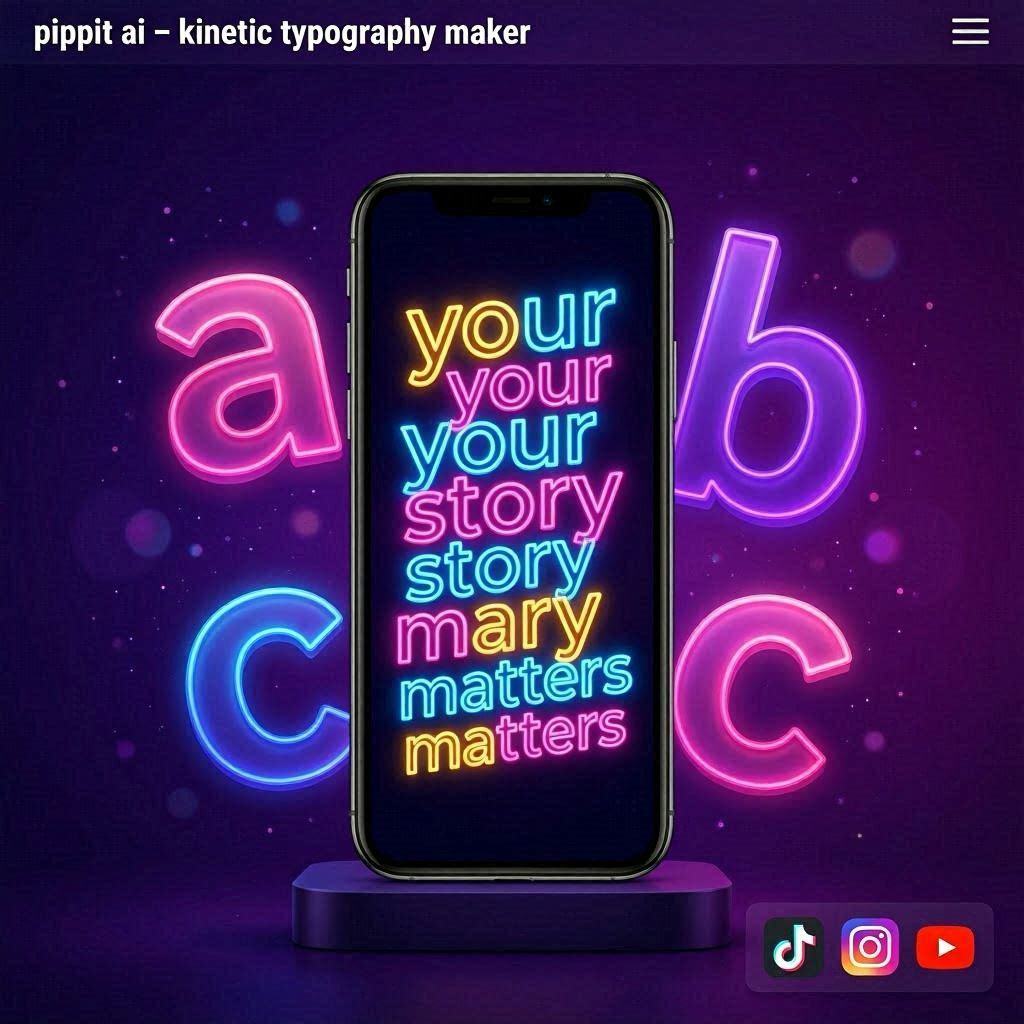
Pippit Kinetic Typography Maker Review 2026: The Best AI Animated Text Video ToolIntroductionHave you ever watched those stunning text animation videos on Instagram or TikTok? The ones where words dance across the screen, bounce, fade, and slide with perfect timing? Usually, creating those videos requires expensive software like After Effects and hours of manual keyframing.Pippit changes everything.Pippit is an AI-powered kinetic typography maker that turns your words into professional animated text videos in minutes. You don’t need video editing skills. You don’t need to understand keyframes or easing curves. Just type your text, describe how you want it to move, and Pippit does the rest.In 2026, Pippit has become the go-to tool for content creators, social media managers, educators, and marketers who need eye-catching text videos without spending hours in complex software.What is Pippit?Pippit is a cloud-based kinetic typography maker that uses AI to generate text animation videos from simple prompts. Unlike traditional animation tools where you manually set every movement, Pippit understands natural language descriptions.How it works:Type or paste your textDescribe how you want it to animate (e.g., “words bounce in one by one, then fade out”)Choose a style or templateAI generates complete animated videoDownload and shareThe magic: You don’t need to know anything about animation. Just describe what you want, and Pippit figures out the timing, easing, and transitions.Key Features of Pippit1. Prompt-Based Text Animation (Main Feature)This is Pippit’s killer feature. Describe your animation in plain English:Your Description What Pippit Creates”Words fade in slowly, one after another” Smooth fade animation with staggered timing”Text bounces from bottom, then shakes at the end” Bouncy entrance with a settle effect”Letters fly in from left and right” Dramatic letter-by-letter animation”Words type out like a typewriter” Classic typing effect with cursor blink”Text explodes into particles at the end” Dramatic exit effectYou don’t need to set keyframes. You don’t need to adjust timing curves. Just describe, and AI handles everything.2. 50+ Ready-Made TemplatesDon’t want to describe animations? Choose from professionally designed templates:Template Category ExamplesSocial Media Instagram stories, TikTok captions, Reels textBusiness Corporate presentations, intro slidesEducational Lesson highlights, key points animationLyric Videos Song lyrics with beat synchronizationQuote Videos Inspirational and motivational quotesMarketing Product announcements, sale alertsEach template is fully customizable – change text, colors, fonts, and timing.3. Multiple Text Animation StylesPippit offers dozens of animation styles:Animation Style EffectFade In/Out Smooth opacity transitionsBounce Elastic, playful entranceSlide Moves from edges into positionTypewriter Letter-by-letter appearanceFlip 3D rotation effectGlitch Digital distortion effectNeon Glow Electric, glowing appearanceHandwritten Draws letters like handwritingZoom Scales from small to largeSpin Rotates into position4. Beat SynchronizationFor music and lyric videos, Pippit can sync text animation to the beat:Feature What It DoesAudio upload Upload your music or voiceoverBeat detection AI identifies rhythm and tempoText timing Words appear on beat dropsHighlight sync Key words emphasized at right momentsPerfect for lyric videos, music promotions, and energetic social media content.5. Text-to-Speech Voiceover (Optional)Add voice narration to your text videos:Voice Feature OptionsVoices 100+ natural voices (male, female, different ages)Languages 50+ languages including English, Spanish, French, Hindi, ArabicSpeed control Adjust speaking rateEmotion Happy, serious, excited, calmThe voiceover automatically syncs with your text animation – words highlight as they are spoken.6. Multi-Platform Aspect RatiosOne video, multiple sizes:Platform Aspect Ratio UseTikTok 9:16 Vertical short videosInstagram Reels 9:16 Vertical short videosYouTube Shorts 9:16 Vertical short videosInstagram Feed 1:1 Square postsYouTube 16:9 Horizontal videosLinkedIn 1:1 or 16:9 Professional contentTwitter/X 16:9 Standard videoNo manual cropping needed. AI resizes automatically.7. Customizable EverythingWhat You Can Customize OptionsFonts 200+ fonts (serif, sans-serif, handwritten, display)Colors Any color, gradients, or brand paletteBackgrounds Solid colors, gradients, images, videos, or transparentTiming Speed of animation (slow, medium, fast, custom)Text position Center, top, bottom, customBackground music Royalty-free library or upload your own8. Free TierPippit offers a free tier with:3 video exports per month720p resolutionSmall watermarkAccess to basic templates and animationsHow to Use Pippit (Step by Step)Step Action1 Go to pippit.com or download the app2 Sign up with Google or email (free)3 Click “Create New Video”4 Type or paste your text5 Describe animation style (e.g., “words bounce in”) or choose template6 Select font, colors, and background7 Add music or voiceover (optional)8 Choose aspect ratio (TikTok, Instagram, YouTube, etc.)9 Click “Generate”10 Wait 30-60 seconds11 Preview, adjust, then download MP4Pricing: Free vs PaidFeature Free Tier Pro Plan Business PlanMonthly Cost $0 $12/month $49/monthVideo Exports 3/month 100/month 500/monthResolution 720p 1080p 4KWatermark Yes (small) No NoTemplates Basic (10) All (50+) All + customAnimation Styles Basic (10) All (50+) All + betaFonts 50 200+ 200+Voiceover 1 min/month 30 min/month 300 min/monthBackground Music Limited Full library Full + uploadCustom Brand Kit ❌ No ❌ No ✅ YesTeam Members 1 1 5Commercial Use ✅ With attribution ✅ Yes ✅ YesFree tier: 3 videos/month – perfect for testing.Pro ($12/month):** For regular content creators.**Business ($49/month): For agencies and brands.Real-World ExamplesExample 1: Motivational Quote Video for InstagramScenario: A motivational page needs a daily quote video.Text: “Your only limit is your mind. Believe in yourself. Start today.”Pippit Workflow:Paste quoteDescribe: “Words fade in one by one, then pulse at the end”Choose calm background (gradient sunset)Add lo-fi background musicSelect 9:16 aspect ratio for ReelsGenerateResult: Professional quote video ready in 2 minutes.Example 2: Lyric Video for TikTokScenario: A musician wants to promote their new song.Text: “I’m running through the night, chasing every light…”Pippit Workflow:Paste lyricsUpload song audioAI detects beats automaticallyDescribe: “Words appear on each beat, glow on chorus”Choose neon pink and cyan colorsGenerate lyric videoResult: Beat-synced lyric video ready for TikTok.Example 3: Educational Content for YouTubeScenario: A teacher needs to highlight key points.Text: “Three things to remember: Photosynthesis, Respiration, Transpiration”Pippit Workflow:Paste key pointsDescribe: “Words type out like a typewriter, each point appears with bullet”Choose clean, professional fontAdd calm background musicSelect 16:9 for YouTubeGenerateResult: Engaging educational video.Pros and Cons✅ ProsNo animation skills needed – Just describe what you wantFast – Videos ready in 30-60 seconds50+ templates – Great starting points50+ animation styles – Huge varietyBeat synchronization – Perfect for lyric videosText-to-speech – Voiceover optionMultiple aspect ratios – One video, all platformsFree tier available (3 videos/month)Commercial use allowed (with attribution on free)❌ ConsFree tier limited (3 videos/month only)Watermark on free tierOnly text animation – No complex scenes with characters or objectsProcessing time (30-60 seconds)Requires internet – No offline modeWho Should Use Pippit?User Type Why Use Pippit?TikTok creators Quote videos, fact videos, trending text contentInstagram creators Reels quotes, announcements, motivational contentYouTubers Channel intros, video highlights, educational contentMusicians Lyric videos, song promotionsSocial media managers Daily quote posts, brand announcementsTeachers/educators Key point animations, lesson highlightsMarketers Product launch announcements, sale alertsSmall business owners Promotional text videosPippit vs CompetitorsFeature Pippit CapCut After Effects TypeframesEase of Use Very Easy Easy Very Hard EasyPrompt-Based Animation ✅ Yes ❌ No ❌ No ❌ NoText-to-Speech ✅ Yes ✅ Yes ❌ No ✅ YesBeat Sync ✅ Yes ✅ Yes ✅ Manual ❌ NoTime to Create 2 min 10 min 1+ hour 5 minFree Tier 3/mo Yes (watermark) No 3/moBest For Text animation General editing Professional Typing effectVerdict: Pippit is the best tool for text animation – no other tool offers prompt-based control. For general video editing, CapCut is better. For professional work, After Effects is more powerful but much harder to learn.Tips for Best ResultsKeep text short – 20-50 words works bestUse simple animation descriptions – “fade in” vs “slowly fade in with a slight delay on each word”Match music mood to text mood – Happy text = upbeat musicUse high-contrast colors – Text must be readableTest different animation speeds – Fast for energetic content, slow for emotionalAdd voiceover for educational content – Increases engagementUse beat sync for music content – Makes videos feel professionalFrequently Asked QuestionsIs Pippit really free?Yes, 3 free videos per month (with small watermark).Can I use Pippit for commercial projects?Yes, free tier allows commercial use with attribution. Pro plan removes attribution requirement.What formats can I export?MP4 only (most compatible).Can I upload my own background video?Yes, all tiers allow custom background uploads.Is there a mobile app?Yes, available on iOS and Android.How long are processing times?30-60 seconds per video.Final VerdictPippit is not trying to replace professional animation software like After Effects. Instead, it solves a specific problem – creating beautiful animated text videos without any animation skills.If you run a quote page on social media, Pippit will save you hours every week.If you need lyric videos for your music, Pippit does beat-synced animation automatically.If you create educational content, Pippit makes key points come alive.The free tier gives you 3 videos to test. The $12/month Pro plan is affordable for regular creators.For text animation, Pippit is one of the best tools available in 2026.Rating: 4.5/5Best for: Quote videos, lyric videos, educational content, social media text contentWorst for: Complex animations with multiple characters, 3D text, advanced effects.