
Goblin Tools Review 2026: The Best AI for Task Breakdown & Organization.
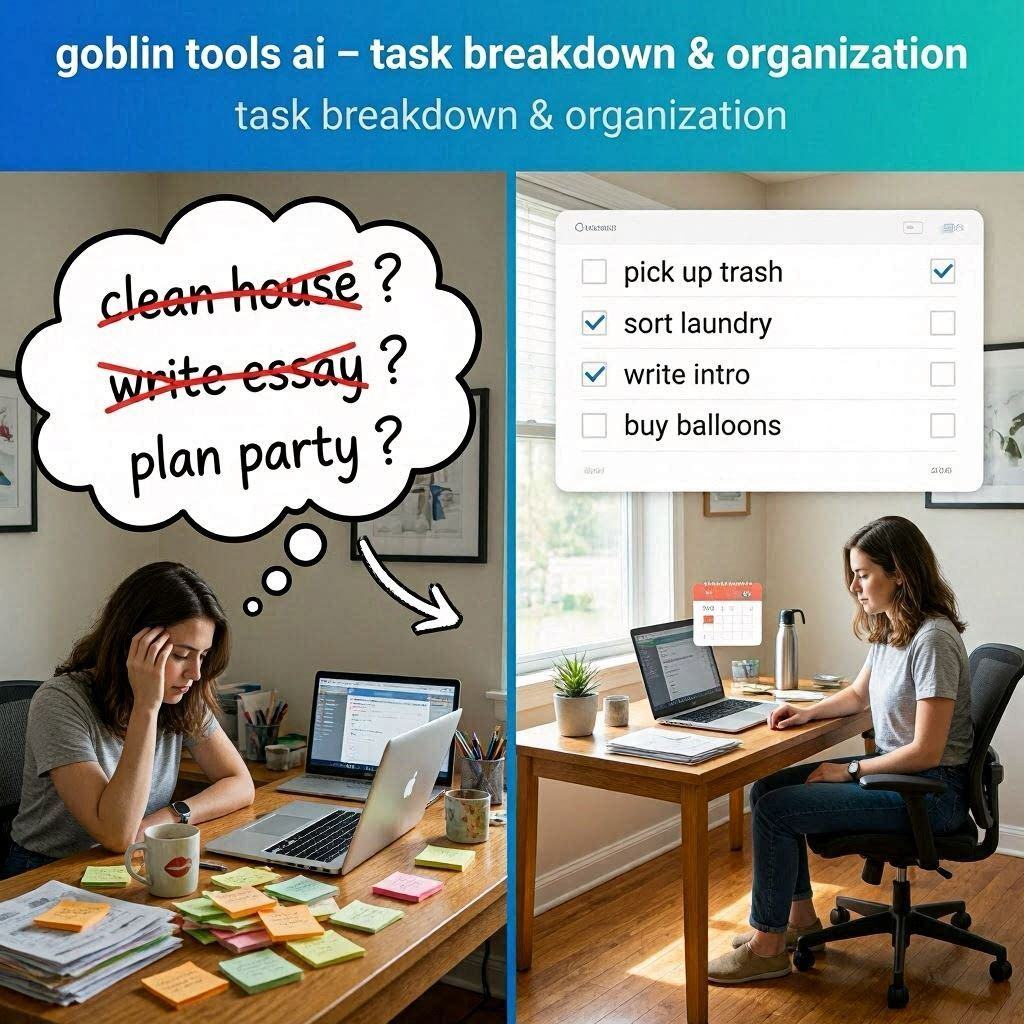
Goblin Tools Review 2026: The Best AI for Task Breakdown & OrganizationIntroductionDo you ever feel completely overwhelmed by a task? You have a project to finish, a room to clean, or an assignment to complete, but you don’t know where to start. The task feels so huge that you just freeze. Nothing gets done. The deadline gets closer. The stress gets worse.Goblin Tools solves this problem.Goblin Tools is a free AI-powered productivity tool designed specifically for people who get overwhelmed by tasks. It takes your vague, intimidating goals and breaks them down into small, manageable, actionable steps. It even estimates how long each step will take.In 2026, Goblin Tools has become a lifeline for students, professionals, creatives, and anyone with ADHD or executive dysfunction. It is simple, non-judgmental, and completely free.What is Goblin Tools?Goblin Tools is a web-based AI tool that helps you break down overwhelming tasks into tiny, doable steps. Think of it as a personal assistant that doesn’t judge you for struggling with basic tasks.How it works:Type or paste your task (e.g., “Clean my apartment”)Click the magic wand buttonAI breaks the task into smaller stepsEach step can be broken down furtherAdd estimated time for each stepWork through the list, one step at a timeThe philosophy: No task is too small to break down. No struggle is shameful. The tool is completely non-judgmental and designed to help you actually get things done.Key features:Task breakdown – Turns “clean room” into “pick up clothes, make bed, vacuum floor, etc.”Time estimation – Estimates how long each step will takeCustomizable detail – Make steps more or less detailed with a sliderBrain dump – Pour out all your thoughts, AI organizes themEstimator – Type any task, get estimated completion timeMessage neutralizer – Rewrites emotionally charged messages to be neutralMagic to-do list – Converts rough notes into a formatted to-do listKey Features of Goblin Tools1. Task Breakdown (The Main Feature)This is Goblin Tools’ core feature. Type any task, and AI breaks it into smaller steps:Input Output Steps”Clean my room” Pick up trash → Put away clothes → Make bed → Vacuum floor → Dust surfaces → Organize desk”Write an essay” Research topic → Create outline → Write introduction → Write body paragraphs → Write conclusion → Edit and proofread”Plan a party” Set date → Create guest list → Choose venue → Plan menu → Send invitations → Buy decorations”Learn guitar” Buy/borrow guitar → Learn basic chords → Practice daily → Learn simple song → Take lessons → Play with othersMagic wand button: Click it, and AI instantly breaks down your task.Spiciness slider: Adjust how detailed you want the breakdown. Low spiciness = broad steps. High spiciness = very detailed, tiny steps.2. Time EstimationNot only does it break down tasks, but it also estimates how long each step takes:Task Estimated TimePick up trash 3 minutesPut away clothes 7 minutesMake bed 2 minutesVacuum floor 10 minutesDust surfaces 5 minutesOrganize desk 8 minutesTotal 35 minutesThis helps with:Planning your dayNot overcommittingRealistic goal settingSeeing that tasks aren’t as big as they feel3. Brain DumpHave a million thoughts in your head? Type them all out – messy, random, incomplete sentences – and AI organizes them:Messy Input Organized Output”need milk, call mom, project due Friday, wash car, pay bill, doctor Tuesday” • Groceries: buy milk• Family: call mom• Work: complete project by Friday• Errands: wash car, pay bill• Appointments: doctor TuesdayPerfect for clearing mental clutter.4. EstimatorType any task, and AI estimates how long it will take:Task Estimated Time”Write a 1000 word blog post” 1.5 – 2 hours”Cook dinner for 4 people” 45 – 60 minutes”Study for final exam” 6 – 8 hours (over several days)”Build a website” 10 – 20 hoursHelps you plan your day realistically.5. Compass (Message Neutralizer)Ever received an email or text that made you angry? Paste the message, and AI rewrites it in a neutral, professional tone:Emotional Message Neutralized Version”Why haven’t you finished this yet? This is so frustrating!” “Could you provide an update on the timeline for this task?””You always forget to do this!” “Please remember to complete this task in the future.”Perfect for:Avoiding emotional responsesProfessional communicationDe-escalating conflicts6. Magic To-Do ListType rough notes like “milk, call mom, finish report” and AI creates a formatted to-do list:Rough Input Formatted Output”milk call mom finish report” □ Buy milk□ Call mom□ Complete reportHow to Use Goblin Tools (Step by Step)Step Action1 Go to goblin.tools2 No signup required (completely free)3 Click “Magic To Do”4 Type your task (e.g., “Clean my apartment”)5 Click the magic wand icon (✨)6 AI breaks down the task into steps7 Adjust “spiciness” slider for more/less detail8 Check off steps as you complete them9 Click the wand on any step to break it down further10 Add estimated times (optional)Pricing: Completely FreeFeature StatusMonthly Cost $0Signup Required NoTask Breakdown ✅ UnlimitedTime Estimation ✅ UnlimitedBrain Dump ✅ UnlimitedMessage Neutralizer ✅ UnlimitedMagic To-Do List ✅ UnlimitedWatermark NoCommercial Use YesMobile App ✅ Yes (iOS and Android)Goblin Tools is 100% free. No credit card. No signup. No limits.Real-World ExamplesExample 1: Overwhelmed StudentScenario: A student has a 10-page research paper due in 2 weeks and doesn’t know where to start.Goblin Tools Workflow:Type “Write 10-page research paper”Click magic wandAI breaks down: Choose topic → Find sources → Create outline → Write intro → Write body → Write conclusion → Cite sources → Edit → Format → SubmitEach step can be broken down further (e.g., “Find sources” → Search Google Scholar → Find 10 relevant papers → Read abstracts → Save PDFs)Add time estimatesWork through steps one by oneResult: Overwhelming paper becomes manageable daily tasks.Example 2: Messy ApartmentScenario: Someone’s apartment is a mess, and they feel paralyzed.Goblin Tools Workflow:Type “Clean my apartment”High spiciness (very detailed)AI breaks down: Living room: pick up trash, put away clothes, dust shelves, clean coffee table, vacuum. Bedroom: make bed, organize closet, clean nightstand. Kitchen: load dishwasher, wipe counters, take out trash. Bathroom: clean mirror, wipe sink, scrub toilet.Check off each tiny stepFeel accomplished after each small winResult: Apartment gets clean without feeling overwhelmed.Example 3: Angry Email ResponseScenario: You received a frustrating email from a coworker.Goblin Tools Workflow:Copy the angry emailGo to “Compass” (Message Neutralizer)Paste the emailAI rewrites it neutrallyReply with neutral versionResult: Professional response without emotional escalation.Pros and Cons✅ Pros100% free – No signup, no credit card, no limitsNo signup required – Just open and useVery easy to use – Type task, click wandAdjustable detail – Spiciness slider controls depthTime estimates – Helps with planningMultiple tools – Task breakdown, estimator, brain dump, message neutralizerMobile app available – iOS and AndroidNon-judgmental – Designed for people who struggle with executive functionGreat for ADHD – Specifically helpful for neurodivergent individuals❌ ConsNo collaboration features – Individual use onlyNo project management – No due dates, no sharing, no team featuresEstimates are approximate – Not always accurateSimple interface – Not flashy or feature-richNo integrations – Doesn’t connect to calendars, task managers, or other toolsWho Should Use Goblin Tools?User Type Why Use Goblin Tools?Students Break down assignments, essays, exam prepProfessionals Manage projects, tasks, emailsPeople with ADHD Overcome executive dysfunction, task paralysisAnyone feeling overwhelmed Make big tasks feel smallParents Manage household tasks, kids’ schedulesCreatives Break down creative projects (writing, art, design)Small business owners Manage to-do lists, delegate tasksGoblin Tools vs CompetitorsFeature Goblin Tools Todoist Trello MotionPrice Free Free-$5/mo Free-$10/mo $19/moAI Task Breakdown ✅ Yes ❌ No ❌ No ✅ LimitedTime Estimation ✅ Yes ❌ No ❌ No ✅ YesMessage Neutralizer ✅ Yes ❌ No ❌ No ❌ NoSignup Required No Yes Yes YesBest For Breaking down tasks Lists Projects CalendarVerdict: Goblin Tools is the best tool for breaking down overwhelming tasks. For project management, use Trello. For calendar scheduling, use Motion.Tips for Best ResultsStart with the big task – “Clean house” not “pick up clothes”Use high spiciness for detailed steps – When you’re really stuckUse low spiciness for broad overview – When you just need directionBreak down steps recursively – Click wand on any sub-stepAdd time estimates – Makes tasks feel more manageableCheck off steps – Small wins build momentumUse Brain Dump for mental clutter – Get everything out of your headUse Compass for difficult messages – Before sending emotional emailsFrequently Asked QuestionsIs Goblin Tools really free?Yes, completely free. No signup. No credit card. No limits.Do I need to create an account?No. Just open the website and start using it.Is there a mobile app?Yes, available on iOS and Android app stores.Can I use Goblin Tools for commercial work?Yes, completely free for any use.Who created Goblin Tools?Created by a developer who wanted to help people with executive dysfunction.Is it good for ADHD?Yes, specifically designed for people with ADHD and executive function challenges.The Science Behind Task BreakdownWhy breaking tasks down works:Problem SolutionTask paralysis Too big to start → Tiny first stepOverwhelm Can’t see the path → Clear roadmapTime blindness Don’t know how long → Time estimatesPerfectionism Fear of doing it wrong → Permission to do tiny stepsGoblin Tools addresses all of these by making tasks concrete, measurable, and achievable.Final VerdictGoblin Tools is not trying to replace project management software like Asana or Trello. Instead, it solves a specific problem – helping people who feel overwhelmed actually start and finish tasks.If you have ever stared at a messy room and felt paralyzed, Goblin Tools will help.If you have ever procrastinated on an assignment because it felt too big, Goblin Tools will help.If you struggle with executive dysfunction, ADHD, or just plain overwhelm, Goblin Tools is for you.The tool is 100% free. No sign. up. No ads. No catch. Just a simple, powerful, non-judgmental assistant that helps you get things done.Rating: 4.8/5 Best for: Students, ADHD individuals, overwhelmed professionals, anyone who struggles to start tasks Worst for: Team project management, complex enterprise workflows.