
Otter.ai Review 2026: The Best AI Meeting Assistant for ProfessionalsIntroduction
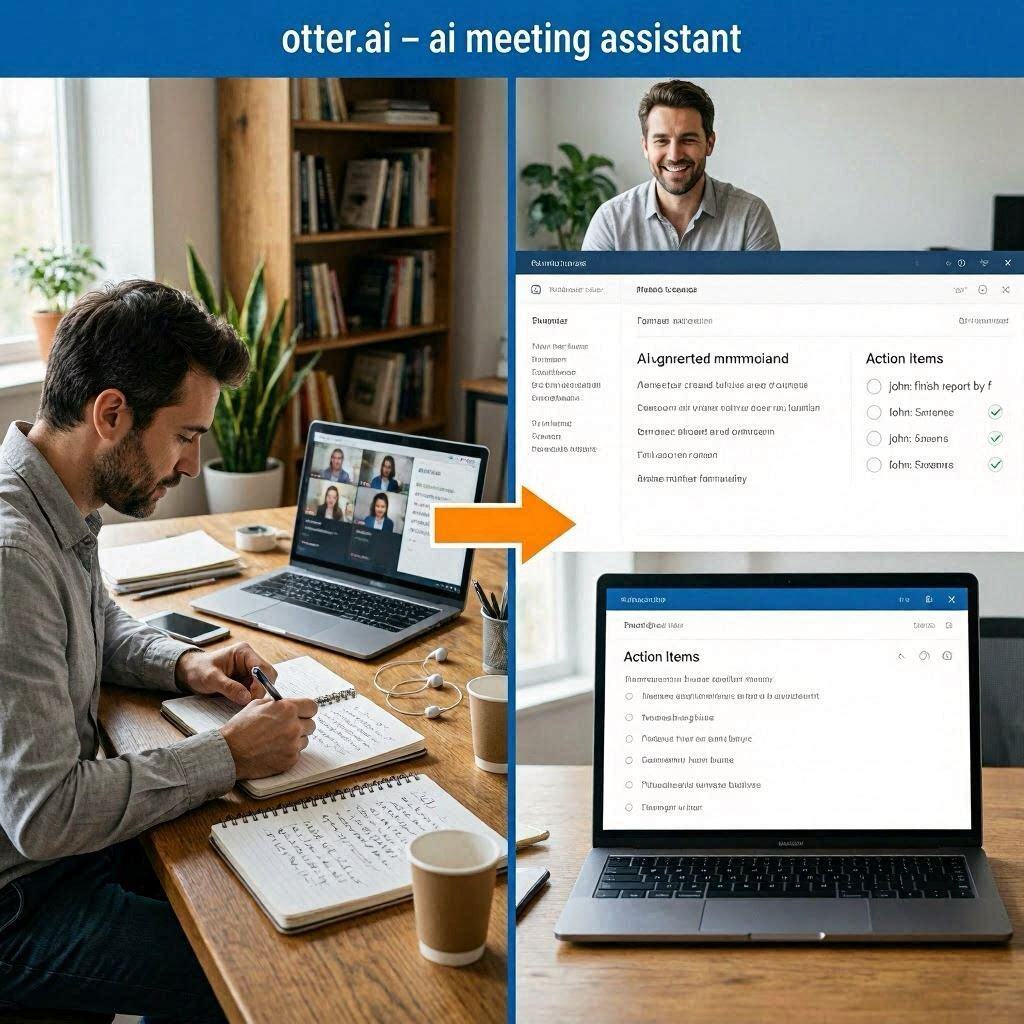
Otter.ai Review 2026: The Best AI Meeting Assistant for ProfessionalsIntroductionHow many hours do you waste taking notes during meetings? How many times have you left a meeting and forgotten what was discussed? How many action items have fallen through the cracks because someone forgot to write them down?Otter.ai solves these problems.Otter.ai is an AI-powered meeting assistant that automatically joins your calls, records everything, transcribes the conversation in real-time, and generates summaries with action items. You never have to take notes again. You never have to wonder “what did we decide?” again. Otter remembers everything.In 2026, Otter.ai has become the standard for remote and hybrid teams. Millions of professionals use it to save time, stay organized, and never miss important details from meetings.What is Otter.ai?Otter.ai is a cloud-based AI transcription and meeting assistant that integrates with your calendar and video conferencing tools. It automatically joins your scheduled meetings, records audio, transcribes speech to text in real-time, and generates actionable summaries.How it works:Connect your calendar (Google or Outlook)Otter detects your meetingsOtter bot joins your Zoom, Google Meet, or Teams callsAI transcribes conversation in real-timeAfter meeting, AI generates summary and action itemsShare with team members who couldn’t attendThe magic: You can focus entirely on the conversation instead of frantically taking notes. Otter handles everything else.Key features:Live transcription – Real-time captions during meetingsAutomatic summaries – AI extracts key pointsAction item extraction – Identifies tasks and who owns themSpeaker identification – Knows who said whatSearch across all meetings – Find anything instantlyIntegrations – Zoom, Google Meet, Teams, Slack, SalesforceKey Features of Otter.ai1. Live Transcription (Real-Time Captions)During any meeting, Otter provides live, real-time captions:Feature What It DoesReal-time text Words appear on screen as they are spokenSpeaker labels Identifies who is speaking (John, Sarah, etc.)Timestamping Every word linked to exact timeSearchable Find anything during the meetingUse cases:Non-native speakers can follow alongHearing-impaired participantsReview what was said instantlyCatch details you missed2. Automatic Meeting SummariesAfter every meeting, Otter generates a concise summary:Input (1 hour meeting) Output (2 minute summary)10,000+ words of conversation Key discussion pointsMultiple topics discussed Decisions madeVarious opinions expressed Open questionsTangents and side conversations Main takeawaysExample summary:”The team discussed the Q3 marketing budget. Decided to allocate $50,000 to social media ads. Action items: John will create the ad creative by Friday. Sarah will set up tracking by Wednesday. Next meeting scheduled for Thursday at 2 PM.”You can read this in 2 minutes instead of listening to 60 minutes of recording.3. Action Item ExtractionOtter automatically identifies tasks and who they belong to:Spoken in Meeting Extracted Action Item”John, can you finish the report by Friday?” ✅ John: Finish report by Friday”I’ll schedule the follow-up meeting” ✅ Sarah: Schedule follow-up meeting”Someone needs to update the website” ⚠️ Unassigned: Update website”Let’s circle back on this next week” ⏰ Follow up next weekAction items are displayed in a clean checklist format. You can assign, prioritize, and mark complete.4. Speaker IdentificationOtter learns to recognize different voices:Feature How It WorksVoice recognition Identifies regular speakers by nameManual labeling You can assign names to speakersMulti-speaker Handles multiple people talkingAccuracy Improves over time with trainingNo more wondering “who said that?”5. Search Across All MeetingsOtter indexes everything said in every meeting:Search Example Result”budget” Every mention of budget across all meetings”decision about Q4″ Exact moment decision was made”John’s action items” All tasks assigned to John”client feedback” All client feedback mentionsTime saved: Hours of scrolling through recordings or notes.6. IntegrationsOtter works with the tools you already use:Integration What It DoesZoom Otter bot joins Zoom meetings automaticallyGoogle Meet Otter bot joins Google Meet callsMicrosoft Teams Otter bot joins Teams meetingsSlack Share summaries directly to Slack channelsSalesforce Log meeting notes to CRM automaticallyGoogle Drive Save transcripts to DriveDropbox Save transcripts to Dropbox7. Mobile AppOtter has iOS and Android apps:Feature What You Can DoRecord in-person meetings Use phone microphoneRecord interviews Perfect for journalistsTranscribe existing audio Upload recordingsPlayback with text Tap any word to play audioShare summaries Send via email, Slack, etc.How to Use Otter.ai (Step by Step)Setup:Step Action1 Go to otter.ai2 Sign up (free tier available)3 Connect your Google or Outlook calendar4 Connect Zoom/Google Meet/Teams5 Otter will automatically join your scheduled meetingsDuring a Meeting:Step Action1 Otter bot appears as a participant2 Otter transcribes everything in real-time3 You can follow along with live captions4 Focus on the conversation (not note-taking)After a Meeting:Step Action1 Open Otter dashboard2 View transcript (searchable)3 Read AI-generated summary4 Review action items5 Share with team via link or SlackPricing: Free vs PaidFeature Free Tier Pro Plan Business PlanMonthly Cost $0 $10/month $30/monthTranscription Minutes 300 minutes/month 1,200 minutes/month 6,000 minutes/monthMeeting Length 30 minutes max Unlimited UnlimitedImport Audio/Video ❌ No ✅ Yes (up to 1GB) ✅ Yes (unlimited)Custom Vocabulary ❌ No ✅ Yes ✅ YesSpeaker Identification Basic Advanced AdvancedAction Items ✅ Basic ✅ Advanced ✅ AdvancedSummaries ✅ AI-generated ✅ AI-generated ✅ AI-generatedTeam Features ❌ No ❌ No ✅ Yes (team workspace)Salesforce Integration ❌ No ❌ No ✅ YesPriority Support ❌ No ❌ No ✅ YesFree tier: 300 minutes/month – great for personal use, occasional meetings.Pro ($10/month):** For regular meeting attendees.**Business ($30/month): For teams and organizations.Real-World ExamplesExample 1: Weekly Team MeetingScenario: A marketing team has a 1-hour weekly meeting with 8 participants.Without Otter:Someone takes messy notesAction items get missedPeople forget what was decidedAbsent team members don’t know what happenedWith Otter:Otter bot joins and transcribes everythingAI generates summary in 2 minutesAction items automatically extractedShare summary with entire teamAbsent members catch up instantlyTime saved: 1 hour of note-taking + 30 minutes of follow-up questions = 1.5 hours saved per week.Example 2: Client CallScenario: A salesperson has a 30-minute client discovery call.Without Otter:Salesperson takes notes (distracted)Misses important detailsForgets client’s pain pointsPoor follow-upWith Otter:Otter transcribes entire conversationSalesperson focuses on client (not notes)After call: full transcript and summaryAll client requirements capturedPerfect follow-up emailResult: Better client relationships, fewer mistakes, more sales.Example 3: Lecture or TrainingScenario: A student attends a 90-minute university lecture.Without Otter:Frantic note-takingMisses important points while writingNotes are incompleteCan’t review what professor actually saidWith Otter:Otter records and transcribes entire lectureStudent listens actively (no note-taking)After lecture: full transcript, summary, key pointsSearch for any topic discussedResult: Better grades, less stress, complete study material.Pros and Cons✅ ProsSaves hours of work – No more manual note-takingNever miss details – Full transcript of everything saidAutomatic action items – Tasks never fall through cracksSearchable history – Find anything instantlyGreat for remote teams – Keeps everyone alignedIntegrates with everything – Zoom, Teams, Slack, SalesforceMobile app – Record in-person meetings tooFree tier available (300 minutes/month)❌ ConsFree tier limited (300 minutes, 30 min per meeting)Accuracy not perfect – Noisy environments cause errorsPrivacy concerns – AI has access to meeting contentRequires bot to join – Some companies may not allowInternet required – No offline modeSetup takes time – Connecting all integrationsWho Should Use Otter.ai?User Type Why Use Otter.ai?Project managers Track action items, keep team alignedRemote teams Share meeting notes across time zonesSales professionals Capture client requirements perfectlyStudents Record lectures, create study guidesJournalists Transcribe interviews automaticallyExecutives Stay informed without attending every meetingLegal professionals Document client conversationsAnyone with many meetings Save hours of note-takingOtter.ai vs CompetitorsFeature Otter.ai Fireflies.ai Fathom RevFree Tier 300 min/mo Yes (limited) Yes NoZoom Integration ✅ Yes ✅ Yes ✅ Yes ❌ NoGoogle Meet ✅ Yes ✅ Yes ❌ No ❌ NoTeams Integration ✅ Yes ✅ Yes ✅ Yes ❌ NoLive Captions ✅ Yes ✅ Yes ✅ Yes ❌ NoAction Items ✅ Yes ✅ Yes ✅ Yes ❌ NoMobile App ✅ Yes ✅ Yes ❌ No ✅ YesStarting Price $10/mo $10/mo Free (limited) $15/hrBest For All-around Sales teams Zoom users Human transcriptionVerdict: Otter.ai is the best all-around meeting assistant with strong integrations and a generous free tier. For sales teams, Fireflies.ai is competitive. For purely Zoom users, Fathom is good.Tips for Best ResultsConnect your calendar – Otter will automatically join scheduled meetingsTrain speaker names – Label speakers initially, AI learns over timeUse custom vocabulary – Add industry-specific terms, product names, acronymsReview summaries quickly – Don’t ignore them; use them to stay informedShare with absent team members – Keep everyone alignedSearch before meetings – See what was discussed last timeUse mobile app for in-person – Record face-to-face conversations tooUpgrade if needed – 300 minutes goes fast with frequent meetingsPrivacy and SecurityConcern Otter’s ApproachData ownership You own your dataEncryption Data encrypted in transit and at restCompliance SOC 2 Type II, HIPAA compliant (Business plan)Deletion You can delete transcripts anytimeAI training You can opt out of using your data to train AIFor sensitive meetings: Review your company’s policy before using Otter.Frequently Asked QuestionsIs Otter.ai really free?Yes, free tier gives you 300 transcription minutes per month (30 min max per meeting).Can Otter join any meeting?It works with Zoom, Google Meet, and Microsoft Teams. It needs to be invited or connected to your calendar.Is Otter accurate?Very accurate in quiet environments with clear speech. Noisy environments or heavy accents reduce accuracy.Can I use Otter for in-person meetings?Yes, use the mobile app to record and transcribe in-person conversations.Does Otter store my data?Yes, transcripts are stored in your Otter account. You can delete them anytime.Can my team see my Otter notes?Only if you share them. Business plan includes shared team workspaces.The Future of Meeting NotesWhy Otter is changing how we work:Old Way New Way with OtterOne person takes notes AI takes notes for everyoneNotes are incomplete Full transcript of everythingAction items get missed Action items automatically extractedAbsent team members are lost Anyone can read summaryCan’t find what was said Search across all meetingsOtter frees you to actually participate in meetings instead of just documenting them.Final VerdictOtter.ai is not trying to replace human note-takers entirely. Instead, it is a productivity multiplier that saves you hours of work every week.If you spend 5+ hours per week in meetings, Otter will pay for itself many times over.If you are a student, Otter will transform how you study.If you manage a remote team, Otter will keep everyone aligned.The free tier gives you 300 minutes to test. The $10/month Pro plan is a bargain for regular meeting attendees. The $30/month Business plan is for teams that need shared workspaces.For meeting transcription and summaries, Otter.ai is the best tool available in 2026.Rating: 4.7/5 Best for: Remote teams, project managers, sales professionals, students, executives Worst for: People with very few meetings, privacy-sensitive organizations.