
Poke AI Review 2026: The First AI Agent on Apple iMessage
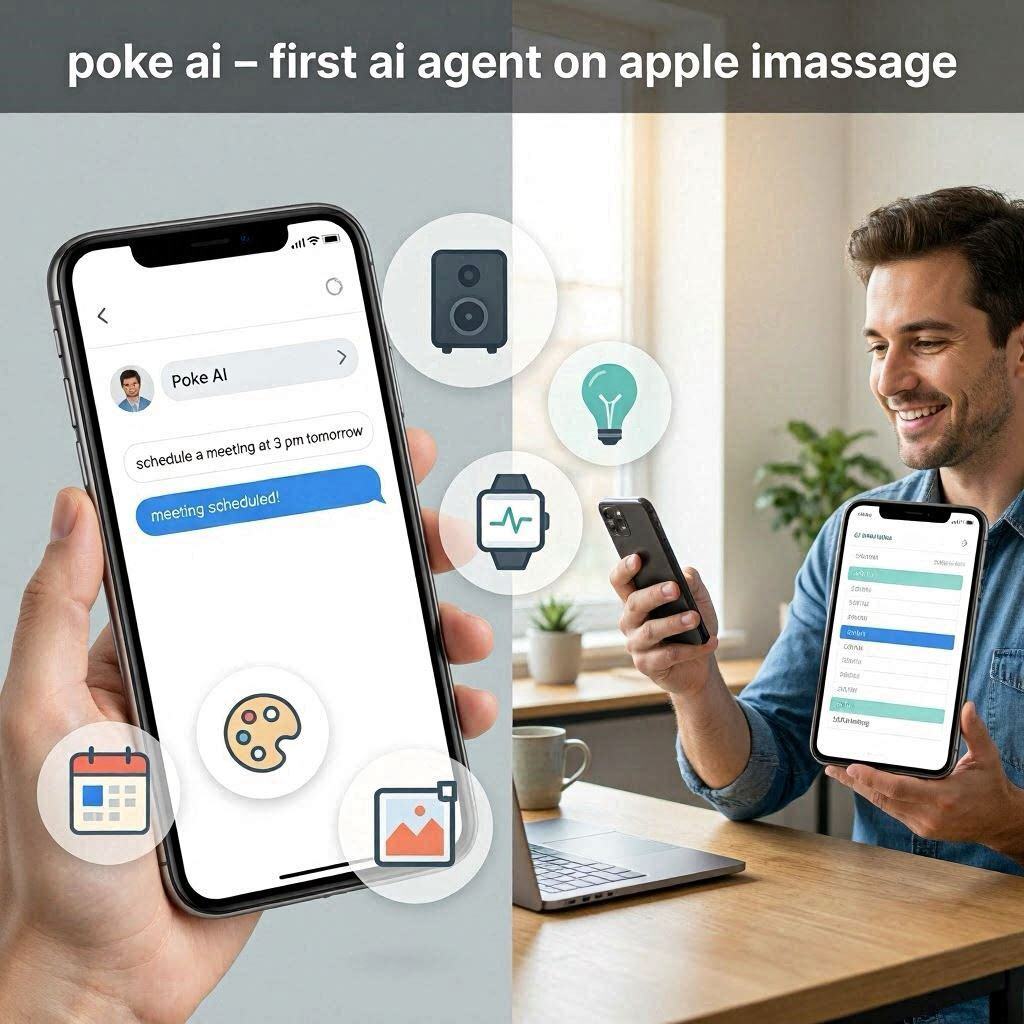
Poke AI Review 2026: The First AI Agent on Apple iMessageIntroductionImagine if you could text an AI assistant just like you text a friend. No apps to open. No websites to visit. No interfaces to learn. Just open iMessage, type what you need, and the AI does it.Poke AI makes this possible.Poke is the first AI agent approved by Apple for Messages for Business. It works directly inside iMessage – the app you already use every day. Text Poke to plan your day, manage your calendar, control your smart home, edit photos, or track your health. It feels like having a personal assistant on speed dial.In 2026, Poke has processed over 100 million messages. It’s available on SMS, Telegram, and WhatsApp too. But its magic shines brightest on iMessage, where it’s changing how people use their iPhones.What is Poke AI?Poke is an AI-powered personal assistant that works through text messages. Unlike other AI tools that require you to open a website or download an app, Poke lives right inside your messages app. Just send a text, and Poke handles the rest.How it works:Step Action1 Open iMessage on your iPhone2 Start a new conversation with the Poke contact3 Type what you need (e.g., “Schedule a meeting for 3 PM tomorrow”)4 Poke processes your request5 Poke confirms and takes actionThe magic: No app switching. No copy-pasting. No learning curve. Just text and go.Key capabilities:Feature What Poke Can DoCalendar management Schedule meetings, set reminders, check availabilitySmart home control Turn on lights, adjust thermostat, lock doorsHealth tracking Log meals, water intake, steps, sleepPhoto editing Crop, filter, adjust brightness, remove objectsTask management Add to-do list, set deadlinesInformation retrieval Find facts, set alarms, answer questionsKey Features of Poke AI1. iMessage Integration (The Main Feature)This is Poke’s killer feature. It works inside iMessage:Feature How It WorksNo app download Already in your messagesNo signup Just start textingNo learning curve Type naturallyNative experience Feels like texting a friendPrivacy Apple’s secure messagingWhy this matters: Most AI assistants require you to download an app, create an account, and learn a new interface. Poke removes all that friction.2. Calendar & SchedulingManage your schedule through text:What You Text What Poke Does”Schedule a meeting with John at 3 PM tomorrow” Creates calendar event and invites John”What’s my schedule today?” Sends your daily agenda”Remind me to call Sarah at 5 PM” Sets reminder”Reschedule my 2 PM meeting to 4 PM” Updates calendarNo more switching to your calendar app. Poke handles everything through text.3. Smart Home ControlControl your connected devices:What You Text What Poke Does”Turn on the living room lights” Activates smart lights”Set thermostat to 72 degrees” Adjusts temperature”Lock the front door” Locks smart lock”Start the robot vacuum” Begins cleaningIntegration: Works with Apple HomeKit, Google Home, Amazon Alexa, and other smart home platforms.4. Health & Wellness TrackingLog your health data:What You Text What Poke Does”Logged breakfast: oatmeal and berries” Records meal”I drank 2 glasses of water” Logs water intake”Did 30 minutes of cardio” Logs exercise”I slept 7 hours last night” Logs sleepHealth dashboard: Poke keeps track of your data and shows trends over time.5. Photo EditingEdit photos without leaving iMessage:What You Text What Poke Does”Edit this photo” Opens editing interface”Add a filter” Applies filter”Remove the background” Isolates subject”Crop this image” Crops as requestedNo need for editing apps. Poke handles basic photo edits through text.6. Task ManagementManage your to-do list:What You Text What Poke Does”Add ‘Buy groceries’ to my to-do list” Adds task”What’s on my to-do list today?” Shows today’s tasks”Mark ‘Send report’ as done” Completes task7. Cross-Platform SupportPoke is available on multiple platforms:Platform AvailabilityiMessage ✅ Yes (primary)SMS ✅ YesTelegram ✅ YesWhatsApp ✅ YesAndroid ✅ Yes (via SMS)Use Poke anywhere. Even if your friends don’t have iPhone, they can still use Poke.8. 100 Million+ Messages ProcessedPoke has processed over 100 million messages. This scale means the AI has learned from millions of real conversations, making it smarter and more accurate.How to Use Poke AI (Step by Step)On iMessage:Step Action1 Open iMessage on your iPhone2 Type Poke’s contact number or search “Poke”3 Start a new conversation4 Type your request naturally5 Poke responds and takes action6 Continue the conversation as neededOn SMS/Telegram/WhatsApp:Step Action1 Open your messaging app2 Search for “Poke AI” or add the Poke contact3 Send a message with your request4 Poke responds and helpsPricing: Free vs PaidFeature Free Tier Pro PlanMonthly Cost $0 Subscription (under $10)Daily messages Limited UnlimitedCalendar management ✅ Basic ✅ FullSmart home control ❌ No ✅ YesHealth tracking ✅ Basic ✅ FullPhoto editing ❌ No ✅ YesTask management ✅ Basic ✅ FullCross-platform ✅ iMessage only ✅ All platformsFree tier: Limited daily messages, basic features.Pro plan: Unlimited, all features.Real-World ExamplesExample 1: Morning RoutineScenario: You wake up and want to plan your day.Poke Conversation:You: “Good morning! What’s my schedule today?”Poke: “You have a 10 AM meeting with the design team, 2 PM client call, and a 4 PM project review. You also have 3 tasks due today: ‘Send proposal,’ ‘Update budget,’ and ‘Review design.'”You: “Remind me to send the proposal at 9:30 AM”Poke: “Reminder set for 9:30 AM to send proposal.”Example 2: Smart Home ControlScenario: You’re leaving for work and want to turn off the lights.Poke Conversation:You: “Turn off all the lights and lock the front door”Poke: “Lights turned off. Front door locked. Have a great day!”You: “Set thermostat to 70 degrees”Poke: “Thermostat set to 70 degrees.”Example 3: Health TrackingScenario: You want to track your daily water intake.Poke Conversation:You: “I drank a glass of water”Poke: “Logged 1 glass of water. Total today: 3 glasses. Goal: 8 glasses.”You: “How many more glasses do I need?”Poke: “You need 5 more glasses of water to reach your goal of 8.”Pros and Cons✅ ProsNo app to download – Works inside iMessageNo signup required – Just start textingVery easy to use – Type naturallyProcesses 100M+ messages – Proven and reliableMultiple platforms – iMessage, SMS, Telegram, WhatsAppSmart home integration – Control devices through textHealth tracking – Log meals, water, exercisePhoto editing – Edit photos through textPrivacy-focused – Apple’s secure messaging❌ ConsFree tier limited – Limited daily messagesiMessage primary – Best on iPhoneNo voice input – Only text (no Siri-like voice)Android limited – SMS only (not as polished)Learning curve – Need to know what Poke can doInternet required – No offline modeWho Should Use Poke AI?User Type Why Use Poke?iPhone users Already using iMessage dailyBusy professionals Manage calendar, tasks, remindersSmart home owners Control devices through textHealth-conscious people Track meals, water, exerciseAnyone who hates apps No downloads, no signupsFrequent texters Already comfortable with messagingPoke AI vs CompetitorsFeature Poke AI Siri ChatGPT Google AssistantWorks in iMessage ✅ Yes ❌ No ❌ No ❌ NoNo app download ✅ Yes ✅ Built-in ❌ No ❌ NoText-based ✅ Yes ❌ Voice ✅ Yes ✅ Voice/TextSmart home ✅ Yes ✅ Yes ❌ No ✅ YesCalendar ✅ Yes ✅ Yes ❌ No ✅ YesPhoto editing ✅ Yes ❌ No ❌ No ❌ NoCross-platform ✅ Yes ❌ No ✅ Yes ✅ YesVerdict: Poke is the best text-based assistant for iMessage users. For voice, Siri is better. For complex tasks, ChatGPT is better.Frequently Asked QuestionsIs Poke AI really free?Yes, free tier available with limited daily messages.Do I need to download an app?No. Poke works inside iMessage, SMS, Telegram, and WhatsApp.Can I use Poke on Android?Yes, via SMS and WhatsApp on Android.Does Poke work with smart home devices?Yes, works with Apple HomeKit, Google Home, Amazon Alexa.Can Poke edit photos?Yes, Poke can apply filters, crop, remove backgrounds, and more.Is my data private?Yes, Poke uses secure messaging platforms (iMessage is encrypted).Final VerdictPoke AI is not trying to replace Siri or ChatGPT. Instead, it solves a different problem – bringing AI directly into your messages.If you use iMessage daily, Poke feels natural and seamless. No apps. No signups. No learning curves. Just text and go.The free tier lets you test it. The Pro plan unlocks unlimited messages and all features.For text-based AI assistance in iMessage, Poke is the best tool available in 2026.Rating: 4.5/5Best for: iPhone users, busy professionals, smart home owners, health trackersWorst for: Voice input, offline use, advanced AI tasks.