
Elai.io Review 2026: The Best AI Avatar for YouTube VideosIntroduction
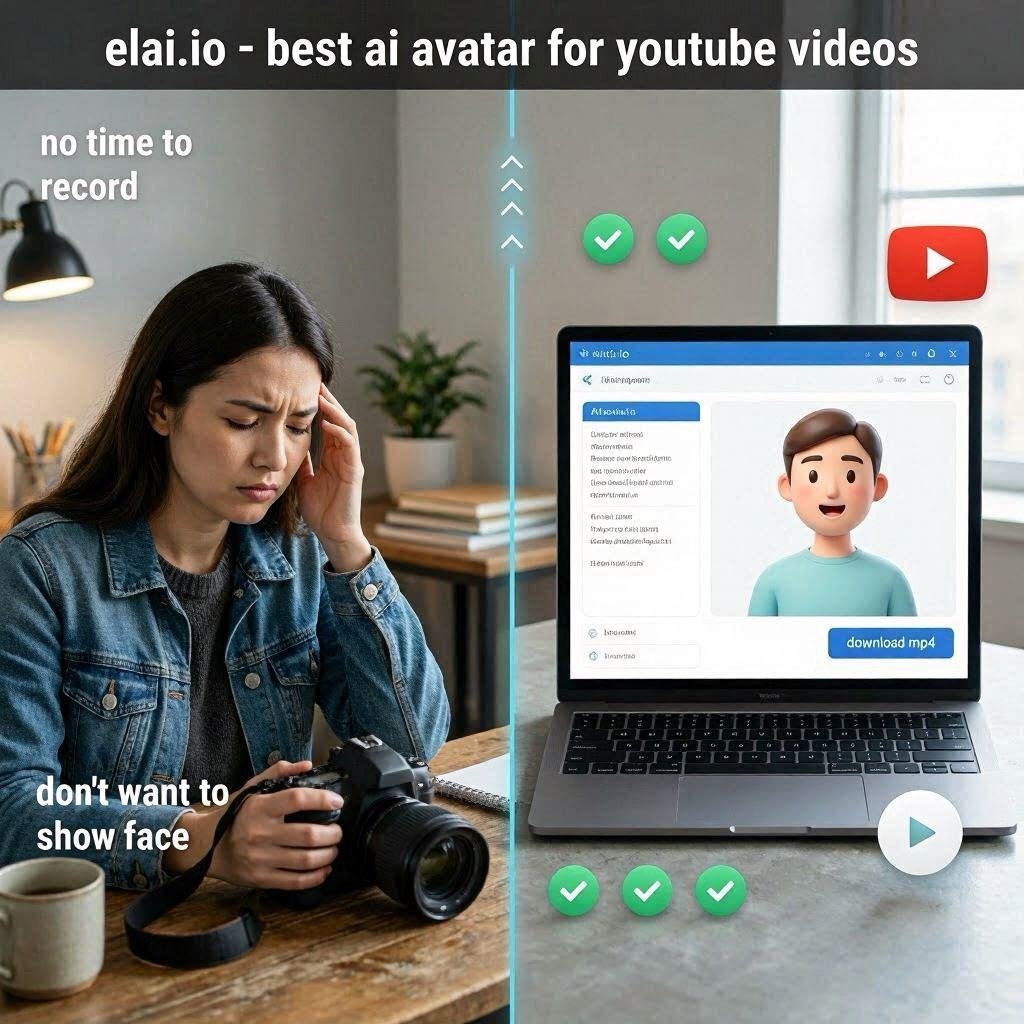
Elai.io Review 2026: The Best AI Avatar for YouTube VideosIntroductionHave you ever wanted to start a YouTube channel but didn’t want to show your face? Or maybe you’re a business owner who needs explainer videos but doesn’t have the time or budget to record and edit them? Perhaps you’re an educator who wants to create engaging video lessons without spending hours in front of a camera.Elai.io solves all these problems.Elai.io is an AI-powered video generation platform that lets you create professional YouTube videos with AI avatars. Just type your script, choose an avatar from 100+ realistic options, and Elai generates a complete video with perfect lip sync, natural movements, and professional quality.In 2026, Elai.io has become the go-to tool for faceless YouTube channels, educators, marketers, and businesses who want to create video content at scale without recording themselves.What is Elai.io?Elai.io is a cloud-based AI video generator that creates talking avatar videos from text. Unlike other avatar tools that look robotic and fake, Elai’s avatars are realistic, expressive, and natural.How it works:Step Action1 Type or paste your script2 Choose an AI avatar (100+ options)3 Select a background or upload your own4 Choose a voice (75+ languages)5 Click “Generate”6 AI creates a video in 2-5 minutes7 Review, edit if needed, downloadThe magic: No camera. No microphone. No editing skills. Just text and a few clicks.Key features:100+ realistic avatars (diverse ethnicities, ages, styles)75+ languages with natural accentsPerfect lip sync – mouth movements match speechCustom avatars – upload your own photo (Enterprise)PPT to video – turn presentations into videosVoice cloning – clone your own voice (Pro plan)Key Features of Elai.io1. 100+ Realistic AI Avatars (The Main Feature)Elai offers over 100 professional avatars designed for different purposes:Avatar Category ExamplesDiversity Different ethnicities, ages, gendersProfessional Business casual, formal, friendlyStyles Standing, sitting, gesturing, walkingCustom Upload your own photo (Enterprise)All avatars use real actors as source material – no creepy CGI faces. The result is natural, trustworthy, and engaging.2. 75+ Languages & AccentsCreate videos for global audiences:Region LanguagesEuropean English (US, UK, AU), Spanish, French, German, Italian, Portuguese, DutchAsian Chinese, Japanese, Korean, Hindi, ArabicOther Russian, Turkish, Polish, Swedish, DanishEach language has native speakers as voices – no robotic translations.3. Perfect Lip Sync (Video-to-Video)Elai’s lip sync technology is among the best in the industry:Feature CapabilityAccuracy 95%+ word-to-mouth matchingLanguages Works in all 75+ languagesSpeed Real-time generationEmotions Conveys tone and emphasisThe avatar’s mouth movements match your script’s pronunciation, speed, and emphasis – even for complex words and names.4. PPT to Video (Unique Feature)This is Elai’s standout feature:Step Action1 Upload your PowerPoint (PPTX)2 Elai converts each slide to a scene3 Add an avatar to narrate each slide4 Type or paste your script5 AI syncs avatar with slides6 Download your complete training videoTime saved: Hours of manual editing.5. Voice Cloning (Pro Plan)Upload your own voice and use it forever:Feature What It DoesRecord 2 minutes Upload your voice sampleAI clones voice Creates digital copy of your voiceUse forever All future videos use your voicePerfect for: Brands, content creators who want consistent voice.6. Video Templates (100+)Don’t start from scratch. Choose from templates for:Template Type ExamplesYouTube Intros, outros, subscriber thank youEducation Lessons, tutorials, coursesBusiness Explainer videos, product demosMarketing Ads, promos, announcementsCorporate Training, onboarding, policies7. Custom Backgrounds & BrandingMaintain your brand identity:Feature What It DoesUpload background Your office photo, branded graphic, solid colorAdd logo Watermark or corner logoCustom colors Match your brand guidelinesIntro/outro Pre-roll and post-roll videos8. Direct Social Media ExportShare directly to:Platform FormatYouTube 16:9 horizontal videoTikTok 9:16 vertical videoInstagram Reels 9:16 vertical videoLinkedIn 1:1 or 16:9Save to device MP4 videoHow to Use Elai.io (Step by Step)Step Action1 Go to elai.io2 Sign up (free trial available)3 Click “Create Video”4 Choose an avatar (100+ options)5 Select background (upload or choose from library)6 Type or paste your script7 Select language and voice8 Upload PowerPoint (optional)9 Click “Generate”10 Wait 2-5 minutes11 Preview, edit if needed12 Download MP4 or share directly to YouTubePricing: Free Trial vs PaidFeature Free Trial Basic Pro EnterpriseMonthly Cost $0 (one-time) $23/month $56/month CustomVideo Minutes 5 minutes 30 min/month 120 min/month UnlimitedAvatars 10 50+ 100+ 100+ + CustomLanguages 10 50+ 75+ 75+PPT to Video ✅ Yes ✅ Yes ✅ Yes ✅ YesVoice Cloning ❌ No ❌ No ✅ Yes ✅ YesCustom Avatar ❌ No ❌ No ❌ No ✅ YesWatermark Yes No No NoCommercial Use No ✅ Yes ✅ Yes ✅ YesFree trial: 5 minutes to test.Basic ($23/month):** For individual creators.**Pro ($56/month): For regular creators needing voice cloning.Enterprise: For large organizations.Real-World ExamplesExample 1: Faceless YouTube ChannelScenario: You want to start a YouTube channel but don’t want to show your face.Elai.io Workflow:Choose a professional avatarType your script (e.g., “Top 10 AI Tools for 2026”)Select a voiceGenerate video in 3 minutesAdd intro/outroUpload to YouTubeResult: Professional YouTube videos without showing your face.Example 2: Corporate Training VideoScenario: HR needs a 10-minute onboarding video.Elai.io Workflow:Upload PowerPoint with company policiesChoose professional avatar (business casual)Paste script: “Welcome to the team. Here are our core values…”AI generates complete videoAdd company logo and colorsDownload MP4Time saved: 2 days of filming/editing → 2 hours in Elai.Example 3: Educational ContentScenario: Teacher wants to create engaging online lessons.Elai.io Workflow:Choose friendly avatarType lesson contentAdd educational backgroundGenerate videoUpload to YouTube or LMSResult: Consistent, professional video lessons every time.Pros and Cons✅ ProsNo camera needed – Use AI avatarsNo microphone needed – AI voices100+ avatars – Huge variety75+ languages – Global audiencePPT to video – Saves massive timeVoice cloning – Consistent brand voiceVery easy to use – No editing skillsFree trial available (5 minutes)❌ ConsExpensive ($23-56/month)Free trial limited (5 minutes only)Watermark on free trialAvatars can look fake – Not perfectNo video editing – Limited customizationRequires internet – No offline modeWho Should Use Elai.io?User Type Why Use Elai.io?Faceless YouTubers Create videos without showing faceEducators Video lessons, coursesCorporate trainers Onboarding, training videosMarketers Explainer videos, adsSmall businesses Product demos, promosContent creators Scale video productionAnyone Create videos without recordingElai.io vs CompetitorsFeature Elai.io Synthesia Heygen ColossyanAvatars 100+ 140+ 100+ 50+Languages 75+ 120+ 50+ 60+PPT to Video ✅ Yes ✅ Yes ❌ No ✅ YesVoice Cloning ✅ Yes ✅ Yes ✅ Yes ❌ NoFree Trial 5 min 5 min 5 min 5 minPrice $23/mo $30/mo $29/mo $19/moBest For YouTube Corporate All-purpose TrainingVerdict: Elai.io is the best for YouTube and educational content. Synthesia is better for corporate. Heygen is better for all-purpose.Tips for Best ResultsKeep scripts concise – 100-150 words per minute is idealUse short sentences – Easier for AI to pronounce naturallyAdd pauses – Use punctuation to control pacingTest different avatars – Some work better for certain contentUse PPT to video – Saves massive timeAdd branding – Logo, colors make it look professionalReview before publishing – AI isn’t perfect, catch errorsUse voice cloning – For consistent brand voiceFrequently Asked QuestionsIs Elai.io really free?Free trial gives you 5 minutes. Paid plans start at $23/month.Can I use my own avatar?Enterprise plan includes custom avatar creation.What languages does Elai support?75+ including English, Spanish, French, German, Chinese, Japanese, Arabic, Hindi.Can I upload my own PowerPoint?Yes, PPT to video is a core feature.Is there a watermark on free videos?Yes. Paid plans remove the watermark.Can I use Elai for YouTube?Yes, supports 16:9 aspect ratio and direct YouTube upload.Final VerdictElai.io is not trying to be a general-purpose avatar tool. Instead, it solves a specific problem – creating YouTube and educational videos with AI avatars.If you want to start a faceless YouTube channel – Elai.io is one of the best options.If you are an educator creating video lessons – Elai.io makes it easy.If you are a business owner needing explainer videos – Elai.io saves time and money.The free trial gives you 5 minutes to test. The $23/month Basic plan is affordable for regular creators. The $56/month Pro plan adds voice cloning.For AI avatar videos, Elai.io is a top contender in 2026.Rating: 4.5/5Best for: Faceless YouTube channels, educational videos, content creatorsWorst for: Professional filmmaking, complex video editing.