
Hailuo AI (MiniMax) Review 2026: The Best Free Chinese AI Video Generator
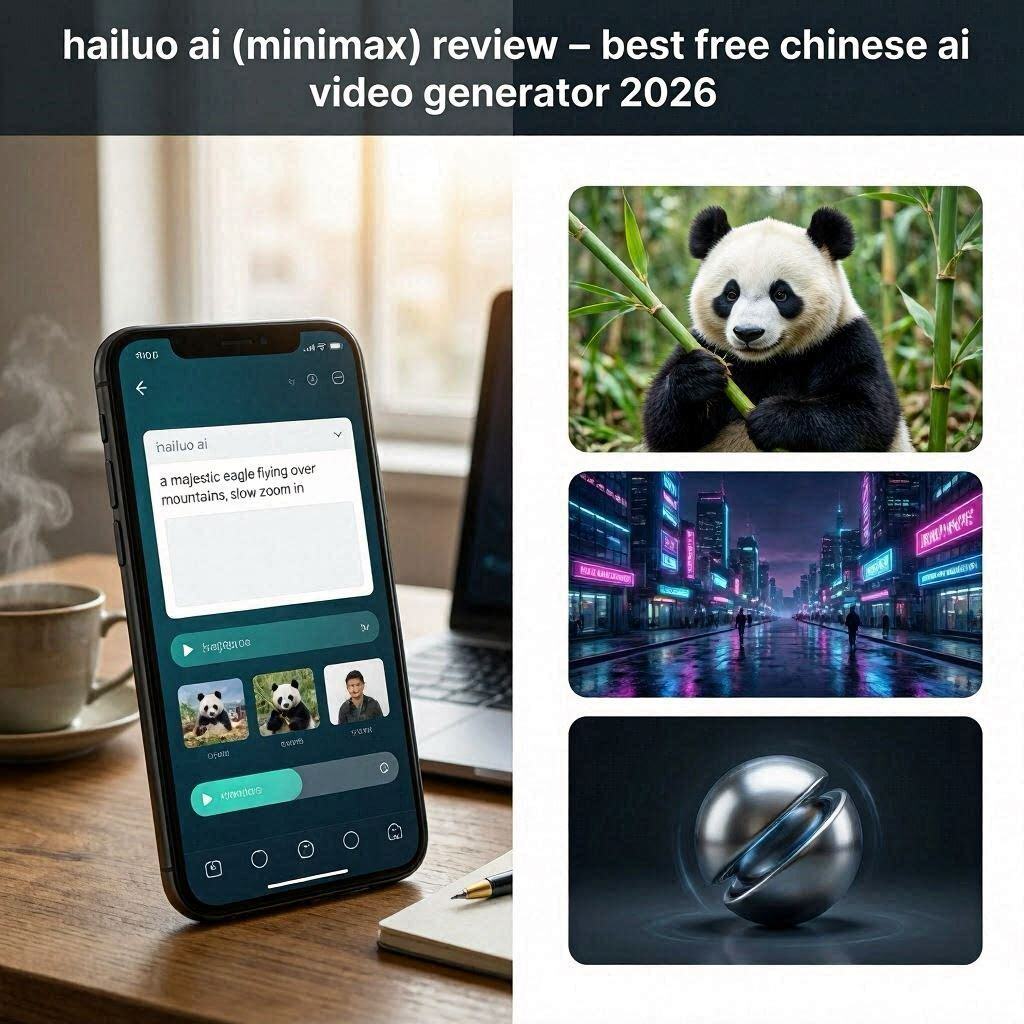
Hailuo AI (MiniMax) Review 2026: The Best Free Chinese AI Video Generator
Introduction
The AI video generation space is heating up. First there was Pika Labs, then Runway ML, then Kling AI. But in 2026, a new contender has emerged from China that is turning heads: Hailuo AI (also known as MiniMax).
Hailuo AI is a free, high-quality AI video generator that creates 6-second cinematic videos from text prompts or images. What makes it special? The quality is surprisingly good – smooth motion, realistic physics, proper lighting, and excellent text-to-video understanding.
In 2026, Hailuo AI has become the go-to free alternative for creators who want high-quality AI videos without paying for expensive subscriptions. And the best part? It has a generous free tier with daily credits.
What is Hailuo AI?
Hailuo AI is a text-to-video and image-to-video generation platform developed by MiniMax, a leading Chinese AI company. MiniMax is known for their large language models and AI research, and Hailuo represents their entry into the video generation space.
Key capabilities:
- Text to video – Generate 6-second clips from text prompts
- Image to video – Animate still images with natural motion
- High quality – Smooth motion, realistic physics, good lighting
- Multiple aspect ratios – 16:9 (landscape), 9:16 (portrait), 1:1 (square)
- Free tier – Daily credits for free users
While still in development, Hailuo AI has already impressed users with its cinematic quality and smooth motion – often rivaling paid tools like Runway ML and Pika Labs.
Key Features of Hailuo AI
1. Text to Video Generation
Type a prompt, and Hailuo generates a 6-second video:
| Prompt Example | What It Generates |
|---|---|
| “A majestic eagle flying over snow-capped mountains” | Smooth eagle flight, mountain scenery |
| “A cute cat drinking coffee in a Parisian café” | Animated cat, café background |
| “A futuristic cyberpunk city with flying cars at night” | Neon-lit city, moving traffic |
| “A samurai sword fighting in the rain” | Action sequence, rain effects, motion blur |
Generation time: 30-60 seconds per video.
2. Image to Video (Animating Still Images)
Upload any image, and Hailuo brings it to life:
| Input Image | What Hailuo Adds |
|---|---|
| Portrait photo | Subtle facial movements, blinking |
| Landscape | Clouds moving, water flowing |
| Product photo | Camera pan, rotation |
| Artwork | Character animation, environmental motion |
Perfect for bringing static designs, photos, or artwork to life.
3. High-Quality Motion
What sets Hailuo apart is smooth, realistic motion:
| Quality Aspect | How Hailuo Performs |
|---|---|
| Motion smoothness | Excellent – no jittery movements |
| Physics | Realistic object interactions |
| Lighting | Consistent across frames |
| Facial expressions | Natural, not robotic |
| Background consistency | No warping or melting |
This is where many free AI video tools fail. Hailuo excels.
4. Multiple Aspect Ratios
Create videos for any platform:
| Aspect Ratio | Best For |
|---|---|
| 16:9 (landscape) | YouTube, websites |
| 9:16 (portrait) | TikTok, Reels, Shorts |
| 1:1 (square) | Instagram feed |
5. Camera Movement Control
Hailuo understands camera directions in prompts:
| Command | Effect |
|---|---|
| “slow zoom in” | Camera moves closer to subject |
| “pan left” | Camera rotates horizontally |
| “dolly shot” | Camera moves through scene |
| “aerial view” | Bird’s eye perspective |
6. Daily Free Credits
Hailuo offers daily credits for free users:
- New users: Extra credits on signup
- Daily login: Free credits every day
- Sufficient for: Several video generations per day
How to Use Hailuo AI (Step by Step)
Method 1: Web Browser
| Step | Action |
|---|---|
| 1 | Go to hailuoai.com or minimax.ai |
| 2 | Sign up with Google or email |
| 3 | Click “Create Video” or “Text to Video” |
| 4 | Type your prompt (be descriptive) |
| 5 | Select aspect ratio (16:9, 9:16, 1:1) |
| 6 | Click “Generate” |
| 7 | Wait 30-60 seconds |
| 8 | Preview and download (MP4) |
Method 2: Mobile App
| Step | Action |
|---|---|
| 1 | Download Hailuo AI app (iOS/Android) |
| 2 | Sign up |
| 3 | Type prompt or upload image |
| 4 | Generate and share directly to social media |
Pricing: Free vs Paid
| Feature | Free Tier | Paid (Coming Soon) |
|---|---|---|
| Monthly Cost | $0 | TBD (expected $10-20/month) |
| Daily Credits | Yes (generous) | More credits |
| Video Length | 6 seconds | Likely longer (10-15 sec) |
| Resolution | 720p | Expected 1080p/4K |
| Watermark | Small logo | No watermark |
| Commercial Use | Check terms | Expected yes |
| Priority Queue | Normal | Priority |
Note: Pricing details are still emerging. Currently, the free tier is very generous.
Hailuo AI vs Competitors
| Feature | Hailuo AI | Pika Labs | Kling AI | Runway ML | Luma Dream Machine |
|---|---|---|---|---|---|
| Free Tier | ✅ Daily credits | ✅ Unlimited | ✅ Daily | ❌ 125 sec total | ✅ 30/mo |
| Video Length | 6 sec | 3-4 sec | 120 sec | 4 sec | 5 sec |
| Quality | Very Good | Good | Excellent | Excellent | Very Good |
| Motion Smoothness | ✅ Excellent | Good | ✅ Excellent | ✅ Excellent | ✅ Excellent |
| Watermark | Small | Yes | Yes | Yes | Yes |
| Mobile App | ✅ Yes | ❌ No | ❌ No | ❌ No | ❌ No |
| Best For | Quality free videos | Unlimited free | Long videos | Professional | Cinematic camera |
Verdict: Hailuo AI is the best free option for quality short videos. For unlimited free videos (with watermark), choose Pika Labs. For 2-minute videos, choose Kling AI.
Real-World Examples
Example 1: Social Media Short
Prompt: “A cute panda eating bamboo in a lush green forest, soft natural lighting, slow zoom in”
Hailuo Output: 6-second vertical video (9:16) perfect for TikTok/Reels. Smooth panda movement, realistic bamboo chewing, gentle camera zoom.
Example 2: Product Animation
Prompt: *”A modern white sneaker rotating slowly on a minimalist background, studio lighting, 360-degree view”*
Hailuo Output: Clean product video ready for e-commerce website. Smooth rotation, consistent lighting, professional look.
Example 3: Fantasy Scene
Prompt: “A magical fairy flying through an enchanted forest with glowing mushrooms, camera follows the fairy”
Hailuo Output: Cinematic fantasy clip with smooth fairy flight, glowing effects, and tracking camera movement.
Pros and Cons
✅ Pros
- High quality – Better than most free competitors
- Smooth motion – No jittery animations
- Free daily credits – Generous for testing and regular use
- Mobile app available – Create on the go
- Good prompt understanding – Follows instructions well
- Multiple aspect ratios – YouTube, TikTok, Instagram
- Image to video works great
- Fast generation (30-60 seconds)
❌ Cons
- Only 6 seconds long – Too short for many uses
- Watermark on free tier (small but present)
- Chinese platform – May have different content policies
- English documentation limited
- No long-form video (unlike Kling AI’s 2 minutes)
- Paid tier details unclear (coming soon)
Who Should Use Hailuo AI?
| User Type | Why Use Hailuo AI? |
|---|---|
| Social media creators | Quality 6-second clips for Reels/Shorts/TikTok |
| Content creators | B-roll footage, animated thumbnails |
| Marketers | Product animations, social ads |
| E-commerce sellers | Product rotation videos |
| Artists | Bring still artwork to life |
| Beginners | Easy to use, free daily credits |
| Anyone | Try high-quality AI video for free |
Tips for Best Results
For Text Prompts:
- Be descriptive – “A majestic eagle flying over snow-capped mountains” vs “eagle flying”
- Include camera movement – “slow zoom in”, “pan left”, “aerial view”
- Specify lighting – “golden hour”, “studio lighting”, “neon glow”
- Keep it simple – One main subject works best
- Use 6-second stories – Complete thought within 6 seconds
For Image to Video:
- Use high-quality source images – Better input = better output
- Clear subjects – Avoid cluttered backgrounds
- Good lighting – Well-lit images animate better
General Tips:
- Use the mobile app – Easier for quick creations
- Log in daily – Collect free credits
- Experiment – Try different prompts to see what works
- Combine clips – Edit multiple 6-second clips together for longer videos
Hailuo AI vs Kling AI: Which Chinese Video AI is Better?
| Factor | Hailuo AI | Kling AI |
|---|---|---|
| Video Length | 6 seconds | 120 seconds (2 minutes) |
| Motion Quality | Smooth | Very smooth |
| Free Tier | Daily credits | Daily credits |
| Best For | Short social clips | Long-form content |
| Mobile App | ✅ Yes | ❌ No |
Verdict: For short social media clips (TikTok, Reels), Hailuo is great. For longer videos (YouTube, storytelling), Kling AI wins.
Frequently Asked Questions
Is Hailuo AI really free?
Yes, daily free credits for all users.
Can I use Hailuo AI commercially?
Check current terms. For personal use, yes. For business, verify.
How long are the videos?
Currently 6 seconds per generation.
Is there a watermark?
Yes, a small logo on free tier.
Does Hailuo have a mobile app?
Yes, available on iOS and Android.
Is Hailuo better than Pika Labs?
Quality is better, but Pika offers unlimited free videos (with watermark). Choose based on your priority – quality vs quantity.
Final Verdict
Hailuo AI (MiniMax) is not trying to compete with professional video editing software or hour-long AI videos. Instead, it is a high-quality, free AI video generator perfect for social media short-form content.
If you need 6-second clips for TikTok, Reels, or Shorts – Hailuo delivers excellent quality with smooth motion and good prompt understanding.
If you need longer videos (2 minutes), use Kling AI.
If you need unlimited free videos (with watermark), use Pika Labs.
But for best quality free short videos – Hailuo AI is currently the best option in 2026.
The daily free credits are generous. Try it. You’ll be surprised at the quality.
Rating: 4.5/5
Best for: Social media short-form content, B-roll footage, product animations
Worst for: Long-form videos, watermark-free professional work