
Jammable (Formerly Voicify) AI Review 2026: The Best AI Voice Cloning for Singing
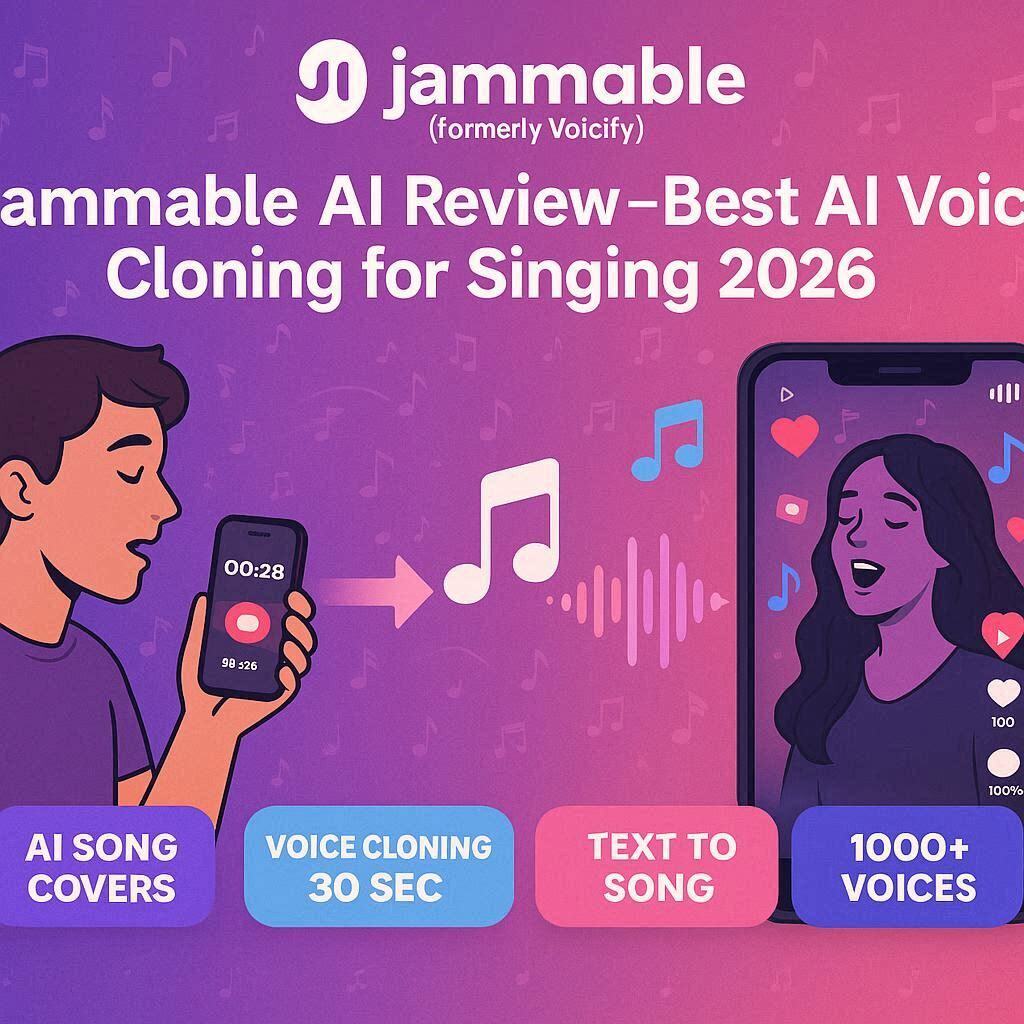
Jammable (Formerly Voicify) AI Review 2026: The Best AI Voice Cloning for SingingIntroductionHave you ever wondered what your favorite song would sound like if a different artist sang it? What if you could hear Drake singing a Bollywood hit? Or Taylor Swift singing an Urdu ghazal? Or even hear your own voice singing like a professional?Jammable (formerly known as Voicify) makes this possible.Jammable is the leading AI voice cloning platform for singing. Unlike other AI voice tools that only work for speaking, Jammable specializes in singing voice synthesis – creating natural, emotional, pitch-perfect singing voices from any audio.In 2026, Jammable has become the go-to tool for content creators, musicians, meme makers, and anyone who wants to have fun with AI voices. And the best part? It has a free tier to get you started.What is Jammable?Jammable is a cloud-based AI singing voice generator that lets you:Clone any voice from a short audio sampleSing any song in that voiceCreate AI covers of popular songsGenerate original vocals from textShare your creations on social mediaThe technology uses deep neural networks trained on thousands of hours of singing vocals. It captures not just the pitch and melody, but also the emotion, breath, vibrato, and style of the original voice.Former name: Voicify (rebranded to Jammable in 2025)Key Features of Jammable1. AI Song Cover Generation (Most Popular)This is Jammable’s killer feature. Take any song and make it sound like it’s sung by someone else:Input OutputAny song (upload or YouTube link) Same song sung in chosen voiceYour voice sample You singing like a professionalCelebrity voice Celebrity singing any songExamples:Drake singing “Shape of You”Taylor Swift singing “Bohemian Rhapsody”You singing your favorite song (professionally)2. Voice Cloning (from 30 seconds)Clone any voice from just 30 seconds of audio:Requirement DetailsAudio length 30 seconds minimum (60 seconds recommended)Quality Clear recording, no background noiseContent Speaking or singing both workLanguage Works with any languageOnce cloned, you can use that voice for unlimited song covers.3. Voice Library (1000+ Pre-Made Voices)Don’t have a voice to clone? Use Jammable’s voice library:Voice Category ExamplesPop stars Inspired by Bieber, Swift, Styles, EilishRap/Hip-Hop Inspired by Drake, Eminem, Cardi BClassic rock Inspired by Mercury, Bowie, PlantBollywood Inspired by Arijit, Shreya, NehaAnime Inspired by Japanese voice actorsFunny Cartoon characters, meme voicesAI generated Completely synthetic voicesNote: These are “inspired by” voices – not exact celebrity clones (legal reasons).4. Text to Song (Generate Original Vocals)Type lyrics, choose a voice, and Jammable generates original singing:Step Action1 Type your lyrics2 Choose a voice (or your own clone)3 Select genre/style (pop, rap, rock, etc.)4 AI generates complete vocal track5 Download as MP3/WAVPerfect for creating original songs without a singer.5. Vocal Remover (Stem Splitter)Jammable includes a vocal remover to isolate or remove vocals from any song:Output Use CaseVocals only Use as source for voice cloningInstrumental only Background for your AI coverSeparated stems Remixing, karaoke6. Pitch & Speed ControlFine-tune your AI covers:Control Range EffectPitch -12 to +12 semitones Higher/lower voiceSpeed 0.5x to 2x Faster/slower playbackFormant Preserves natural tone Avoids chipmunk effect7. Download & ShareFormat Best ForMP3 Audio only (small file)WAV Lossless quality (large file)MP4 (Video) Social media (TikTok, Reels, Shorts)Direct link Share instantly8. API Access (For Developers)Integrate Jammable into your own app or service:Generate AI covers programmaticallyVoice cloning APIText to song APIHow to Use Jammable (Step by Step)Method 1: AI Song Cover (Most Popular)Step Action1 Go to jammable.ai (formerly voicify.ai)2 Sign up with Google or email3 Click “AI Cover” or “Voice Swap”4 Upload a song OR paste YouTube link5 Choose a voice (from library or your clone)6 Click “Create”7 Wait 30-60 seconds8 Preview and downloadMethod 2: Voice CloningStep Action1 Click “Voice Clone” or “Train Voice”2 Upload 30-60 seconds of clear audio3 Name your voice4 Wait 5-10 minutes (training)5 Use your voice for coversMethod 3: Text to SongStep Action1 Click “Text to Song”2 Type or paste your lyrics3 Choose voice and style4 Click “Generate”5 Download vocal trackPricing: Free vs PaidFeature Free Tier Plus Plan Pro PlanMonthly Cost $0 $5/month $30/monthAI Song Covers 5 songs/month 50 songs/month 500 songs/monthVoice Cloning 1 voice 3 voices 10 voicesText to Song 1 song/month 10 songs/month 100 songs/monthVoice Library Access Limited Full (1000+) Full (1000+)Vocal Remover ✅ Yes (limited) ✅ Yes ✅ YesDownload Format MP3 only MP3, WAV MP3, WAV, MP4Commercial Use ❌ No ✅ Yes ✅ YesWatermark Yes (small) No NoAPI Access ❌ No ❌ No ✅ YesFree tier: 5 songs/month – great for testing and fun.Plus (5/month):∗∗Forregularcreators.∗∗Pro(5/month):∗∗Forregularcreators.∗∗Pro(30/month): For professional musicians and content creators.Jammable vs CompetitorsFeature Jammable Kits.ai RVC (Open Source) Voice.aiBest For Song covers Professional Free/power users Real-timeFree Tier 5 songs/mo Limited 100% free YesVoice Library ✅ 1000+ ✅ 100+ ❌ No ✅ 100+Text to Song ✅ Yes ❌ No ❌ No ❌ NoEase of Use Very Easy Medium Hard (technical) EasyPrice $5-30/mo $10-50/mo Free $10-20/moBest for Beginners Professionals Developers Gamers/streamersVerdict: Jammable is the best for beginners and casual creators. For professional studio work, Kits.ai is better. For free and unlimited, RVC is best (but requires technical knowledge).Real-World ExamplesExample 1: Fun Social Media ContentScenario: You want to post a TikTok of Drake singing “Baby Shark”Jammable Workflow:Upload instrumental of “Baby Shark”Choose Drake-inspired voiceClick generate (30 seconds)Download as MP4Post to TikTok with #aicoverResults: Viral content in minutes.Example 2: Personal Voice CloneScenario: You want to hear yourself sing like a professionalJammable Workflow:Record 30 seconds of you speaking or singing (clear audio)Train voice (5-10 minutes)Upload any songSelect your voiceGenerate and listenResults: You singing professionally – amazing party trick.Example 3: Original Song CreationScenario: You write lyrics but can’t singJammable Workflow:Type your lyricsChoose a voice (pop star style)Select genre (pop, ballad)AI generates vocal trackAdd instrumental (from Jammable or elsewhere)Master and releaseResults: Complete original song without a singer.Pros and Cons✅ ProsExtremely easy to use – 3 clicks to an AI cover1000+ pre-made voices – No cloning neededVoice cloning from 30 seconds – Very efficientText to song – Create original vocalsAffordable ($5/month for Plus)Works with YouTube links – No download neededFast generation (30-60 seconds)Commercial use allowed on paid plans❌ ConsFree tier limited (5 songs/month only)Voice quality varies – Some voices better than othersNot for professional music production (good but not studio perfect)Celebrity voices are “inspired by” – Not exact clones (legal)Requires internet – No offline modeWatermark on free tierWho Should Use Jammable?User Type Why Use Jammable?Content creators Viral AI cover videos for TikTok/Reels/ShortsMusicians Demo vocals, idea generationSongwriters Hear your lyrics sung professionallyMeme makers Funny AI covers (cartoon characters singing pop songs)Beginners Easiest AI voice tool to useMusic teachers Demonstrate different singing stylesAnyone Just for fun!Tips for Best ResultsFor Voice Cloning:Use clear audio – No background noise, echo, or musicRecord 60 seconds minimum – Longer = better qualityVary your pitch – Speak/sing in different tonesUse a good microphone – Phone mic works but USB mic is betterAvoid processing – No reverb, EQ, or effectsFor AI Covers:Use instrumental versions – Better results than full songsStart with simple songs – Slow tempo, clear melodyMatch voice style to song – Rap voice for rap songsShorten long songs – 60-90 seconds works bestExperiment with different voices – Some work better than othersGeneral Tips:Start with free tier – Test before payingUse popular songs – More engagement on social mediaAdd your own instrumental – Use AI instrumental makerPost consistently – Daily AI covers build followingLegal & Ethical ConsiderationsWhat IS Allowed:Personal use and funSocial media sharing (with clear “AI generated” label)Creating covers for entertainmentUsing your own voice cloneWhat IS NOT Allowed:Impersonating real people for fraud/deceptionReleasing AI covers on streaming platforms (Spotify, Apple Music)Claiming AI voice is real singerUsing for hate speech or harmful contentAlways disclose that content is AI-generated.Frequently Asked QuestionsIs Jammable really free?Yes, free tier gives you 5 AI songs per month.Can I use Jammable for YouTube?Yes, for content creation (not for releasing as your own music).Can I make money with AI covers?Yes, on Plus and Pro plans (commercial use allowed).Is Jammable safe?Yes, used by millions. Don’t upload sensitive personal audio.Can I clone any voice?Any voice you have permission to clone. Don’t clone others without consent.Is this legal?Yes for personal use. For commercial use, check copyright laws.Final VerdictJammable is not trying to replace professional singers or music producers. Instead, it is a fun, accessible, and affordable tool for AI singing voice generation.If you want to create viral TikTok videos of Drake singing “Baby Shark” – Jamm able is perfect.If you want to hear your own voice singing like a professional – Jamm able delivers.If you are a songwriter who wants to demo your lyrics – Jamm able is a game-changer.The free tier gives you 5 songs to test. The 5/monthPlusplanisastealforregularcreators.The5/monthPlusplanisastealforregularcreators.The30/month Pro plan is for serious content creators and musicians.Try it. You’ll be amazed at what your voice sounds like as a pop star.Rating: 4.5/5 Best for: Content creators, musicians, meme makers, fun projects. Worst for: Professional music production, offline use.