
Riffusion v2 Review 2026: The Best Free AI Music Generator
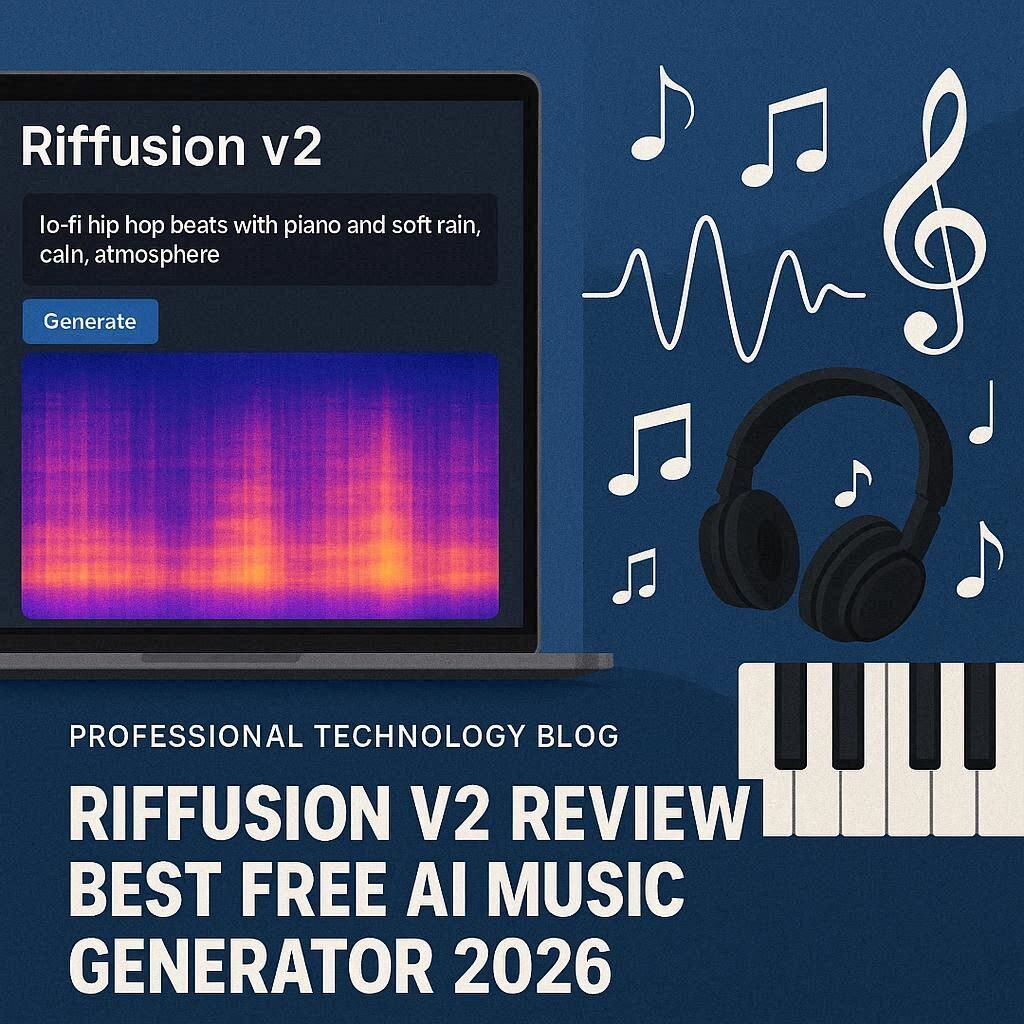
Riffusion v2 Review 2026: The Best Free AI Music Generator
Introduction
Music creation has traditionally required years of training, expensive equipment, and specialized software. But in 2026, Riffusion v2 is changing everything. Riffusion is a completely free, open-source AI music generator that creates original music from simple text descriptions. Unlike paid tools like Suno AI or Udio, Riffusion costs absolutely nothing – no credits, no subscriptions, no hidden fees.
Whether you are a content creator needing background music, a game developer looking for soundtracks, or just someone who wants to experiment with AI-generated music, Riffusion v2 offers an incredible free solution. Let’s explore what makes this tool special in 2026.
What is Riffusion?
Riffusion is an AI-powered text-to-music generator that creates original audio clips from text prompts. It was originally developed as an experiment by researchers who fine-tuned Stable Diffusion (an image generation model) to produce spectrograms – visual representations of sound. These spectrograms are then converted into actual audio.
Version 2, released in early 2026, brought massive improvements including:
- Better audio quality (44.1kHz stereo)
- Longer generation (up to 30 seconds)
- More genres and instruments
- Faster generation (under 10 seconds)
- Web interface (no installation needed)
The best part? Riffusion is 100% free and open-source. You can use it online, download it to run locally, or even modify the code yourself.
Key Features of Riffusion v2
1. Text-to-Music Generation
This is Riffusion’s core feature. Simply type what kind of music you want, and Riffusion generates it. Examples:
| Prompt | Generated Music |
|---|---|
| “lo-fi hip hop beats to study to, soft piano, gentle rain” | Calm, relaxing study music |
| “epic orchestral battle music, drums, strings, intense” | Dramatic, cinematic soundtrack |
| “upbeat electronic dance music, 120 BPM, synth bass” | Energetic club track |
| “jazz piano in a smoky bar, smooth saxophone, slow tempo” | Relaxed jazz atmosphere |
| “8-bit video game chiptune, catchy melody, retro” | Nostalgic game music |
2. Instrumental Focus
Unlike some AI music tools that focus on vocals, Riffusion excels at instrumental music. This makes it perfect for:
- Background music for videos
- Game soundtracks
- Podcast intros/outros
- Meditation and study music
- Royalty-free music for commercial projects
3. Spectrogram Visualization (Unique Feature)
Riffusion shows you the spectrogram of the music it generates – a visual representation of sound frequencies over time. This is not just cool to look at; it also allows advanced users to edit and manipulate the music visually.
4. Local Installation (For Power Users)
Because Riffusion is open-source, you can download and run it on your own computer. Benefits of local installation:
- No internet required after download
- Unlimited generations (no queue)
- Complete privacy – your music stays on your computer
- Customizable – modify the model for your needs
5. Multiple Output Formats
Riffusion exports audio in multiple formats:
- MP3 (small file size, great for web)
- WAV (lossless quality, for professionals)
- OGG (open format)
6. Genre & Mood Control
Riffusion understands a wide range of musical genres and moods:
| Genre | Mood |
|---|---|
| Electronic, Hip Hop, Jazz, Classical, Rock, Ambient, Lo-fi, Chiptune, Orchestral, Synthwave | Happy, Sad, Energetic, Calm, Dark, Romantic, Mysterious, Epic, Scary, Dreamy |
How to Use Riffusion v2 (Step by Step)
Option 1: Online (Easiest – No Installation)
| Step | Action |
|---|---|
| 1 | Go to riffusion.com or huggingface.co/spaces/riffusion/riffusion |
| 2 | No signup required (on most versions) |
| 3 | Type your text prompt (e.g., “calm piano music with rain sounds”) |
| 4 | Click “Generate” |
| 5 | Wait 5-10 seconds |
| 6 | Listen and download your music (MP3 or WAV) |
Option 2: Local Installation (Advanced)
bash
# Step 1: Install Python and dependencies
pip install torch torchaudio

# Step 2: Clone the repository
git clone https://github.com/riffusion/riffusion.git

# Step 3: Install Riffusion
cd riffusion
pip install -e .

# Step 4: Run the web interface
python -m riffusion.streamlit --model riffusion-model-v2
Pricing: 100% Free Forever
| Feature | Riffusion v2 |
|---|---|
| Monthly Cost | $0 |
| Generations | Unlimited |
| Audio Quality | 44.1kHz Stereo |
| Max Length | 30 seconds |
| Watermark | None |
| Commercial Use | Yes (open source license) |
| Privacy | Complete (local version) |
| Downloads | MP3, WAV, OGG |
Note: The free online version may have queue times during peak hours. For unlimited access, run it locally on your computer.
Riffusion v2 vs Competitors
| Feature | Riffusion v2 | Suno AI | Udio | Soundraw |
|---|---|---|---|---|
| Price | 100% Free | Free tier | Free tier | Paid only |
| Free Generations | Unlimited | 50/day | 50/day | 0 (trial only) |
| Audio Length | 30 sec | 4 min | 4 min | 30 sec |
| Vocals | No | Yes | Yes | No |
| Open Source | ✅ Yes | ❌ No | ❌ No | ❌ No |
| Local Installation | ✅ Yes | ❌ No | ❌ No | ❌ No |
| Commercial Use | ✅ Yes | Paid only | Paid only | Paid only |
Verdict: Riffusion is the best choice for instrumental music and unlimited free generation. For songs with vocals, choose Suno AI or Udio.
Pros and Cons
✅ Pros
- 100% free – No subscription, no credits, no hidden costs
- Open source – Modify and improve the model yourself
- No signup required – Start generating immediately
- Commercial use allowed – Use music in your projects
- Local installation – Run offline with no limits
- Simple interface – Easy for beginners
- Spectrogram visualization – Unique and educational
- Fast generation – 5-10 seconds per clip
❌ Cons
- No vocals – Instrumental music only
- 30 second limit – Short clips (but you can stitch them)
- Quality varies – Not always professional grade
- Online queue times – During peak hours
- Limited instrument control – Less precise than paid tools
- No mobile app – Web only
Who Should Use Riffusion?
| User Type | Why Use Riffusion? |
|---|---|
| YouTubers | Free background music for videos |
| Podcasters | Intros, outros, and transition music |
| Game developers | Soundtracks and sound effects |
| Content creators | Royalty-free music for social media |
| Students | Learn about AI and music generation |
| Hobbyists | Experiment with AI music for free |
| Small businesses | Background music for ads and promos |
Tips for Best Results
- Be specific in your prompts – “lo-fi hip hop with piano and soft drums, 80 BPM, rainy atmosphere” works better than “chill music”
- Include instruments – Mention specific instruments like piano, guitar, drums, synth, strings, saxophone
- Specify tempo – Use “slow,” “medium,” “fast,” or specific BPM (beats per minute)
- Describe the mood – “happy,” “sad,” “epic,” “calm,” “mysterious,” “romantic”
- Keep it simple – Short prompts (10-15 words) often work better than very long ones
- Use genres – “jazz,” “electronic,” “orchestral,” “lo-fi,” “chiptune,” “ambient”
- For longer music – Generate multiple 30-second clips and stitch them together in free software like Audacity
- Try the local version – For unlimited generations with no queue times
Commercial Use: Is It Legal?
Yes, with conditions. Riffusion v2 uses the CreativeML Open RAIL-M license which allows:
- Commercial use (using generated music in your projects)
- Modification of the model
- Distribution
Restrictions:
- Cannot use for illegal purposes
- Cannot use to generate harmful content
- Cannot claim the model as your own
You can use Riffusion-generated music in YouTube videos, podcasts, games, ads, and other commercial projects without paying royalties.
Riffusion vs Suno AI: Which Should You Choose?
| Factor | Riffusion v2 | Suno AI |
|---|---|---|
| Price | Free forever | Free tier (50/day) |
| Vocals | No | Yes (amazing vocals) |
| Length | 30 seconds | 4 minutes |
| Quality | Good | Excellent |
| Best for | Instrumental BG music | Full songs with lyrics |
Choose Riffusion if: You need free, unlimited instrumental background music
Choose Suno AI if: You want full songs with vocals and can accept limits
Frequently Asked Questions
Is Riffusion really free?
Yes, 100% free. No credit card, no subscription, no hidden fees.
Can I use Riffusion music on YouTube?
Yes, you can use it for YouTube videos, podcasts, games, and other projects.
Does Riffusion make songs with lyrics?
No, Riffusion v2 only makes instrumental music (no vocals). For songs with lyrics, use Suno AI or Udio.
How long are the generated clips?
Up to 30 seconds per generation. You can generate multiple clips and combine them.
Do I need to give credit?
No, credit is not required but appreciated.
Can I run Riffusion offline?
Yes, you can download and install Riffusion locally on your computer.
Final Verdict
Riffusion v2 is a remarkable free tool that democratizes music creation. While it cannot compete with paid tools like Suno AI on vocal quality or song length, it wins on one crucial factor – it is completely free with no limits.
For YouTubers, podcasters, game developers, and content creators who need royalty-free background music, Riffusion is an invaluable resource. The 30-second limit is manageable (stitch clips together), and the quality is impressive for a free tool.
If you need full songs with vocals, spend money on Suno AI or Udio. But for instrumental music on a budget – Riffusion v2 is the best free AI music generator in 2026.
Rating: 4.4/5
Best for: Instrumental background music, unlimited free generation
Worst for: Songs with vocals, professional music production