
Wisecut AI Review 2026: The Best AI Video Editor for YouTubers
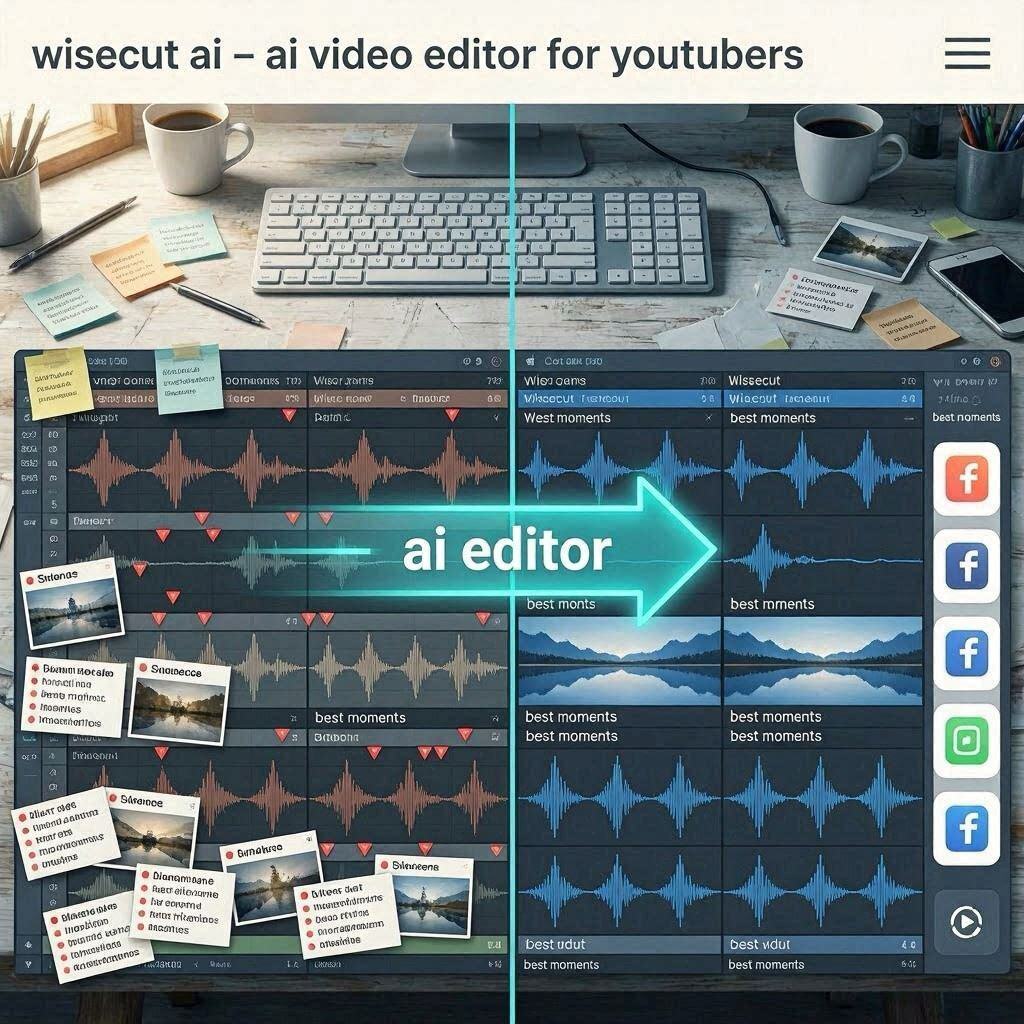
Wisecut AI Review 2026: The Best AI Video Editor for YouTubersIntroductionYou have just recorded a 30-minute video for your YouTube channel. Now comes the hard part: editing. You need to cut out all the mistakes, remove the awkward silences, trim the “ums” and “ahs,” add subtitles, and make sure the video flows smoothly. This can take hours of manual work.Wisecut changes everything.Wisecut is an AI-powered video editor that automates the entire editing process for talking-head videos. Upload your raw footage, and Wisecut automatically removes silences, cuts out mistakes, adds subtitles, finds the best moments, and even generates short clips for social media.In 2026, Wisecut has become the go-to tool for YouTubers, podcasters, educators, and anyone who speaks on camera. It saves hours of editing time and makes professional-quality videos accessible to everyone.What is Wisecut?Wisecut is a cloud-based AI video editor designed specifically for talking-head videos – the kind you record with a camera or webcam. It uses advanced AI to analyze your footage, understand speech patterns, and make intelligent editing decisions automatically.How it works:Step Action1 Upload your raw video (MP4, MOV, etc.)2 AI analyzes the footage (speech, silences, mistakes)3 AI removes silences and filler words automatically4 AI adds professional subtitles5 AI finds the best moments and creates highlights6 AI generates short clips for social media7 You download the final edited videoThe result: A polished, professional video with subtitles – ready to upload to YouTube in a fraction of the time.Key Features of Wisecut1. Automatic Silence & Mistake Removal (The Main Feature)This is Wisecut’s killer feature. It automatically detects and removes:What It Removes How It WorksLong silences Removes pauses longer than X secondsUms and ahs Detects and removes filler wordsMistakes Cuts out retakes and errorsBreaths Removes loud breathsDead air Tightens the flowThe result: A video that’s 20-30% shorter and much more engaging.Example:Raw video: 30 minutesAfter Wisecut: 22 minutes (removed 8 minutes of silences and mistakes)Your audience stays engaged because there’s no dead air.2. Auto Subtitles (Captions)Wisecut automatically transcribes your video and adds professional subtitles:Feature What It DoesAuto-transcription Converts speech to textWord-by-word timing Subtitles highlight as words are spokenCustom styling Font, color, size, positionMultiple languages 50+ languages supportedEmoji & keyword highlighting Makes subtitles more engagingWhy subtitles matter: 85% of Facebook videos are watched without sound. Subtitles increase engagement by up to 40%.3. Auto-Cut (Intelligent Editing)Wisecut doesn’t just remove silences – it intelligently cuts your video:Feature What It DoesJump cuts Removes silences with smooth transitionsFlow preservation Maintains natural conversation flowContext awareness Doesn’t cut important contentCustom threshold Control how aggressive cuts areThe result: A video that flows naturally without awkward jumps.4. Best Moments DetectionWisecut analyzes your video and identifies the most engaging moments:Feature What It DoesHighlight detection Finds the best 3-5 momentsEnergy analysis Detects excitement, emphasisSocial media clips Creates 30-60 second clips for TikTok, Reels, ShortsPerfect for: Turning a 30-minute podcast into 5 short clips for social media.5. AI Storyboard (Auto-Timeline)Wisecut creates a visual timeline of your video:Feature What It ShowsSpeech graph Visual representation of talkingSilence markers Where silences were removedHighlight markers Best moments identifiedEasy editing Drag and drop to adjust6. Background MusicWisecut includes a royalty-free music library:Feature What It Offers100,000+ tracks Royalty-free musicAuto-sync Music fades in/out automaticallyVolume control Adjust music level7. Direct YouTube UploadExport and upload directly to YouTube:Feature What It DoesOne-click upload Export and upload in one stepMetadata generation AI suggests titles, description, tagsThumbnail generation AI creates custom thumbnails8. Free TierWisecut offers a free tier with:1 hour of video processing per month720p export resolutionSmall watermarkBasic featuresHow to Use Wisecut (Step by Step)Step Action1 Go to wisecut.video2 Sign up with Google or email (free)3 Click “Create New Project”4 Upload your video (MP4, MOV, etc.)5 AI analyzes the video (1-2 minutes)6 Review the auto-edited timeline7 Adjust if needed (add music, change subtitles)8 Preview the final video9 Click “Export” and wait for rendering10 Download or upload directly to YouTubePricing: Free vs PaidFeature Free Tier Pro Plan Business PlanMonthly Cost $0 $15/month $50/monthProcessing Hours 1 hour/month 10 hours/month 50 hours/monthExport Resolution 720p 1080p 4KWatermark Yes (small) No NoAuto Subtitles ✅ Basic ✅ Advanced ✅ AdvancedBest Moments Detection ❌ No ✅ Yes ✅ YesSocial Media Clips ❌ No 5 clips/video 20 clips/videoBackground Music Limited Full library Full + uploadDirect YouTube Upload ❌ No ✅ Yes ✅ YesTeam Members 1 1 5Priority Support ❌ No ❌ No ✅ YesFree tier: 1 hour/month – great for testing.Pro ($15/month):** For regular YouTubers.**Business ($50/month): For teams and agencies.Real-World ExamplesExample 1: YouTuber Editing 30-Minute VideoScenario: A YouTuber recorded a 30-minute video but doesn’t want to spend 2 hours editing.Without Wisecut:Manually cuts silences (30 min)Manually adds subtitles (45 min)Finds best moments (15 min)Exports and uploads (10 min)Total: 1 hour 40 minutesWith Wisecut:Upload raw footage (2 min)AI analyzes and edits (3 min)Review and adjust (5 min)Export and upload (5 min)Total: 15 minutesTime saved: 1 hour 25 minutes per video. Over 50 videos/year: 70+ hours saved.Example 2: Podcast to Social Media ClipsScenario: A podcaster wants to promote their 60-minute episode on TikTok.Wisecut Workflow:Upload full podcast videoAI finds best 5 momentsAI creates 5 TikTok clips (30-60 seconds each)AI adds viral subtitlesDownload and postResult: 5 engaging social media clips with no manual editing.Example 3: Educational Content for StudentsScenario: A teacher wants to create engaging video lessons.Wisecut Workflow:Record 20-minute lectureUpload to WisecutAI removes silences and mistakesAI adds subtitlesAI creates highlight clipsExport to YouTubeResult: Professional, engaging educational content.Pros and Cons✅ ProsSaves hours of editing – AI does the workAuto silences removal – No more manual cuttingAuto subtitles – Increase engagementBest moments detection – Social media content readyVery easy to use – No editing skills neededAffordable ($15/month for Pro)Free tier available (1 hour/month)Direct YouTube upload❌ ConsFree tier limited (1 hour/month)Watermark on free tierNot for cinematic videos – Only talking-head contentAccuracy depends on audio qualityProcessing time (AI analysis takes 1-2 minutes per hour of footage)Requires internet – No offline modeWho Should Use Wisecut?User Type Why Use Wisecut?YouTubers Fast editing, auto subtitles, social clipsPodcasters Video podcasts, social media promotionEducators Video lessons, online coursesCoaches Client videos, social media contentMarketers Explainer videos, adsBusiness professionals Internal communications, webinarsAnyone who speaks on camera Saves hours of editingWisecut vs CompetitorsFeature Wisecut CapCut Descript Opus ClipAuto Silence Removal ✅ Yes ❌ No ✅ Yes ❌ NoAuto Subtitles ✅ Yes ✅ Yes ✅ Yes ✅ YesBest Moments Detection ✅ Yes ❌ No ❌ No ✅ YesSocial Media Clips ✅ Yes ❌ No ❌ No ✅ YesEase of Use Very Easy Easy Medium Very EasyFree Tier 1 hr/mo Yes (watermark) 2 hrs/mo 1 hr/moPrice (Pro) $15/mo $8/mo $24/mo $19/moBest For Talking-head Social media Podcasts ClippingVerdict: Wisecut is the best all-in-one for YouTubers – it does silences removal, subtitles, AND social clips. Descript is better for podcasts. Opus Clip is better for clipping only.Tips for Best ResultsUse good audio – Better audio = better AI analysisRecord in a quiet room – Less background noise = better resultsSpeak clearly – AI understands betterReview after editing – AI isn’t perfect, check the resultCustomize subtitles – Match your brand styleUse social clips – Repurpose content for TikTok/Reels/ShortsUse free tier first – Test before subscribingFrequently Asked QuestionsIs Wisecut really free?Yes, free tier gives you 1 hour of video processing per month (with watermark).Can I use Wisecut for YouTube?Yes, Wisecut supports 16:9 aspect ratio and direct YouTube upload.Does Wisecut remove filler words like “um” and “ah”?Yes, it detects and removes filler words along with silences.Can I adjust the cuts?Yes, you can review and adjust the AI’s edits.Is there a watermark on free videos?Yes, a small watermark. Pro plan removes it.Can I add background music?Yes, Wisecut has a royalty-free music library.Final VerdictWisecut is not trying to replace professional video editing software like Premiere Pro. Instead, it solves a specific problem – editing talking-head videos faster.If you are a YouTuber spending hours editing every video, Wisecut will save you time and money.If you are a podcaster who wants to repurpose content for social media, Wisecut does it automatically.If you are an educator creating video lessons, Wisecut makes your content more professional.The free tier gives you 1 hour to test. The $15/month Pro plan is affordable for regular creators. The $50/month Business plan is for teams and agencies.For talking-head video editing, Wisecut is the best AI tool available in 2026.Rating: 4.5/5Best for: YouTubers, podcasters, educators, content creatorsWorst for: Cinematic videos, music videos, complex multi-track editing