
Upscale Media AI Review 2026.The best free AI image upscale
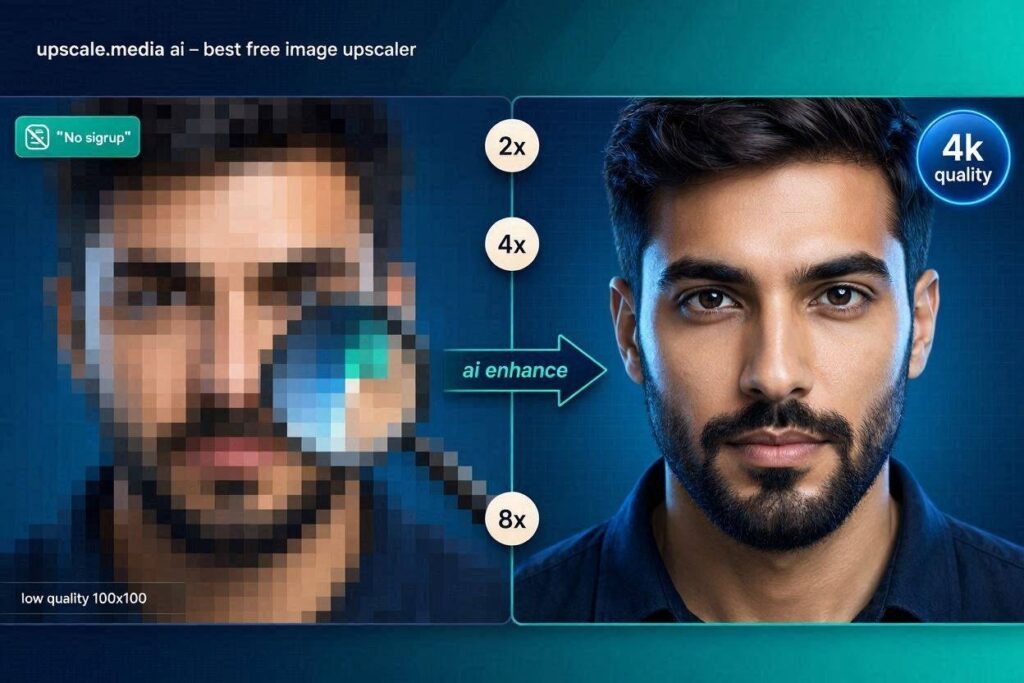
Upscale.media AI Review 2026: The Best Free AI Image UpscalerIntroductionHave you ever taken a photo that looked perfect on your phone screen, but when you tried to use it on your website or print it, it looked blurry and pixelated? Or maybe you found an old family photo that was too small to print, or a screenshot that was too blurry to read?Upscale.media solves this problem.Upscale.media is a free AI-powered image upscaler that enhances low-resolution images to 4K quality. Unlike simple resizing tools that just stretch pixels (making images blurry), Upscale.media uses advanced AI to add realistic details – making images sharper, clearer, and more detailed.In 2026, Upscale.media has become the go-to tool for bloggers, e-commerce sellers, photographers, and content creators who need high-quality images without expensive software.What is Upscale.media?Upscale.media is a cloud-based AI image upscaler that increases image resolution without losing quality. It uses advanced deep learning models trained on millions of images to understand what details should be added when enlarging an image.How it works:Step Action1 Go to upscale.media2 Upload your image (drag and drop)3 Select upscale factor (2x, 4x, or 8x)4 AI processes the image (10-30 seconds)5 Download your enhanced imageThe magic: AI doesn’t just stretch the image. It adds realistic details, sharpens edges, reduces noise, and enhances colors. The result looks like it was taken with a better camera.Key features:2x, 4x, and 8x upscaling – Increase resolution without losing qualityAI detail enhancement – Adds realistic detailsFace enhancement – Improves facial featuresNoise reduction – Removes grain and artifactsColor enhancement – Improves color accuracyNo signup required – Use immediatelyAPI available – For developersKey Features of Upscale.media1. AI-Powered Upscaling (The Main Feature)Upscale.media uses advanced AI to enhance images:Upscale Factor What It Does Best For2x Upscale Doubles resolution Social media, thumbnails4x Upscale Quadruples resolution E-commerce, printing8x Upscale 8x resolution (8K) Large prints, professional useExample: A 500×500 pixel image becomes 2000×2000 pixels (16x larger area) with realistic details.2. Face Enhancement (AI Face Restoration)Upscale.media includes AI face enhancement:Feature What It DoesFace sharpening Makes faces clearerSkin smoothing Reduces blemishesEye enhancement Sharpens eyesHair enhancement Adds detail to hairPerfect for: Old family photos, low-quality portraits, group photos.3. AI Detail EnhancementAI doesn’t just upscale – it adds details:Detail Type What AI DoesEdges Sharpens and defines edgesTextures Adds realistic texturesColors Enhances color accuracyLighting Improves contrast and brightnessResult: The upscaled image looks like it was taken with a better camera.4. Noise ReductionAutomatically removes:Noise Type What It RemovesGrain Film grain and digital noiseArtifacts Compression artifactsBlur Motion blur and out-of-focus areas5. No Signup RequiredUse immediately:Feature StatusSignup required ❌ NoCredit card ❌ NoWatermark ❌ NoFile limit 20MB per imageDaily limit Free tier has limitsJust upload and enhance. No account needed for basic use.6. Batch Processing (Paid)Process multiple images at once:Feature What It DoesBatch upload Upload multiple imagesBatch processing AI enhances all imagesBatch download Download all enhanced imagesTime saved: Hours of manual editing.7. API Access (For Developers)Integrate Upscale.media into your app:Feature What It DoesREST API Programmatic upscalingMultiple formats JPG, PNG, WebP, etc.Webhook support Notifications on completionHow to Use Upscale.media (Step by Step)Step Action1 Go to upscale.media2 Click “Upload” or drag and drop your image3 Select upscale factor (2x, 4x, or 8x)4 Wait 10-30 seconds for AI processing5 Compare before and after6 Download your enhanced imagePricing: Free vs PaidFeature Free Tier Pro Plan Business PlanMonthly Cost $0 $10/month $30/monthImages/month 5 100 500Max Resolution 4x (4K) 8x (8K) 8x (8K)Batch Processing ❌ No ✅ Yes ✅ YesPriority Processing ❌ No ✅ Yes ✅ YesWatermark ❌ No ❌ No ❌ NoAPI Access ❌ No ❌ No ✅ YesCommercial Use ✅ Yes ✅ Yes ✅ YesFree tier: 5 images/month – great for testing.Pro ($10/month):** For regular users.**Business ($30/month): For teams and professionals.Real-World ExamplesExample 1: Old Family Photo RestorationScenario: You have a 40-year-old family photo that’s small and blurry.Upscale.media Workflow:Scan the photoUpload to Upscale.mediaSelect 4x upscaleAI adds details, removes grain, enhances facesDownload high-resolution versionResult: Print-ready family photo that looks like it was taken yesterday.Example 2: E-commerce Product ImageScenario: You have product photos that look good on your phone but are too small for your website.Upscale.media Workflow:Upload product photoSelect 4x upscaleAI enhances details and colorsDownload high-resolution versionUpload to your e-commerce siteResult: Professional product images that increase sales.Example 3: Social Media ThumbnailScenario: You need a high-quality thumbnail for YouTube or TikTok.Upscale.media Workflow:Upload screenshot or imageSelect 4x upscaleAI sharpens faces and colorsDownload enhanced versionUse as thumbnailResult: Eye-catching thumbnails that get more clicks.Pros and Cons✅ ProsFree to use (5 images/month)No signup required – Use immediatelyNo watermark – Even on free tierAI adds details – Not just stretchingFast – 10-30 seconds per imageFace enhancement – Improves portraitsBatch processing (paid)API available (paid)Commercial use allowed❌ ConsFree tier limited (5 images/month only)File size limit (20MB per image)Internet required – No offline modeProcessing time (10-30 seconds wait)Not perfect – AI can make mistakesNo mobile app (web only)Who Should Use Upscale.media?User Type Why Use Upscale.media?Bloggers Enhance images for postsE-commerce sellers Product photos for websitesPhotographers Upscale and enhance imagesContent creators Thumbnails, social mediaFamilies Restore old family photosStudents Project imagesAnyone Enhance any imageUpscale.media vs CompetitorsFeature Upscale.media Remini Topaz Gigapixel Adobe PhotoshopFree Tier 5/mo Limited No NoNo Watermark ✅ Yes ❌ No ✅ Yes ✅ YesAI Detail Enhancement ✅ Yes ✅ Yes ✅ Yes ✅ YesBatch Processing ✅ Paid ❌ No ✅ Yes ❌ NoNo Signup ✅ Yes ❌ No ❌ No ❌ NoPrice $10/mo $5/mo $200 one-time $21/moBest For Quick upscaling Faces Professional EverythingVerdict: Upscale.media is the best free, no-signup image upscaler. For professional work, Topaz Gigapixel is better but expensive. For faces, Remini is better.Tips for Best ResultsUse high-quality source images – Better input = better outputChoose the right upscale factor – 4x is usually enough for most usesUse face enhancement for portraits – Dramatically improves resultsCheck the preview – See before/after before downloadingUse batch processing – Save time with multiple images (paid)Upgrade for regular use – 5 free images isn’t enough for daily useFor print, use 8x upscale – 8K resolution for large printsFrequently Asked QuestionsIs Upscale.media really free?Yes, free tier gives you 5 image enhancements per month.Do I need to create an account?No, you can use it immediately without signing up.Is there a watermark on free images?No, no watermark on free or paid tiers.What is the maximum image size?20MB per image.Can I use Upscale.media for commercial purposes?Yes, both free and paid tiers allow commercial use.Is Upscale.media better than Remini?For general images, Upscale.media is better. For faces, Remini is better.Final VerdictUpscale.media is not trying to replace professional tools like Topaz Gigapixel or Adobe Photoshop. Instead, it solves a specific problem – quick, free, high-quality image upscaling without any signu p or watermark.If you need to upscale a few images, Upscale.media is perfect.If you are a blogger, Upscale.media makes your images look professional.If you are an e-commerce seller, Upscale.media helps you create better product photos.If you have old family photos, Upscale.media restores them.The free tier gives you 5 images to test. The $10/month Pro plan is affordable for regular use.For quick, free image upscaling, Upscale.media is the best tool available in 2026.Rating: 4.6/5Best for: Bloggers, e-commerce sellers, photographers, families with old photos Worst for: Professional printing, users needing more than 5 free images/month\