
Peech AI Review 2026: The Best AI Video Editor for Business
Peech AI Review 2026: The Best AI Video Editor for Business
Introduction
Do you record yourself speaking? Interviews, presentations, YouTube videos, podcasts, webinars? If yes, you have a common problem – filler words. “Um”, “ah”, “like”, “you know”, “so”. These words make you sound less professional and reduce viewer engagement.
Peech AI solves this problem.
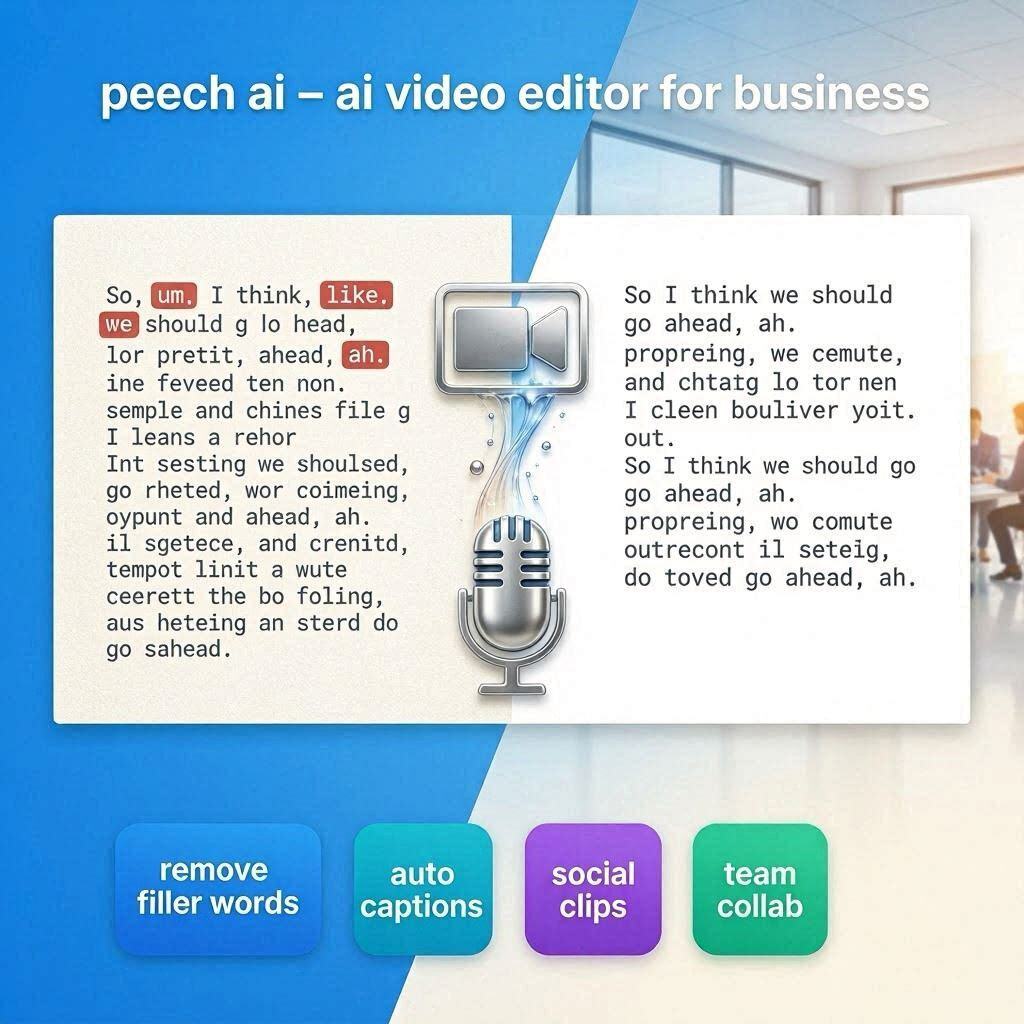
Peech AI is a business-focused AI video editor that automatically removes filler words, silences, and mistakes from your talking-head videos. Just upload your raw recording, and AI does the rest – removing “ums”, cutting silences, adding captions, and even generating social media clips.
In 2026, Peech AI has become the go-to tool for business professionals, coaches, YouTubers, and anyone who speaks on camera.
What is Peech AI?
Peech AI is a cloud-based AI video editing platform designed specifically for talking-head videos. It automates the tedious parts of video editing:
What it does automatically:
- Removes filler words (um, ah, like)
- Removes long silences
- Removes mistakes and retakes
- Adds professional captions
- Generates social media clips
- Adds brand elements (logo, colors)
The result: Professional, engaging videos in minutes instead of hours.
Key Features of Peech AI
1. AI Filler Word Removal (The Main Feature)
This is Peech’s killer feature. It automatically detects and removes:
| Filler Word | Removes |
|---|---|
| “Um” | ✅ |
| “Ah” | ✅ |
| “Like” (as filler) | ✅ |
| “You know” | ✅ |
| “So” (as filler) | ✅ |
| “Actually” | ✅ |
| “Basically” | ✅ |
| Long pauses | ✅ |
| Mistakes/stutters | ✅ |
How it works: AI analyzes your speech, identifies filler words and pauses, and removes them seamlessly – without making the video jumpy.
2. Auto Captions (Subtitles)
Add professional captions automatically:
| Feature | What It Does |
|---|---|
| Transcription | Converts speech to text |
| Word-level timing | Captions highlight word-by-word |
| Custom styling | Font, color, size, position |
| Multiple languages | 50+ languages supported |
Captions increase engagement by up to 40% (especially for social media).
3. Social Media Clip Generation
Turn one long video into multiple short clips:
| Feature | What It Does |
|---|---|
| AI clip selection | Finds best moments |
| Auto-resize | 16:9, 9:16, 1:1 |
| Add captions | Auto-captions on clips |
| Add branding | Logo, colors, intro/outro |
One 30-minute video can become 5-10 short clips for TikTok, Reels, and Shorts.
4. Brand Kit
Maintain consistent branding:
| Element | Customizable |
|---|---|
| Logo | Watermark or corner placement |
| Colors | Custom color palette |
| Fonts | Brand fonts |
| Intro/outro | Animated brand elements |
5. Team Collaboration
Work with your team:
| Feature | What It Does |
|---|---|
| Shared workspace | Team members access same projects |
| Comments | Leave feedback |
| Approvals | Review and approve |
| Roles | Admin, editor, viewer |
6. Integrations
Connect with tools you already use:
| Integration | What It Does |
|---|---|
| Zoom | Import Zoom recordings |
| Google Drive | Import/export |
| Dropbox | Import/export |
| YouTube | Direct upload |
| Vimeo | Direct upload |
How to Use Peech AI (Step by Step)
| Step | Action |
|---|---|
| 1 | Go to peech.com |
| 2 | Sign up (free tier available) |
| 3 | Upload your video (MP4, MOV, Zoom recording) |
| 4 | AI analyzes video (2-3 minutes) |
| 5 | Review AI edits (filler words removed) |
| 6 | Adjust as needed |
| 7 | Add captions and branding |
| 8 | Generate clips or download full video |
| 9 | Share directly to YouTube, LinkedIn, etc. |
Pricing: Free vs Paid
| Feature | Free Tier | Pro Plan | Business Plan |
|---|---|---|---|
| Monthly Cost | $0 | $25/month | $100/month |
| Videos/month | 3 | 30 | 300 |
| Max Duration | 10 min | 60 min | 120 min |
| Filler Word Removal | ✅ Yes | ✅ Yes | ✅ Yes |
| Auto Captions | ✅ Yes | ✅ Yes | ✅ Yes |
| Social Clips | 1 per video | 5 per video | 20 per video |
| Brand Kit | ❌ No | ✅ Yes | ✅ Yes |
| Team Members | 1 | 1 | 5 |
| Watermark | Yes | No | No |
Free tier: 3 videos/month – great for testing.
Pro (25/month):∗∗Forindividualcreators.∗∗Business(25/month):∗∗Forindividualcreators.∗∗Business(100/month): For teams and agencies.
Real-World Examples
Example 1: YouTube Video
Scenario: YouTuber recorded a 20-minute video with many “ums” and “ahs”.
Peech AI Workflow:
- Upload raw recording
- AI removes all filler words
- Adds professional captions
- Adds channel logo
- Export polished video
Time saved: 2 hours of editing → 10 minutes.
Example 2: LinkedIn Thought Leadership
Scenario: Business coach wants daily LinkedIn videos.
Peech AI Workflow:
- Record 5-minute video on phone
- Upload to Peech AI
- AI removes mistakes, adds captions
- Generates 60-second clip for LinkedIn
- Post directly
Result: Professional daily content with no editing.
Example 3: Podcast to Clips
Scenario: Podcaster wants to promote on TikTok.
Peech AI Workflow:
- Upload podcast audio/video
- AI identifies best 3 moments
- Adds viral captions (highlighted words)
- Creates 3 clips (different aspect ratios)
- Post to TikTok, Reels, Shorts
Result: Social media content without extra work.
Pros and Cons
✅ Pros
- Saves hours of editing – AI does the work
- Removes filler words – More professional
- Auto captions – Increases engagement
- Social media clips – Repurpose content
- Easy to use – No editing skills needed
- Integrations – Zoom, Drive, YouTube
- Free tier available
❌ Cons
- Free tier limited (3 videos, 10 min)
- Watermark on free tier
- Only for talking-head videos – Not for cinematic
- English best – Other languages may have issues
- Expensive for casual users ($25/mo)
Who Should Use Peech AI?
| User Type | Why Use Peech AI? |
|---|---|
| YouTubers | Remove filler words, add captions |
| Podcasters | Repurpose audio to video clips |
| Coaches | Professional content |
| Marketers | Social media content |
| Business professionals | LinkedIn, webinars |
| Teachers | Educational videos |
| Anyone who speaks on camera | Saves hours of editing |
Final Verdict
Peech AI is not for cinematic filmmaking. It’s for talking-head videos – the kind you record on your phone or webcam.
If you speak on camera, Peech AI will save you hours of editing. No more manually cutting “ums” and “ahs”. No more struggling with captions. No more trying to turn long videos into shorts.
Rating: 4.5/5
Best for: YouTubers, podcasters, coaches, business professionals
Worst for: Cinematic films, music videos, complex editing.