
Veed.io AI Review 2026: The Best Online AI Video Editor (No Download)
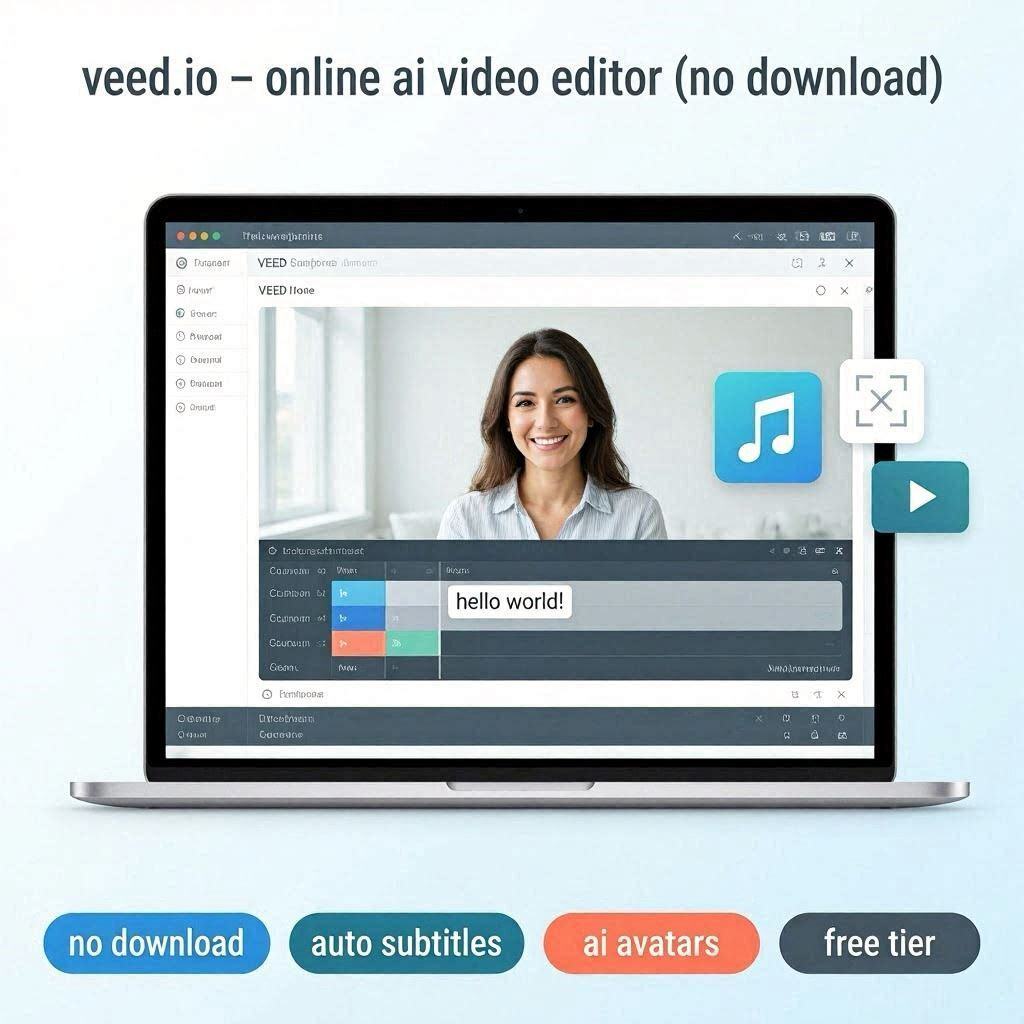
Veed.io AI Review 2026: The Best Online AI Video Editor (No Download)
Introduction
Most video editors require downloading heavy software. Adobe Premiere Pro is 10GB. DaVinci Resolve is 5GB. Final Cut Pro is 3GB. They also require powerful computers.
Veed.io works completely in your browser. No download. No install. No powerful computer needed. Just open your browser, upload your video, and start editing.
Veed.io is a simple, fast, online AI video editor that handles the most common video editing tasks: adding subtitles, trimming, merging, adding music, and basic effects. It’s perfect for content creators who need quick, professional results without complex software.
In 2026, Veed.io has over 10 million users and is the go-to tool for social media video editing.
What is Veed.io?
Veed.io is a cloud-based, browser-based video editor that focuses on simplicity and speed. You don’t need to learn complex editing timelines or keyboard shortcuts. Everything is drag-and-drop and one-click AI.
Key capabilities:
- Auto subtitles – Add captions in one click
- AI avatars – Create talking head videos from text
- Screen recording – Record and edit in one place
- Trim and cut – Remove unwanted parts
- Merge videos – Combine multiple clips
- Add music – Royalty-free library
- Add text – Animated titles, lower thirds
- Resize for platforms – Instagram, TikTok, YouTube, LinkedIn
Best of all: Everything works in your browser. No download required.
Key Features of Veed.io
1. Auto Subtitles (Most Popular)
Add professional captions in one click:
| Feature | What It Does |
|---|---|
| Auto-transcribe | AI converts speech to text |
| Auto-sync | Captions match audio timing |
| Custom styles | Font, color, size, position |
| Animations | Pop-up, fade-in, slide-in |
| Languages | 50+ languages supported |
Why subtitles matter: 85% of Facebook videos are watched without sound. Subtitles are essential.
2. AI Avatars (Text to Video)
Create talking head videos without recording yourself:
| Feature | What It Does |
|---|---|
| Avatar library | 50+ realistic avatars |
| Text to speech | Type script, AI speaks |
| Lip sync | Mouth moves with words |
| Languages | 50+ languages |
Use cases: Training videos, explainer videos, YouTube videos (faceless channels).
3. Screen Recorder
Record your screen and edit in one place:
| Feature | What It Does |
|---|---|
| Record screen | Capture browser, app, or full screen |
| Record webcam | Picture-in-picture |
| Record microphone | Voiceover |
| Edit recording | Trim, add captions, add music |
Use cases: Software tutorials, presentations, game recording, Zoom recordings.
4. Clean Audio (Remove Background Noise)
Remove background noise automatically:
| Feature | What It Removes |
|---|---|
| Background noise | Fans, AC, street noise |
| Echo | Room reverb |
| Hiss | Camera noise |
5. Add Music & Sound Effects
| Feature | What It Offers |
|---|---|
| Music library | 100,000+ royalty-free tracks |
| Sound effects | 10,000+ effects |
| Volume control | Adjust levels |
| Fade in/out | Smooth transitions |
6. Social Media Templates
Pre-made templates for every platform:
| Platform | Templates |
|---|---|
| TikTok | Vertical, viral styles |
| Instagram Reels | Trendy, engaging |
| YouTube Shorts | Optimized for Shorts |
| Professional | |
| Square, landscape | |
| Twitter/X | Short, punchy |
7. Collaboration
Work with your team:
| Feature | What It Does |
|---|---|
| Share project | Send link to team members |
| Comments | Leave feedback |
| Version history | Undo mistakes |
How to Use Veed.io (Step by Step)
| Step | Action |
|---|---|
| 1 | Go to veed.io |
| 2 | Sign up (free) |
| 3 | Click “New Video” or “Upload” |
| 4 | Drag and drop your video |
| 5 | Use tools: Trim, Subtitles, Music, etc. |
| 6 | Click “Done” or “Export” |
| 7 | Wait for processing (30-60 seconds) |
| 8 | Download or share directly to social media |
Pricing: Free vs Paid
| Feature | Free Tier | Pro Plan | Business Plan |
|---|---|---|---|
| Monthly Cost | $0 | $12/month | $59/month |
| Exports/month | 10 | 100 | 500 |
| Max Duration | 10 min | 60 min | 120 min |
| Watermark | Yes | No | No |
| Auto Subtitles | ✅ Yes | ✅ Yes | ✅ Yes |
| AI Avatars | 1 min/month | 30 min/month | 300 min/month |
| Screen Recorder | ✅ Yes | ✅ Yes | ✅ Yes |
| Music Library | Limited | Full | Full |
| Team Members | 1 | 1 | 5 |
| 4K Export | ❌ No | ✅ Yes | ✅ Yes |
Free tier: 10 exports/month – generous!
Pro (12/month):∗∗Forregularcreators.∗∗Business(12/month):∗∗Forregularcreators.∗∗Business(59/month): For teams and agencies.
Real-World Examples
Example 1: Add Subtitles to TikTok Video
Scenario: You filmed a TikTok video and need captions.
Veed.io Workflow:
- Upload video
- Click “Auto Subtitles”
- AI generates captions in 10 seconds
- Customize font, color, position
- Export as MP4
- Post to TikTok
Time saved: 0 minutes (automatic).
Example 2: Create YouTube Intro Without Recording
Scenario: You need a 5-second intro for your YouTube channel.
Veed.io Workflow:
- Click “AI Avatar”
- Type script: “Welcome to Tech Reviews Weekly”
- Choose avatar
- AI generates video with avatar speaking
- Add background music
- Export
Result: Professional intro in minutes.
Example 3: Repurpose Zoom Recording for LinkedIn
Scenario: You recorded a webinar on Zoom and want highlights for LinkedIn.
Veed.io Workflow:
- Upload Zoom recording
- Trim to best 60-second segment
- Add auto subtitles
- Resize to 9:16 (vertical)
- Add logo watermark
- Export and post
Result: Engaging LinkedIn video from webinar.
Pros and Cons
✅ Pros
- No download needed – Works in browser
- Very easy to use – Drag and drop
- Auto subtitles – Best in class
- AI avatars – Faceless YouTube possible
- Free tier generous (10 exports/month)
- Social media templates
- Screen recorder included
- Affordable ($12/month)
❌ Cons
- Watermark on free tier
- Max 10 minutes free (longer needs paid)
- Not for complex editing – No multi-track timeline
- Processing takes time (30-60 seconds)
- Requires internet
Who Should Use Veed.io?
| User Type | Why Use Veed.io? |
|---|---|
| TikTok creators | Auto subtitles, vertical export |
| YouTubers | AI avatars, intros, subtitles |
| Business professionals | LinkedIn videos, webinars |
| Teachers | Educational videos |
| Marketers | Social media content |
| Beginners | Easiest video editor to learn |
Veed.io vs Competitors
| Feature | Veed.io | CapCut | Descript | Runway ML |
|---|---|---|---|---|
| No Download | ✅ Yes | ❌ No | ❌ No | ✅ Yes |
| Ease of Use | Very Easy | Easy | Medium | Hard |
| Auto Subtitles | ✅ Excellent | ✅ Good | ✅ Excellent | ❌ No |
| AI Avatars | ✅ Yes | ❌ No | ✅ Yes | ❌ No |
| Free Tier | 10/mo | Yes (watermark) | 2 hrs | 125 sec |
| Best For | Quick edits | Social media | Podcasts | Professional |
Verdict: Veed.io is the best for quick, browser-based video editing with auto subtitles.
Final Verdict
Veed.io is not for Hollywood movies. It’s for content creators who need fast, professional-looking videos.
If you need auto subtitles, Veed.io is the best tool available.
If you want to create faceless YouTube videos with AI avatars, Veed.io does it.
If you just want to trim, add music, and export without downloading software, Veed.io is perfect.
The free tier gives you 10 exports. Test it. You’ll be surprised how easy video editing can be.
Rating: 4.6/5
Best for: Content creators, social media managers, beginners
Worst for: Professional film editing, complex multi-track projects.